
On this page
- 01Key takeaways
- 02What is a customer feedback loop?
- 03Why does it improve efficiency?
- 04How do you run the loop?
- 05What does it look like in numbers?
- 06Who should own the loop?
- 07When does the loop stall?
- 08What does this look like in practice?
- 09Feedback loop checklist
- 10Next step
- 11Sources and further reading
- 12Frequently asked questions
Key takeaways
A customer feedback loop collects what customers say, groups it into causes, fixes the biggest cause and tells customers what changed. It is the most efficient improvement there is, because every fixed cause removes future contacts. Tag every contact by reason, review the top three each month, and give each fix a named owner.
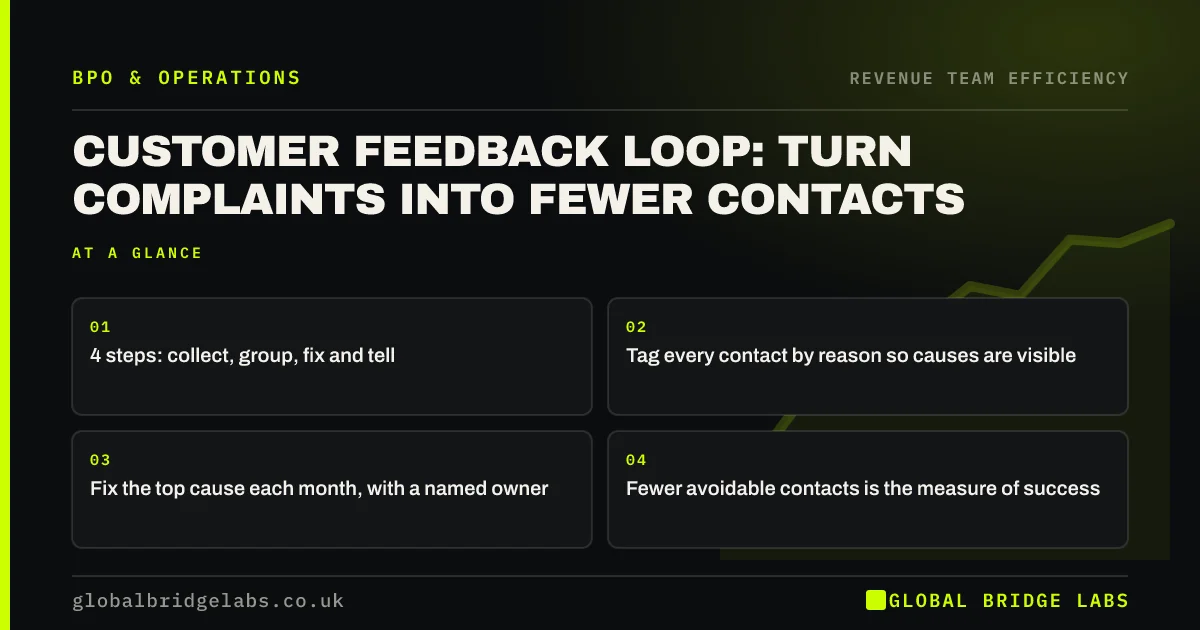
- 4 steps: collect, group, fix and tell.
- Tag every contact by reason so causes are visible.
- Fix the top cause each month, with a named owner.
- Fewer avoidable contacts is the measure of success.
Want help setting up a feedback loop? Message us on WhatsApp.
Chat on WhatsApp →What is a customer feedback loop?
A customer feedback loop is a repeating routine for turning customer comments, complaints and contacts into improvements. It closes when the cause is fixed and customers can see the change. Without the loop, feedback is collected but nothing changes, and the same contacts keep arriving.
Why does it improve efficiency?
It improves efficiency because many customer contacts are caused by something the business could fix: unclear information, a confusing invoice, a late update. Answering them faster helps, but removing the cause stops them entirely. Research summarised by Dixon, Freeman and Toman in the Harvard Business Review found that reducing customer effort matters more for loyalty than delighting customers.
How do you run the loop?
Run it monthly. Tag every contact with a reason when it is handled. At month-end, count the tags, read a sample from the top three and agree the cause behind each. Fix the largest with a named owner and a date. Tell customers where the change affects them, then check next month whether that tag fell.
- 1. Tag every contact with a reason.
- 2. Count tags monthly.
- 3. Read a sample from the top three.
- 4. Fix the largest cause, with an owner.
- 5. Check whether the tag fell.
What does it look like in numbers?
In an illustrative online shop, where is my order is the top reason, at about a third of 1,500 monthly contacts. Adding a dispatch email with a tracking link and a delivery estimate on the product page cuts that reason by more than half the next month. That removes roughly 250 contacts a month. Example figures only.
- Order to dispatch time: how fast should orders leave?
- Self-service on your website: let customers help themselves
Want your top contact reasons analysed? Send us a month of query types on WhatsApp.
Chat on WhatsApp →Who should own the loop?
The front-line team, in-house or outsourced, should tag and report, because they see every contact. A senior person in the business should own the fixes, because they usually sit in other teams such as delivery, billing or the website. A provider that reports top reasons monthly is doing half the loop for you.
When does the loop stall?
The loop stalls when tags are too many or too vague, when nobody owns the fixes, or when the business treats feedback as the support team's problem. Keep tags short, give each fix an owner, and review the loop at the same meeting where you review sales.
What does this look like in practice?
A pattern we see: a business asks how to answer customer emails faster. Tagging a month of them shows half come from three causes. Fixing those does more for workload than any speed improvement.
Feedback loop checklist
Set these up this month.
- Agree 5 to 8 contact reason tags.
- Tag every contact.
- Review the top three monthly.
- Name an owner for each fix.
- Check the tag count next month.
Next step
Send us a sample of a month's customer contacts. We will help you find the top causes and suggest which fixes would remove the most contacts.
Message us on WhatsApp to start a feedback loop, or book a 30-minute consultation.
Chat on WhatsApp →Sources and further reading
- Stop trying to delight your customers (Dixon, Freeman and Toman, 2010) · Harvard Business Review
- UK Customer Satisfaction Index · Institute of Customer Service
Frequently asked questions
What is a customer feedback loop?
It is a repeating routine for collecting customer feedback, grouping it into causes, fixing the biggest cause and telling customers what changed. It closes when the change is made and customers can see it, and it reduces the same problems and contacts coming back.
How do you close the feedback loop?
Fix the cause behind the feedback and let customers know, either individually or through updated information, such as a clearer email or web page. Then check the following month whether the related contacts fell. Collecting feedback without acting on it does not close the loop.
How do you analyse customer complaints?
Tag each complaint or contact with a reason, count the tags each month, and read a sample from the largest groups to understand the cause. Focus on the top three causes and give each fix a named owner and a date.
Written by

Global Bridge Labs (GBL) is a UK–Sri Lanka partner for social media, websites and BPO. Everything here comes from client delivery, not theory.


