
On this page
- 01Key takeaways
- 02When does a business website need search?
- 03When is a search bar a mistake?
- 04How should a search bar be designed?
- 05What makes search results useful?
- 06How can site searches improve your website?
- 07What does this look like in practice?
- 08Site search checklist
- 09Next step
- 10Sources and further reading
- 11Frequently asked questions
Key takeaways
A small business website needs a search bar when it has more pages than visitors can scan through the menu: an online shop, a large resource library or a site with many services and locations. A ten-page service site usually does not. If you add search, make it a visible box, not a hidden icon, and make sure it returns useful results.
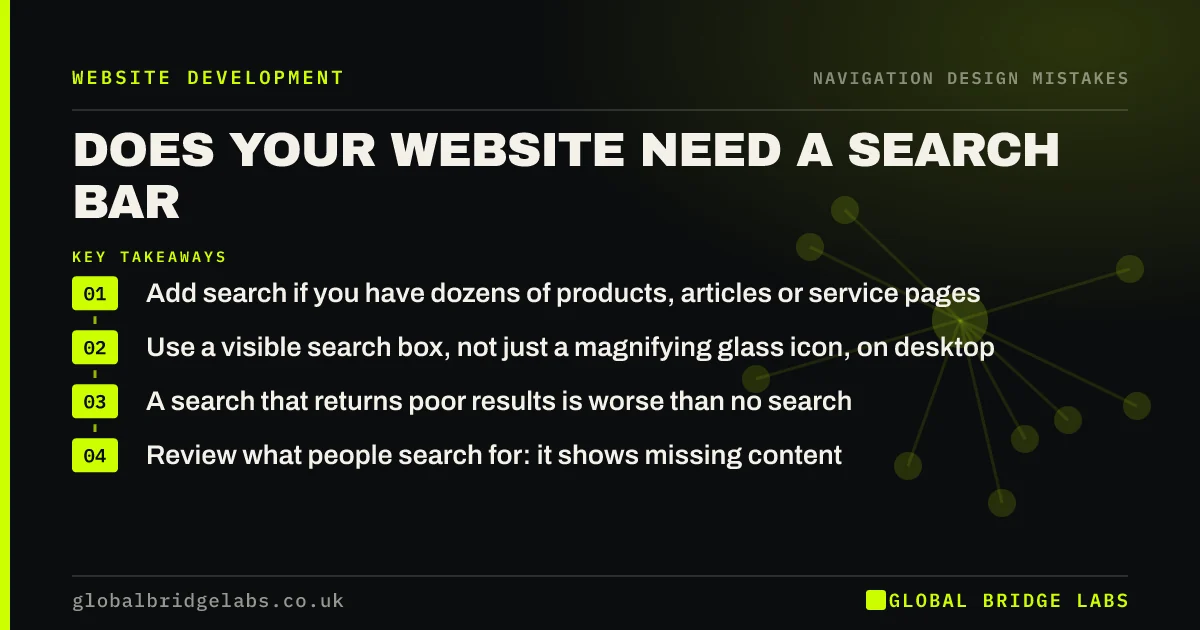
- Add search if you have dozens of products, articles or service pages.
- Use a visible search box, not just a magnifying glass icon, on desktop.
- A search that returns poor results is worse than no search.
- Review what people search for: it shows missing content.
Not sure whether search would help? Message us on WhatsApp.
Chat on WhatsApp →When does a business website need search?
Search helps when visitors know what they want and the site is too big to browse quickly: product catalogues, help centres, blogs with many articles, and sites with large numbers of locations or services. Nielsen Norman Group's guidance is that sites with more than a modest number of pages should offer search.
When is a search bar a mistake?
On a small service site, a search box adds clutter and suggests the navigation is not enough. Worse, many built-in search tools return blog posts, tag pages or nothing useful. A visitor who searches 'prices' and gets zero results trusts the site less. Fix navigation first; add search when size demands it.
How should a search bar be designed?
Nielsen Norman Group recommends search be visible and simple: an open text box with a search button, near the top of every page, wide enough for a typical query. On mobile a magnifying glass icon that opens the box is acceptable because space is limited.
- Show a text box, not only an icon, on desktop.
- Place it in the header, usually top right.
- Make it wide enough for a few words.
- Label it with a visible or accessible label.
- Show suggestions as visitors type, if your tool supports it.
What makes search results useful?
Results should put product and service pages before blog posts and tag archives, tolerate spelling mistakes and synonyms, and show a helpful page when nothing matches, with links to popular pages and contact details. Test ten searches your customers would actually type.
Want site search that actually finds things? Message us on WhatsApp and we will discuss your requirements.
Chat on WhatsApp →How can site searches improve your website?
What visitors type into your search box tells you what they expected to find. Google Analytics 4 can record site search terms. Repeated searches for 'prices', 'parking' or a service you do not list show content or navigation gaps worth fixing.
What does this look like in practice?
A pattern we see: an e-commerce site hides search behind a small icon, and its built-in search returns blog posts first. A visible box and results that prioritise products make it far easier for shoppers who know exactly what they want.
Site search checklist
- Add search only if the site is too big to browse.
- Show a visible box on desktop.
- Prioritise product and service pages in results.
- Handle typos and no-result searches helpfully.
- Test ten real customer queries.
- Track search terms and act on gaps.
Next step
If you already have search, try five things a customer would type and judge the results honestly.
Message us on WhatsApp for a navigation and search review, or book a 30-minute consultation.
Chat on WhatsApp →Sources and further reading
- Search: visible and simple · Nielsen Norman Group
- About key events · Google Analytics Help
- Understanding WCAG 2.2 success criterion 2.4.5: Multiple Ways · W3C
Frequently asked questions
Does a small business website need a search bar?
Not usually, if it has a handful of pages that the menu covers. Search becomes useful for online shops, large blogs or resource libraries, and sites with many services or locations, where browsing is slow.
Where should the search bar be on a website?
In the header, usually at the top right, on every page. On desktop show an open text box; on mobile an icon that opens the box is acceptable because of space.
Is a bad site search worse than none?
Often, yes. A search that returns irrelevant pages or no results for common queries frustrates visitors and suggests you do not offer what they need. Test real queries before relying on built-in search.
Written by

Global Bridge Labs (GBL) is a UK–Sri Lanka partner for social media, websites and BPO. Everything here comes from client delivery, not theory.


