Short, practical writing on visibility, conversion and capacity, from the team doing the work for 120+ UK startups, SMEs and enterprises.
How to write navigation menu labels visitors understand at a glance: use buyers' words, lead with the key term, keep them short and test them.
How to organise services in your website menu: by service, problem or customer, how many to show and how to name them so buyers spot theirs fast.
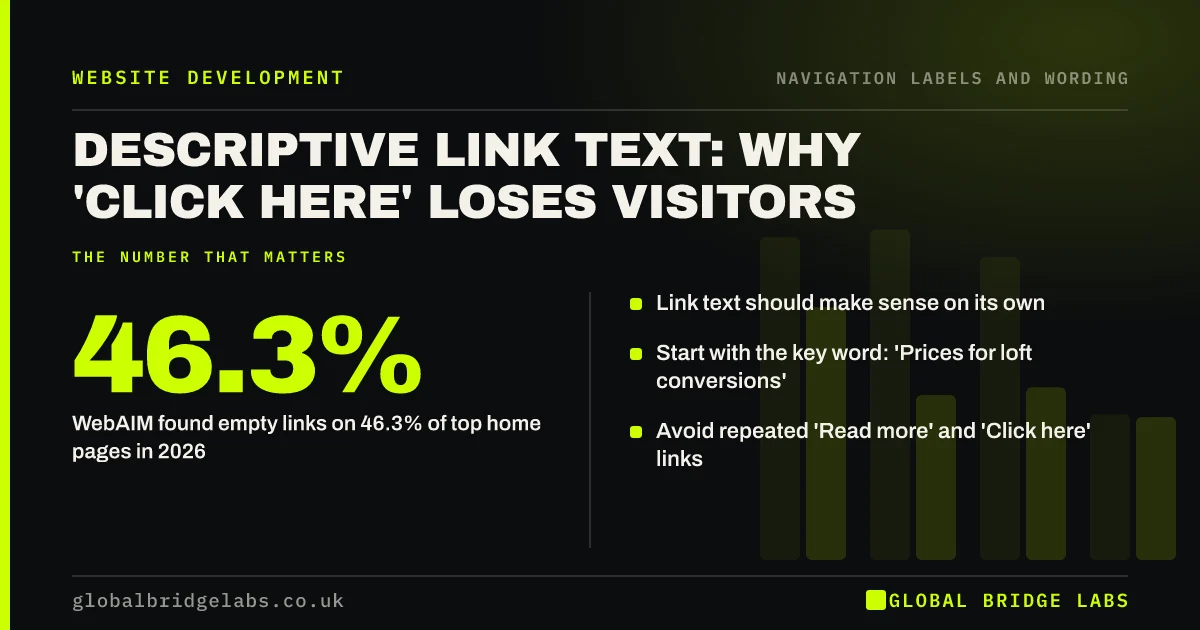
Descriptive link text explained: why 'click here' and 'read more' fail visitors, screen readers and search, and how to write links that say where they go.
How page titles and headings help visitors navigate: confirming they are in the right place, scanning pages and moving between tabs and search results.
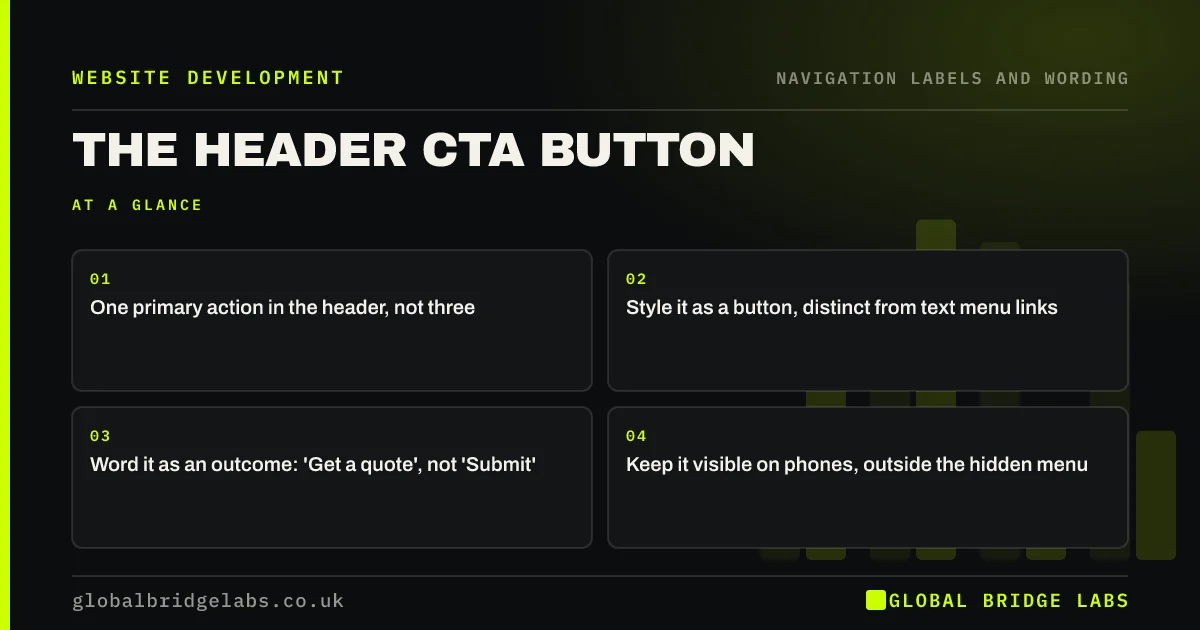
How to design the call to action button in your website header: one action, styled apart from the menu, worded as an outcome and visible on every page.
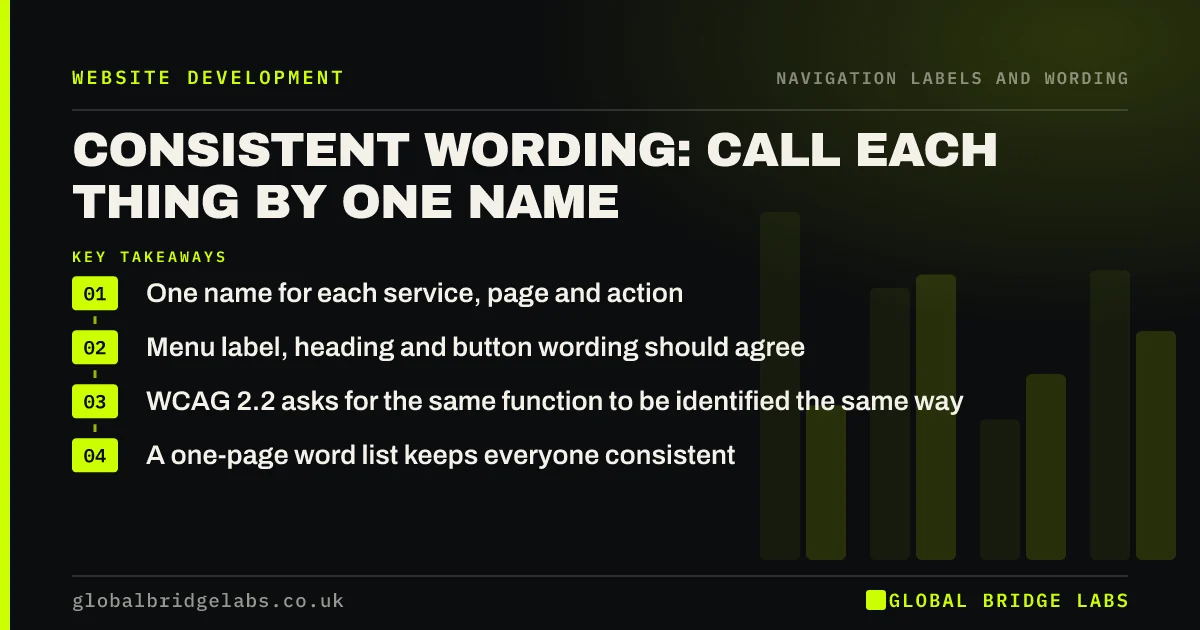
Why consistent terminology across your website helps visitors navigate: one name for each service, page and action, used the same way everywhere.
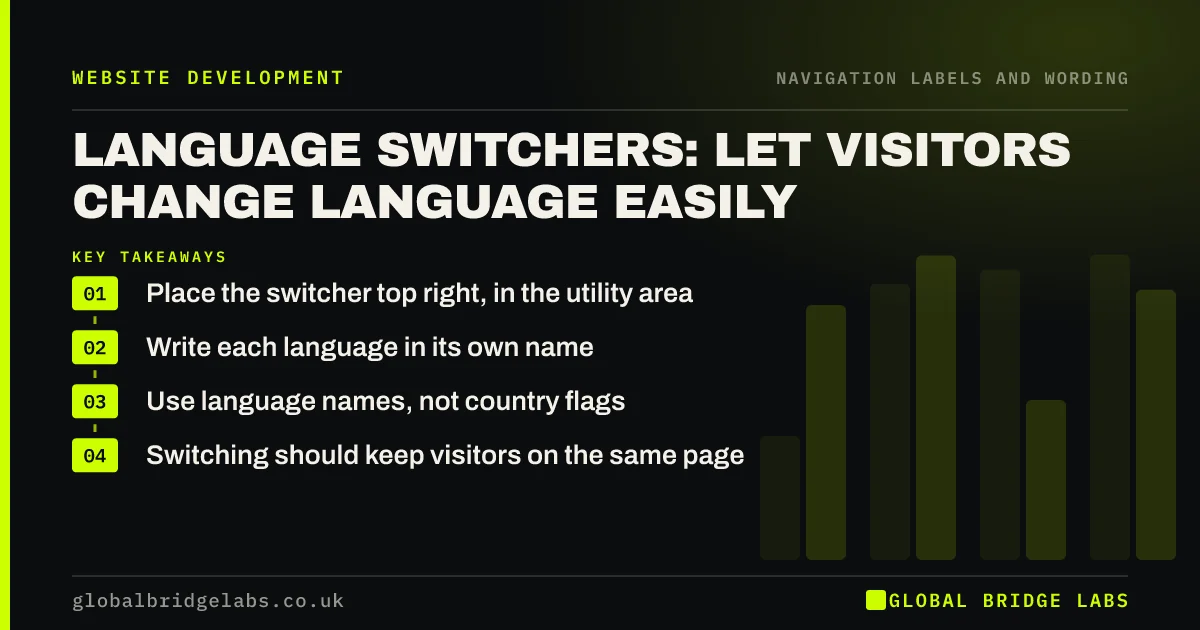
How to design a language switcher visitors can find and use: where to put it, how to label languages and why flags and auto-redirects cause problems.
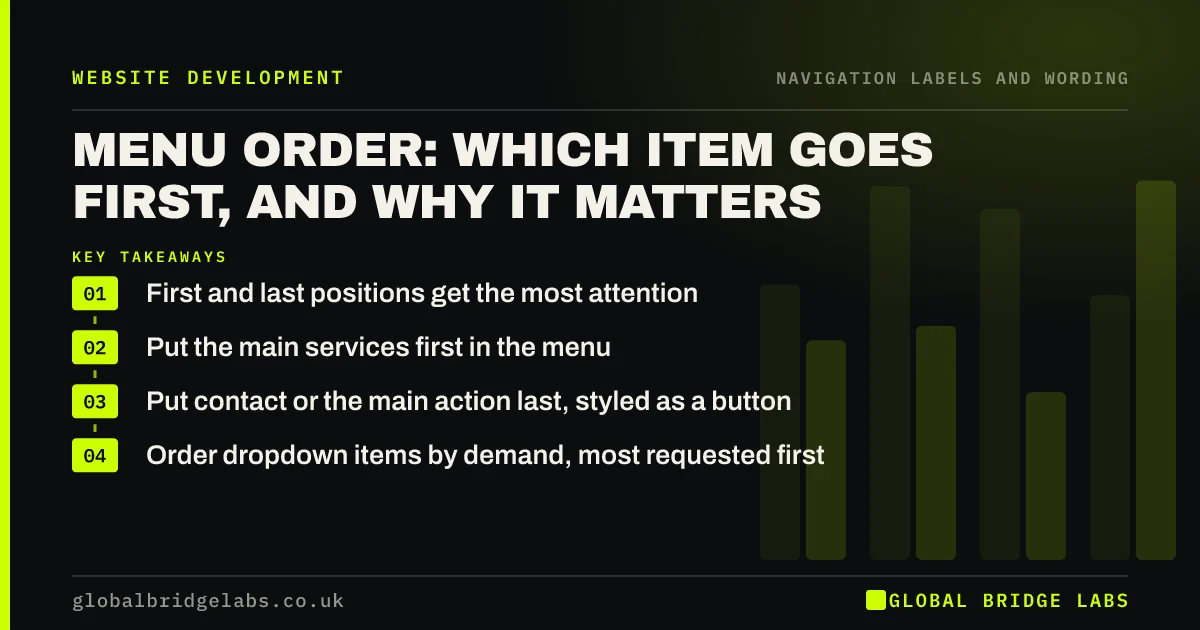
How to order website menu items: why first and last positions get most attention, where services, contact and About go, and when to break the pattern.
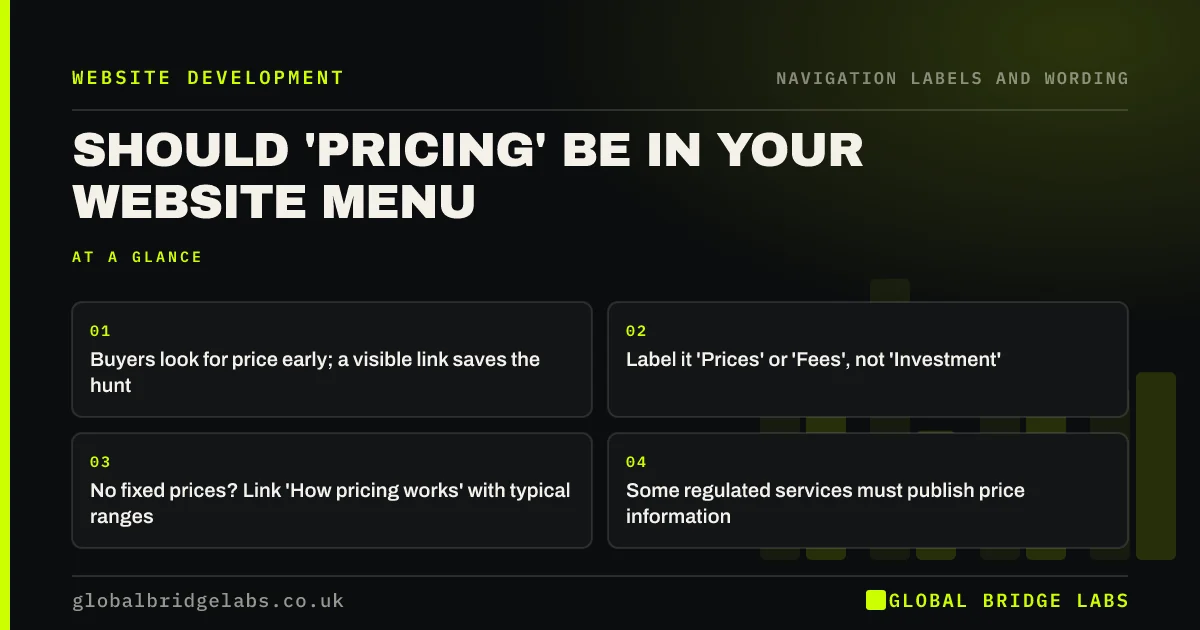
Should pricing be in your website menu? When a visible Prices link builds trust, what to link if you do not publish prices, and where it should go.
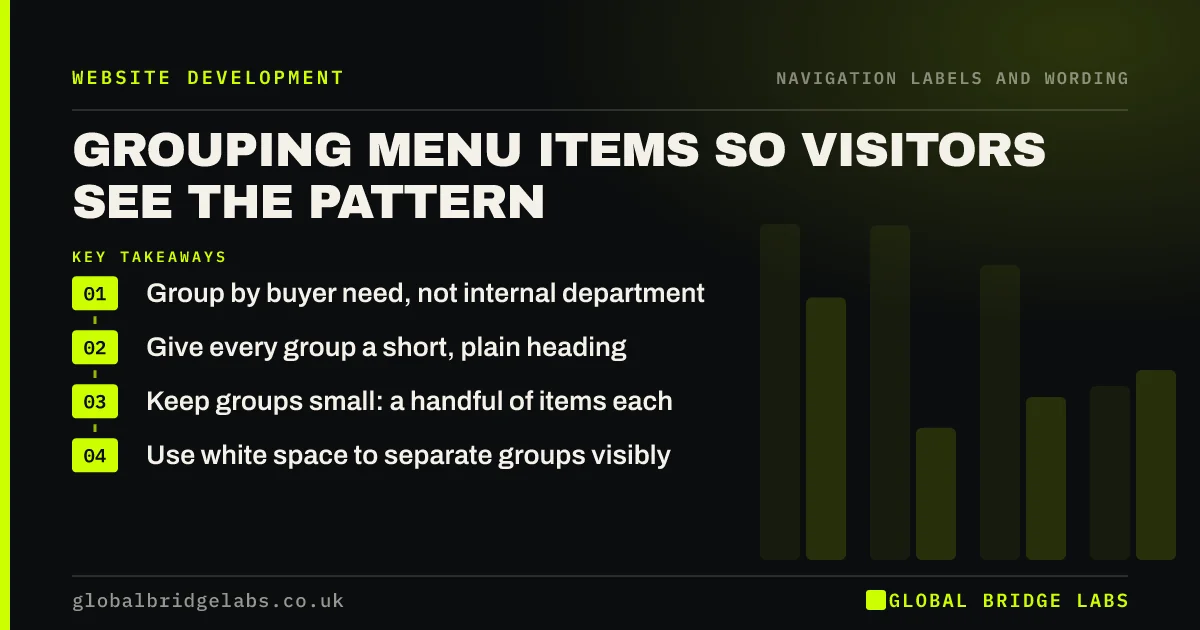
How to group website navigation items so visitors see the pattern: group by buyer need, label every group, keep groups small and use space, not just lines.
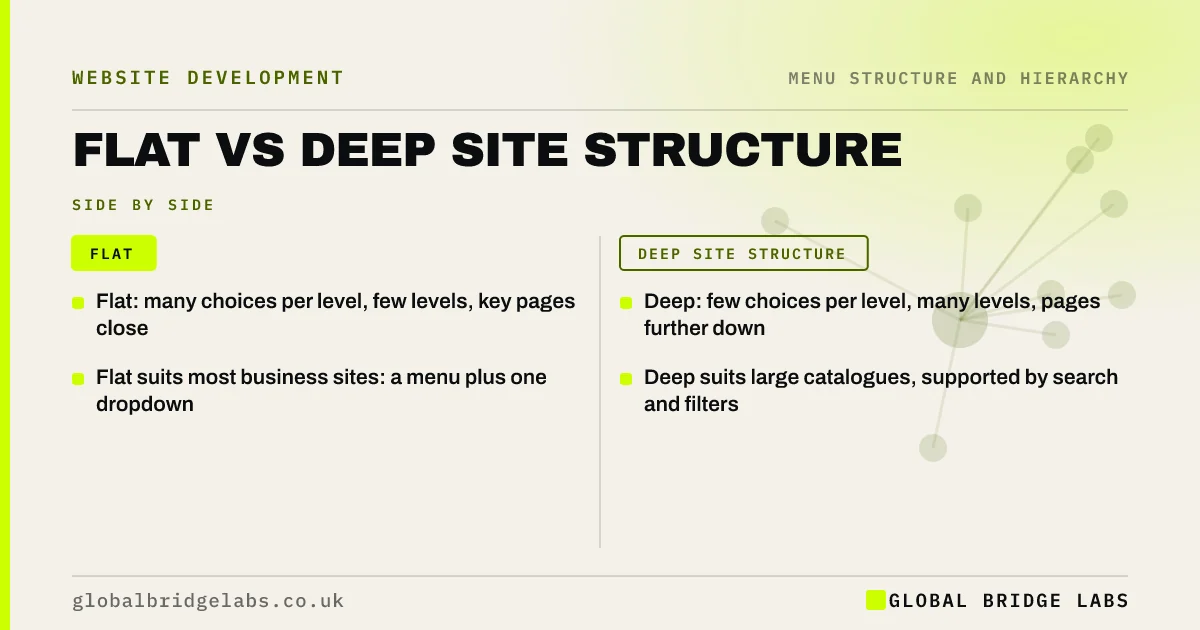
Flat vs deep site structure compared: why a broad, shallow structure suits most business sites, when depth helps and how to find the right balance.
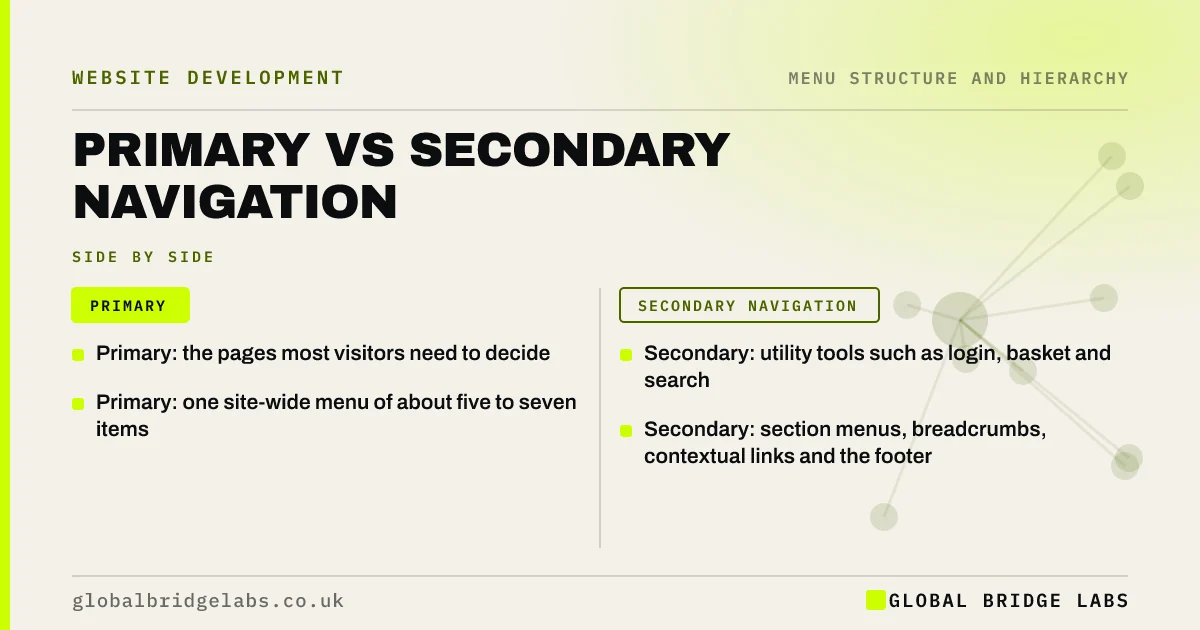
Primary vs secondary navigation explained: what belongs in the main menu, what goes in utility, section and footer menus, and how to keep them distinct.
30 minutes with our team and you'll know exactly which of the three problems to fix first.
