
On this page
Key takeaways
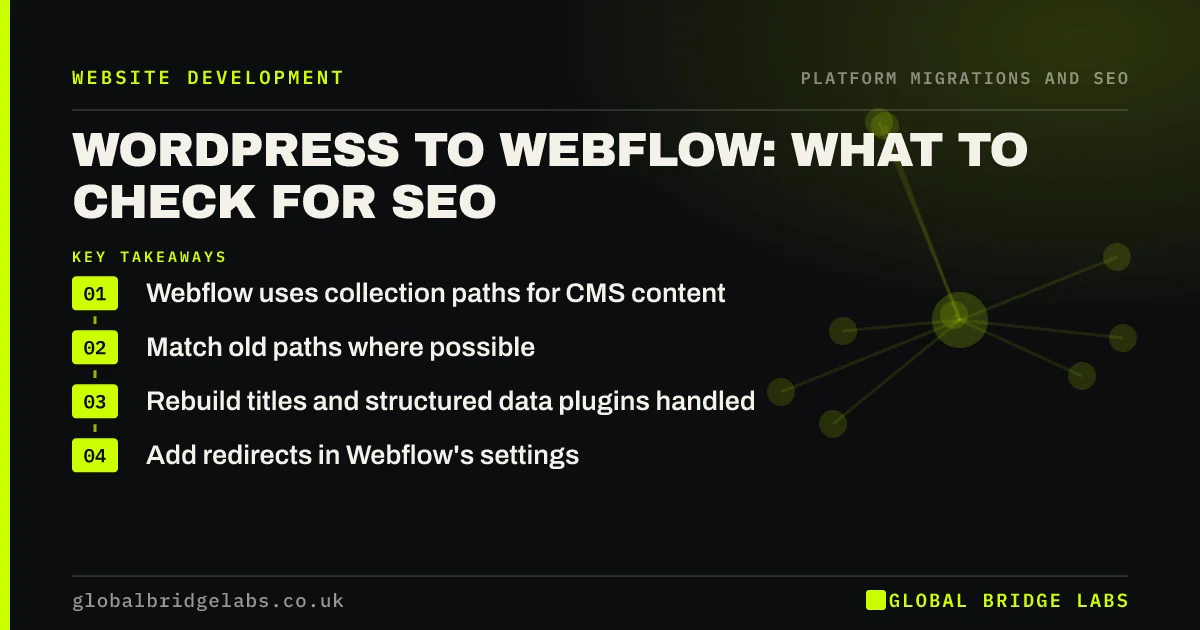
Moving from WordPress to Webflow changes how pages and posts are structured, because Webflow uses collection paths, such as /blog/post-name, for CMS content. List every WordPress URL, plan Webflow collection paths that match where possible, import posts with slugs intact, add redirects in Webflow's settings and rebuild titles, descriptions and structured data that plugins used to handle.
- Webflow uses collection paths for CMS content.
- Match old paths where possible.
- Rebuild titles and structured data plugins handled.
- Add redirects in Webflow's settings.
Moving to Webflow? Message us on WhatsApp about the SEO side.
Chat on WhatsApp →What changes in Webflow?
WordPress sites often rely on plugins for SEO tasks: titles and descriptions, sitemaps, structured data, redirects and breadcrumbs. Webflow handles some of these natively and others need custom setup. CMS content lives in collections, each with a fixed folder, so a WordPress blog at the root, without a folder, will need redirects into the collection path.
What are the SEO steps?
Plan the collections around your existing URLs.
- Crawl WordPress and export URLs, titles and descriptions.
- Plan collection paths to match existing folders where possible.
- Import posts with slugs, dates, authors and images.
- Set titles and descriptions, using collection fields for posts.
- Rebuild structured data and breadcrumbs.
- Add redirects in Webflow's site settings and test them.
What do people miss?
Category, tag and author archives from WordPress often have no Webflow equivalent, so decide whether to rebuild, redirect or retire them. Plugin-generated structured data disappears silently. And images inside post content may still point to the WordPress media library, which breaks once the old hosting is closed. Check a sample of posts for each before switching the domain.
Want us to check your Webflow redirects? Message us on WhatsApp.
Chat on WhatsApp →What does this look like in practice?
A pattern we see: a WordPress blog without a folder moves into a Webflow blog collection. A pattern redirect sends the old root URLs into the new folder, but it also catches service pages with similar slugs. Listing the service pages as exceptions above the rule fixes it before launch. A second check finds post images still loading from the old WordPress media library, so they are moved into Webflow's asset storage before the old hosting is closed.
WordPress to Webflow checklist
- Export URLs, titles and descriptions.
- Plan collection paths around existing URLs.
- Import posts with slugs intact.
- Rebuild structured data and archives.
- Add and test redirects in Webflow.
Next step
List which SEO tasks your WordPress plugins do today: titles, sitemaps, schema, redirects, breadcrumbs. Each one needs an equivalent in Webflow before launch.
Message us on WhatsApp about moving to Webflow, or book a 30-minute consultation.
Chat on WhatsApp →Sources and further reading
- Site moves with URL changes · Google Search Central
- Redirects and Google Search · Google Search Central
- Introduction to structured data markup in Google Search · Google Search Central
Frequently asked questions
Is Webflow good for SEO?
Webflow gives good control over titles, descriptions, URLs, sitemaps and redirects, and produces clean code. Some features WordPress handles through plugins, such as certain structured data, need custom setup. The migration itself, not the platform, is where most SEO risk sits.
How do I redirect WordPress URLs in Webflow?
Add redirects in Webflow's site settings, either one by one or with pattern rules where the slug stays the same and only the folder changes. Put exceptions first, test a sample of every URL type before switching the domain, and check again after launch.
Can I keep my WordPress blog URLs in Webflow?
Only if they already sit in a folder that can match a Webflow collection path. Posts at the root of the domain usually move into a collection folder, such as /blog/, and need redirects. Keep slugs the same so one pattern rule can handle most of them.
Written by

Global Bridge Labs (GBL) is a UK–Sri Lanka partner for social media, websites and BPO. Everything here comes from client delivery, not theory.


