
On this page
Key takeaways
Changing WordPress theme usually keeps your URLs and content, so it is a lower-risk change than a full migration. The risks are in what themes control: headings, layout, structured data, internal links in menus and widgets, page speed and leftover shortcodes from page builders. Test the new theme on staging, compare key pages with the live site and check after switching.
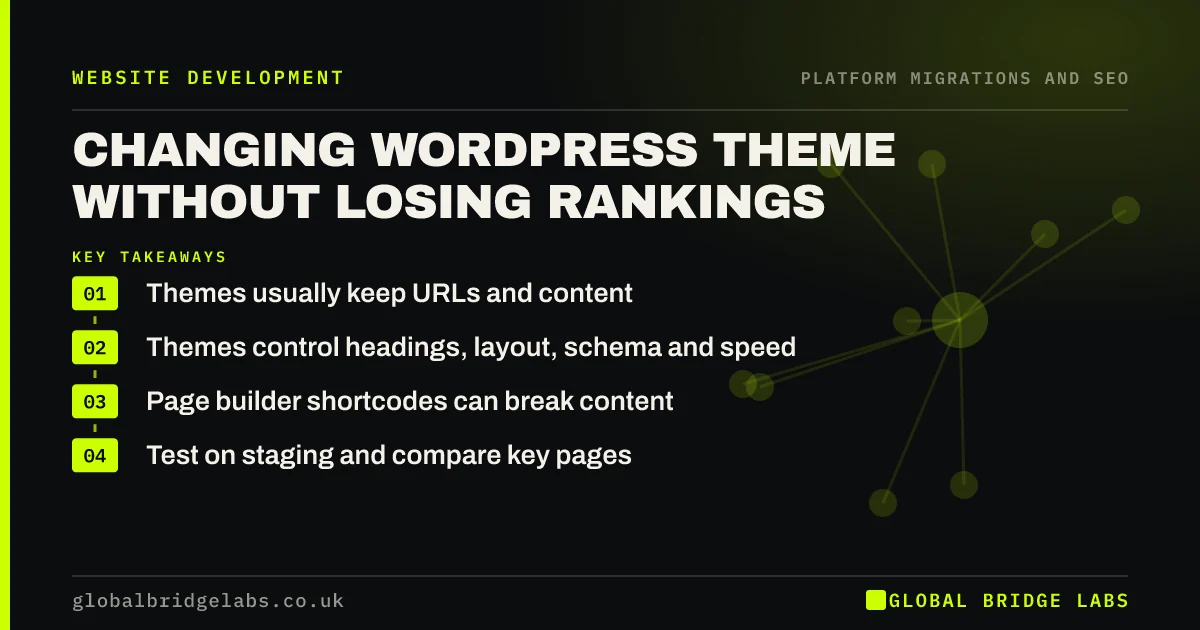
- Themes usually keep URLs and content.
- Themes control headings, layout, schema and speed.
- Page builder shortcodes can break content.
- Test on staging and compare key pages.
Changing your WordPress theme? Message us on WhatsApp for a staging check.
Chat on WhatsApp →What can a theme change affect?
The WordPress theme handbook explains that themes control how content is displayed. That includes more than looks.
- How titles and headings are output.
- Structured data some themes add.
- Menus, sidebars and footer links.
- Page speed and layout on mobile.
- Content built with theme-specific blocks or shortcodes.
How do you test a new theme?
Copy the site to staging and switch the theme there. Crawl staging and compare with the live site: titles, main headings, word counts and internal links on your top pages. Look for broken layouts and stray shortcodes in content built with an old page builder. Test speed on key templates. Check that structured data is still output, by the theme, a plugin or both, but not duplicated.
What should you check after switching?
Check your top pages on desktop and mobile straight away, then crawl the live site for errors. Watch Search Console for two to four weeks for changes in clicks on key pages and in structured data reports. If a page slips, compare its headings, content and internal links with the old version, which you saved in the pre-switch crawl.
Want us to compare before and after? Message us on WhatsApp.
Chat on WhatsApp →What does this look like in practice?
A pattern we see: a site switches theme and every service page loses its FAQ section, because the old theme stored FAQs in its own custom block. The content is still in the database but no longer displays. Converting the FAQs to standard blocks on staging, before switching, would have kept them visible. Once restored, the pages recover their positions within a few weeks, and the team now checks every key page on staging before any theme or major plugin change.
Theme change checklist
- Switch the theme on staging first.
- Compare headings, content and links.
- Look for broken shortcodes and blocks.
- Check speed and structured data.
- Monitor Search Console after switching.
Next step
Crawl your live site before changing theme and save the export. It is your reference if any page changes unexpectedly afterwards.
Message us on WhatsApp about a theme change, or book a 30-minute consultation.
Chat on WhatsApp →Sources and further reading
- Theme Handbook · WordPress.org
- Understanding Core Web Vitals and Google search results · Google Search Central
- Introduction to structured data markup in Google Search · Google Search Central
Frequently asked questions
Does changing WordPress theme affect SEO?
It can, even though URLs usually stay the same. Themes control headings, layout, structured data, menu links and speed. If the new theme drops content, slows pages or changes headings, rankings can move. Test on staging and compare key pages before switching.
Will I lose content if I change theme?
Content stored in standard WordPress blocks stays. Content built with theme-specific blocks, shortcodes or page builders may stop displaying or show as code. Check every key page on staging with the new theme and convert any theme-specific content before switching.
Do I need redirects when changing theme?
Usually not, because a theme change normally keeps the same URLs. Check that the new theme does not change permalink settings or archive URLs. If any URLs do change, add redirects for them as you would in any migration, and test them before switching.
Written by

Global Bridge Labs (GBL) is a UK–Sri Lanka partner for social media, websites and BPO. Everything here comes from client delivery, not theory.


