
On this page
- 01Key takeaways
- 02What do visitors mean by 'professional'?
- 03Which signals make a site look professional?
- 04Which things do owners overrate?
- 05What does looking professional cost?
- 06When does looking professional not help?
- 07What does this look like in practice?
- 08Professional look checklist
- 09Next step
- 10Sources and further reading
- 11Frequently asked questions
Key takeaways
A website looks professional when it is consistent, uncluttered, free of errors and shows real people and work. Visitors read polish as a sign of how carefully the business operates. Expensive effects matter far less than consistent spacing and type, sharp real photos, one clear action per page and nothing broken or out of date.
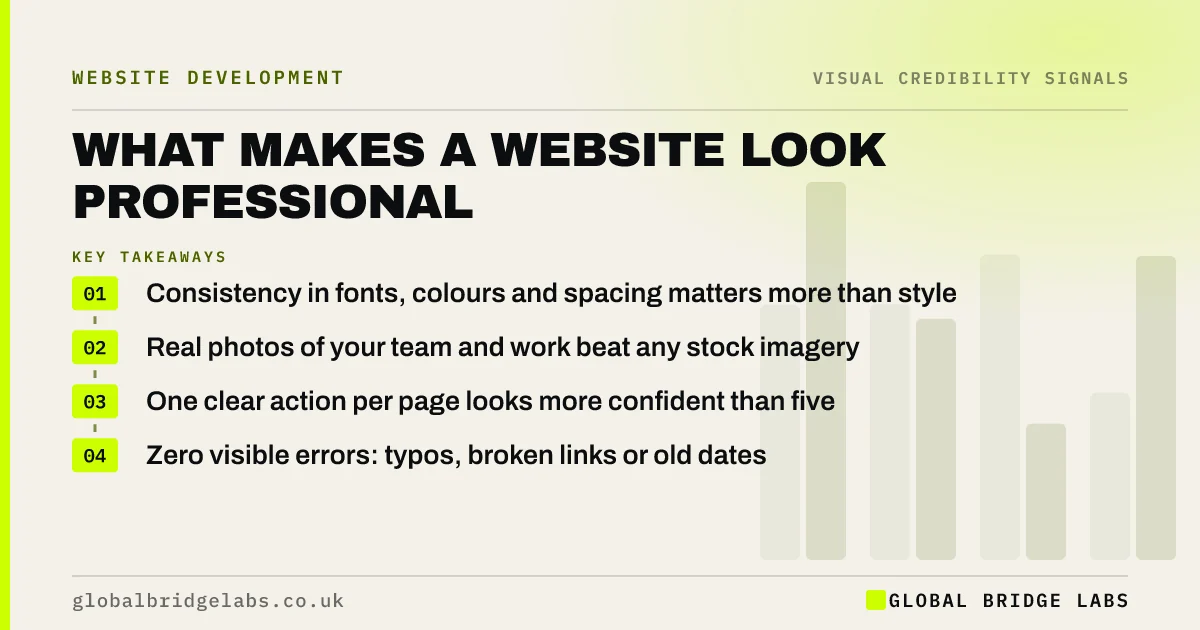
- Consistency in fonts, colours and spacing matters more than style.
- Real photos of your team and work beat any stock imagery.
- One clear action per page looks more confident than five.
- Zero visible errors: typos, broken links or old dates.
Want to know which signals your site is missing? Message us on WhatsApp.
Chat on WhatsApp →What do visitors mean by 'professional'?
When visitors call a website professional, they usually mean it looks like it was made with care by a business that knows what it is doing. They rarely mean expensive or fashionable. Stanford research found the design look was the most-mentioned credibility factor, but comments were often about clutter, consistency and errors rather than style.
Which signals make a site look professional?
Seven signals do most of the work. None needs a large budget, but each needs attention to detail. In our delivery reviews, sites that fail on 'professional' usually fail on two or three of these, not on overall style.
- Consistent type: two fonts at most, with clear heading sizes.
- Consistent spacing: the same gaps between sections and elements.
- A sharp logo and real photos, correctly sized.
- Restraint: few colours, little decoration, room to breathe.
- A clear hierarchy: one main message and one action per screen.
- Working details: forms, links and buttons that all behave as expected.
- Current content: dates, team and prices that are up to date.
Which things do owners overrate?
Owners often overrate animation, video backgrounds, unusual layouts and the latest design trend. These rarely raise credibility and often slow the site or distract from the message. Visitors judge sites against what they expect for the category, so a familiar layout executed well looks more professional than an unusual one executed loosely.
What does looking professional cost?
Looking professional is mostly an attention cost. Fixing spacing, type and imagery on an existing site typically sits within the £500–£3,000 range for focused fixes in the UK market, and a commercial photography half-day is indicatively £300–£600. A full redesign is only needed if the underlying layout is broken. These are market ranges, not a GBL price list.
- How much does it cost to fix bad website design?
- Website photography cost in the UK: what a shoot buys
Want a costed list of professional-look fixes? Message us on WhatsApp and we will discuss your requirements.
Chat on WhatsApp →When does looking professional not help?
Looking professional does not help if the content is vague or the proof is missing; visitors will admire the site and still leave. It can also backfire for businesses whose buyers want approachability, such as a local trades firm. Too slick can feel corporate or even suspicious. Aim for cared-for and real, not glossy.
What does this look like in practice?
A pattern we see: a site uses five fonts, three button styles and photos of different sizes, built up over years of edits. No single element is bad, but together they look improvised. Setting one type scale, one button style and consistent image sizes changes the impression in a few days.
Professional look checklist
- Use two fonts at most and a consistent heading scale.
- Use one button style for the main action.
- Replace stock photos of people with real ones.
- Check spacing is consistent between sections.
- Remove decoration that does not carry meaning.
- Proofread headings and buttons.
Next step
Screenshot your homepage, service page and contact page side by side. Inconsistencies jump out when the pages sit together.
Message us on WhatsApp for a professional-look review, or book a 30-minute consultation.
Chat on WhatsApp →Sources and further reading
- How do users evaluate the credibility of web sites? A study with over 2,500 participants · ACM (Fogg et al., 2003)
- Trustworthiness in web design: 4 credibility factors · Nielsen Norman Group
- The role of visual complexity and prototypicality regarding first impression of websites · Google Research (Tuch et al., 2012)
Frequently asked questions
How do I make my website look more professional?
Make it consistent and real. Use two fonts and one button style, keep spacing even, replace stock photos of people with real ones, remove decoration and fix every typo and broken link. These changes usually do more than a new template.
Why does my website look unprofessional?
The usual causes are inconsistent fonts and spacing, low-quality or stretched images, too many colours, clutter, stock photos, typos and out-of-date content. Look for the inconsistencies first, because they are what make a site look improvised.
Does a professional-looking website increase sales?
It helps by keeping visitors on the site and making them read your content more generously. It will not make up for a weak offer, missing prices or no proof. Treat a professional look as the entry ticket, not the sale.
Written by

Global Bridge Labs (GBL) is a UK–Sri Lanka partner for social media, websites and BPO. Everything here comes from client delivery, not theory.


