
On this page
- 01Key takeaways
- 02What is a website preloader?
- 03Why do preloaders make sites feel slower?
- 04What does a preloader usually hide?
- 05Are there any good uses for a loading indicator?
- 06What should you do instead of a preloader?
- 07What does this look like in practice?
- 08Loading screen checklist
- 09Next step
- 10Sources and further reading
- 11Frequently asked questions
Key takeaways
A website loading screen, or preloader, shows a spinner or animation until the whole page has loaded. It feels polished to the designer and slow to the visitor, because it hides content that could have appeared sooner. Drop it and show the headline and main content as quickly as possible, loading heavier parts in the background.
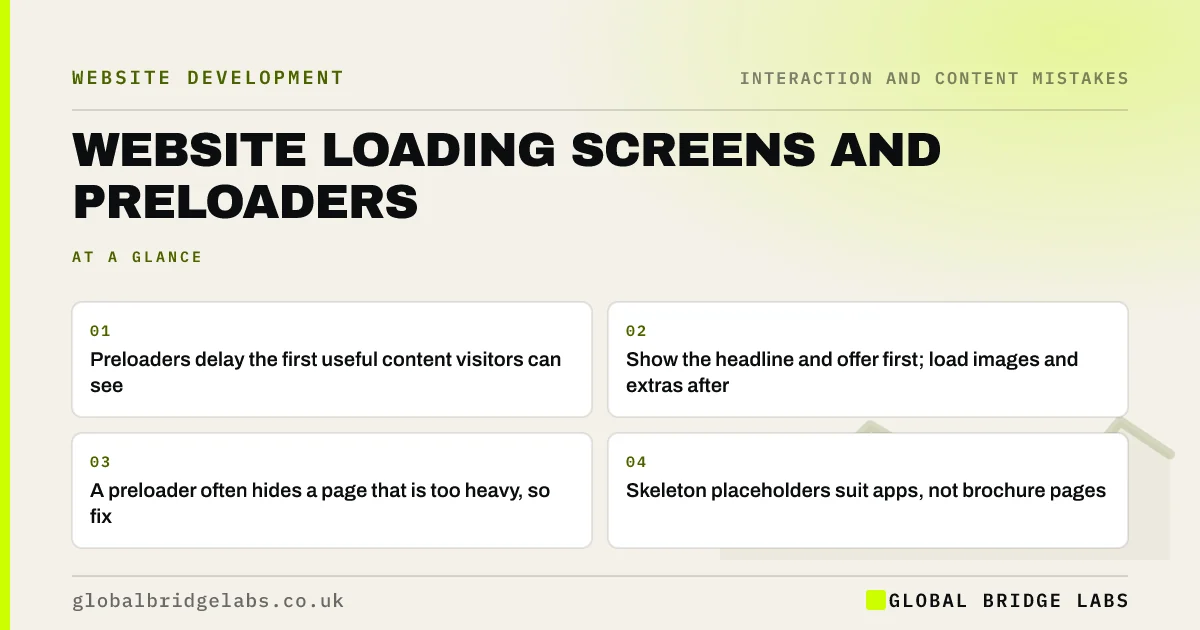
- Preloaders delay the first useful content visitors can see.
- Show the headline and offer first; load images and extras after.
- A preloader often hides a page that is too heavy, so fix that.
- Skeleton placeholders suit apps, not brochure pages.
Want your site to show content faster? Message us on WhatsApp.
Chat on WhatsApp →What is a website preloader?
A preloader is a full-screen animation, logo or progress bar shown while a page's assets load. Some sites show one on every page; others use a splash screen only on the homepage. They became popular with heavy, animation-led templates.
Why do preloaders make sites feel slower?
Visitors judge speed by when they see something useful, not when the last file arrives. Google's Largest Contentful Paint measure reflects this: it times when the main content appears. A preloader that waits for everything delays that moment, so a page that could show its headline in one second makes visitors wait three.
What does a preloader usually hide?
A preloader is usually a sign the page is too heavy: large hero videos, sliders, animation libraries or many third-party scripts. Rather than masking that, reduce it. Compress images, remove unused scripts and load non-essential features after the main content.
Want to know what is slowing your pages? Message us on WhatsApp and we will discuss your requirements.
Chat on WhatsApp →Are there any good uses for a loading indicator?
Yes, for specific actions that take time: submitting a form, calculating a quote, searching stock. A small spinner or progress message on the button reassures visitors that something is happening. That is different from blocking the whole page on arrival.
What should you do instead of a preloader?
Let the browser show content as it arrives. Put the headline and call to action in the HTML so they appear first, use a correctly sized hero image, lazy load images further down and defer non-essential scripts. Visitors start reading while the rest loads.
What does this look like in practice?
A pattern we see: a template shows an animated logo for a couple of seconds on every page, including when visitors move between pages. Removing it makes the site feel faster immediately, before any other speed work.
Loading screen checklist
- Remove full-page preloaders and splash screens.
- Put the headline and button in the HTML.
- Size and compress the hero image.
- Lazy load images below the first screen.
- Defer non-essential scripts.
- Use spinners only for slow actions.
Next step
Load your homepage on mobile data and count the seconds until you can read the headline.
Message us on WhatsApp for a speed and design review, or book a 30-minute consultation.
Chat on WhatsApp →Sources and further reading
- Optimise Largest Contentful Paint · web.dev (Google)
- Browser-level image lazy loading for the web · web.dev (Google)
- Loading third-party JavaScript · web.dev (Google)
Frequently asked questions
Should my website have a preloader?
Usually not. Preloaders delay the moment visitors see useful content, which makes the site feel slower. Show the headline and main content as soon as possible and load heavier elements afterwards.
Do loading screens affect SEO?
They can affect speed measures such as Largest Contentful Paint if they delay the main content. Search engines also need content in the HTML; content that appears only after a script finishes is riskier.
When should a website show a loading spinner?
For specific actions that take a moment, such as submitting a form, calculating a quote or running a search. A spinner on the button reassures visitors that their action is being processed.
Written by

Global Bridge Labs (GBL) is a UK–Sri Lanka partner for social media, websites and BPO. Everything here comes from client delivery, not theory.


