
On this page
- 01Key takeaways
- 02Why does speed matter so much for trades?
- 03What slows trade websites down?
- 04What should load first?
- 05What about quote forms and photo uploads?
- 06When does speed matter less for a trade?
- 07What does this look like in practice?
- 08Trades speed checklist
- 09Next step
- 10Sources and further reading
- 11Frequently asked questions
Key takeaways
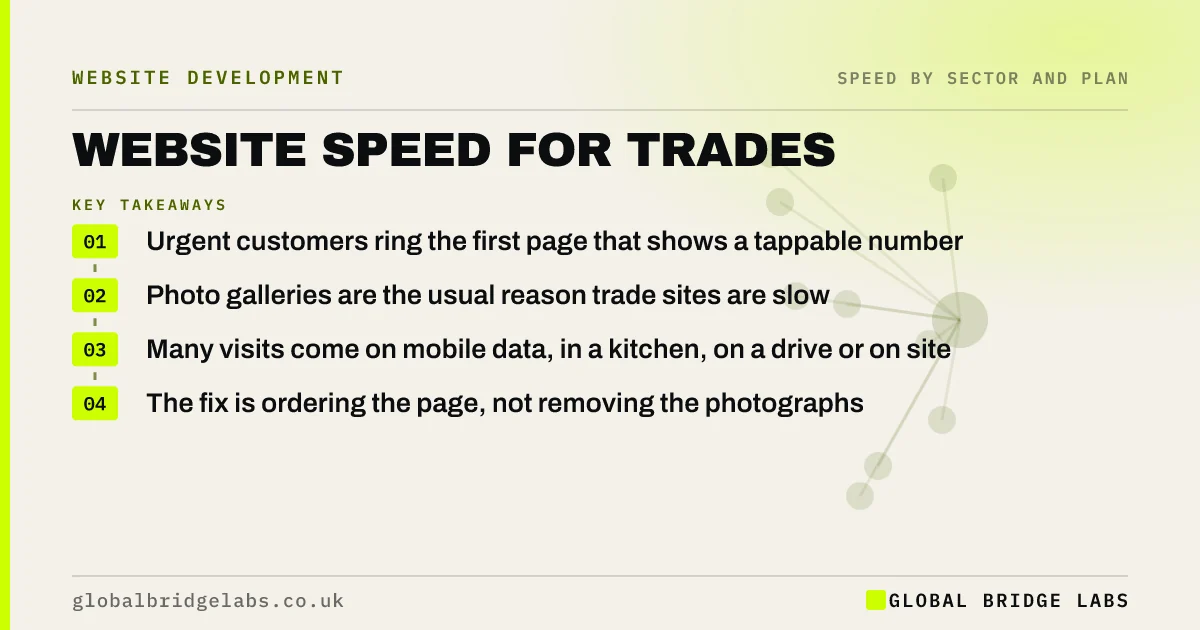
For a trades business, website speed decides who gets the urgent job. A customer with a leak or a tripped fuse box searches on a phone, opens the first two or three results and rings whichever shows a phone number first. The firm with the best reviews and a five-second gallery loses to the firm whose page appears at once. Put the number, the area covered and a Call button ahead of everything.
- Urgent customers ring the first page that shows a tappable number.
- Photo galleries are the usual reason trade sites are slow.
- Many visits come on mobile data, in a kitchen, on a drive or on site.
- The fix is ordering the page, not removing the photographs.
Want to see how fast your number appears on a phone? Send us the URL on WhatsApp.
Chat on WhatsApp →Why does speed matter so much for trades?
Speed matters for trades because the customer is often under pressure and comparing firms they have never heard of. They are not reading. They are looking for a number, a location and a sign that someone will answer. Every second a page spends loading a slider is a second in which the next result may already be dialling.
Most of these searches happen on a phone, frequently on mobile data. A page that is acceptable on office broadband can be painfully slow in a customer's hallway.
What slows trade websites down?
Trade sites are slow for a small number of reasons, most of them photographs.
- Before-and-after galleries uploaded straight from a phone camera.
- A homepage slider of recent jobs.
- Accreditation and review badges loaded from several other sites.
- An embedded map above the fold.
- A page builder theme with far more features than the site uses.
- Cheap shared hosting.
What should load first?
The first screen should answer the three questions an urgent customer has, in text, before any image arrives.
- 1. What you do and where: 'Emergency plumber, Leeds and Bradford'.
- 2. A tap-to-call number and a WhatsApp button.
- 3. Hours, including whether you answer out of hours.
- 4. One proof point: review score, years trading or an accreditation.
- 5. Then the photographs, loading as the customer scrolls.
- Click-to-call: turn mobile visitors into phone calls
- Mobile websites for tradespeople: win the urgent job
Want your first screen reordered for urgent callers? Ask us on WhatsApp.
Chat on WhatsApp →What about quote forms and photo uploads?
Planned work arrives through quote forms, and customers increasingly attach photographs. A form that hangs while three large pictures upload over mobile data, with no progress shown, loses the enquiry at the last step.
Show upload progress, accept the enquiry even if a photograph fails, and confirm at once. Offer WhatsApp as an alternative: customers already know how to send pictures there.
When does speed matter less for a trade?
Speed matters less for firms that work mainly by referral or for commercial clients on planned contracts. A facilities manager choosing a contractor will read the whole site at a desk. Even then, the first visit often happens on a phone, and a quick, steady page is a fair sign of an organised firm.
What does this look like in practice?
A pattern we see across trades: a firm with excellent reviews has a homepage that opens with a slider of finished jobs. On a phone, the telephone number sits in the header image and arrives last. Urgent callers have rung someone else before it appears.
Putting the number, area and Call button in text at the top, and moving the photographs below, wins those calls without losing the proof. Across client work at Global Bridge Labs (GBL), we have seen a 2.4x enquiry rate from conversion changes like these.
Trades speed checklist
- Search for your own trade and town on a phone over mobile data.
- Time how long before your number can be tapped.
- Move the number, area and Call button to the top as text.
- Resize every gallery photograph.
- Replace the slider with one image.
- Test the quote form with photographs attached.
Next step
The job goes to whoever can be reached first. We will time your site against the firms beside you in search and show you the gap.
Message us on WhatsApp for a speed check on your trade website.
Chat on WhatsApp →Sources and further reading
- Understanding Core Web Vitals and Google search results · Google Search Central
- Optimise Largest Contentful Paint · web.dev (Google)
- Connected Nations: coverage and speeds · Ofcom
Frequently asked questions
Does website speed matter for a tradesperson?
Yes, especially for urgent work. Customers with an emergency open a few search results on a phone and ring the first that shows a number. A slow page loses the call before the customer has seen your reviews or prices.
Why is my trade website slow?
Most often because of photographs. Galleries and sliders filled with pictures straight from a phone camera are very large. Review badges, embedded maps, heavy themes and cheap hosting add to it. Resizing images usually gives the biggest gain.
What should a tradesperson's website show first?
What you do, where you cover, a tap-to-call number and your hours, all as text so they appear immediately. One proof point such as a review score can follow. Photographs of past work should load after those.
Should I remove photos from my trade website to make it faster?
No. Photographs of real work are strong proof. Resize them to the size they are shown, use a modern format and let those further down the page load as the customer scrolls. The site stays convincing and becomes quick.
Written by

Global Bridge Labs (GBL) is a UK–Sri Lanka partner for social media, websites and BPO. Everything here comes from client delivery, not theory.


