
On this page
- 01Key takeaways
- 02Which analytics metrics show navigation working?
- 03Which research metrics should you add?
- 04Which metrics mislead?
- 05How often should you review them?
- 06What does this look like in practice?
- 07Navigation metrics checklist
- 08Next step
- 09Sources and further reading
- 10Frequently asked questions
Key takeaways
Navigation metrics show whether visitors find their way. The most useful are the share of sessions that reach a key page, exits from the homepage and entry pages, menu click distribution, site searches for things already in the menu, task success in tests and 'no' answers to a findability survey. Track a handful monthly, not dozens.
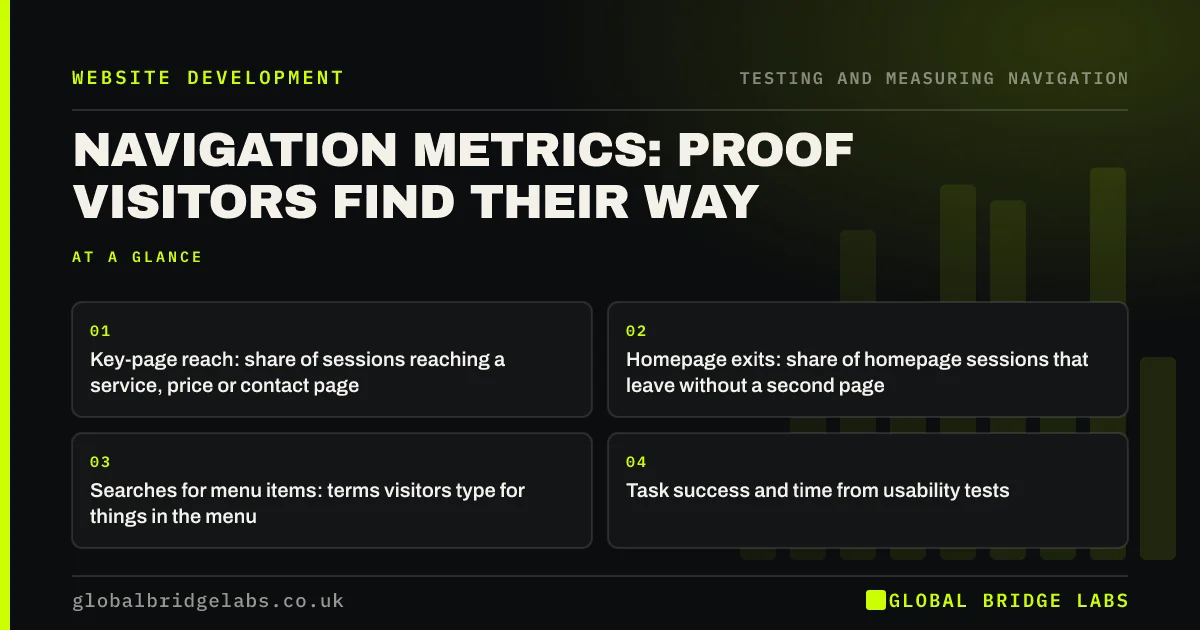
- Key-page reach: share of sessions reaching a service, price or contact page.
- Homepage exits: share of homepage sessions that leave without a second page.
- Searches for menu items: terms visitors type for things in the menu.
- Task success and time from usability tests.
Want a simple navigation dashboard set up? Message us on WhatsApp.
Chat on WhatsApp →Which analytics metrics show navigation working?
Analytics metrics show behaviour at scale. These four relate most directly to navigation and can be tracked in GA4 explorations.
- Key-page reach: sessions reaching a service, price, proof or contact page, as a share of all sessions.
- Homepage exit rate: share of homepage sessions that end there.
- Entry-page onward rate: share of sessions starting on blog or landing pages that view a second page.
- Menu click distribution: which items are clicked, by device.
Which research metrics should you add?
Research metrics explain the analytics. Task success rate and time on task from a five-person test show whether core journeys work. First-click accuracy shows whether labels lead the right way. A findability survey shows what visitors could not find, in their words.
Which metrics mislead?
Some popular numbers say little about navigation on their own. Pages per session can rise because visitors are lost. Time on site can rise for the same reason. Bounce rate depends heavily on the page type. Use them only alongside the metrics above.
Want the right metrics chosen for your site? Message us on WhatsApp and we will discuss your requirements.
Chat on WhatsApp →How often should you review them?
Monthly for analytics metrics, comparing with the same month last year where seasonality matters. Run a usability test at least once a year and after any significant navigation change. Keep the dashboard to six to eight numbers, with eight to twelve weeks of trend.
What does this look like in practice?
A pattern we see: a business tracks pages per session and is pleased when it rises after a redesign. Adding key-page reach shows fewer sessions now reach a service page; visitors are clicking around more because services moved under 'Solutions'. The right metric changes the conclusion.
Navigation metrics checklist
- Key-page reach.
- Homepage and entry-page onward rates.
- Menu click distribution by device.
- Site searches for menu items.
- Task success and time in tests.
- Findability survey 'no' themes.
Next step
Calculate your key-page reach for last month. It is the single most useful navigation number.
Message us on WhatsApp for help with navigation measurement, or book a 30-minute consultation.
Chat on WhatsApp →Sources and further reading
- Path exploration · Google Analytics Help
- Engagement rate and bounce rate · Google Analytics Help
- Enhanced measurement events · Google Analytics Help
Frequently asked questions
How do you measure navigation effectiveness?
Combine analytics and research. In analytics, track the share of sessions reaching key pages, homepage exits, menu clicks and searches for menu items. In research, measure task success, time on task and first-click accuracy with real users.
Is bounce rate a good navigation metric?
Not on its own. Bounce rate depends on the page: a contact page with a phone number can bounce and still succeed. Look at onward rates from the homepage and entry pages, and at whether visitors reach key pages.
What is key-page reach?
Key-page reach is GBL's working name for the share of sessions that reach at least one page that matters for buying, such as a service, price, proof or contact page. It shows whether navigation gets visitors to the content that persuades.
Written by

Global Bridge Labs (GBL) is a UK–Sri Lanka partner for social media, websites and BPO. Everything here comes from client delivery, not theory.


