
On this page
- 01Key takeaways
- 02Why do multiple audiences make homepages harder?
- 03How do you route visitors?
- 04How much space should each audience get?
- 05What about B2B and B2C on one homepage?
- 06When should audiences have separate homepages?
- 07What does this look like in practice?
- 08Multiple audiences checklist
- 09Next step
- 10Sources and further reading
- 11Frequently asked questions
Key takeaways
When a homepage has multiple audiences, such as homeowners and landlords or B2B and B2C buyers, lead with a message that covers both, then route each group to its own path within the first screen or two. Do not write one diluted message for everyone, and do not give each group equal space if one brings most of the revenue.
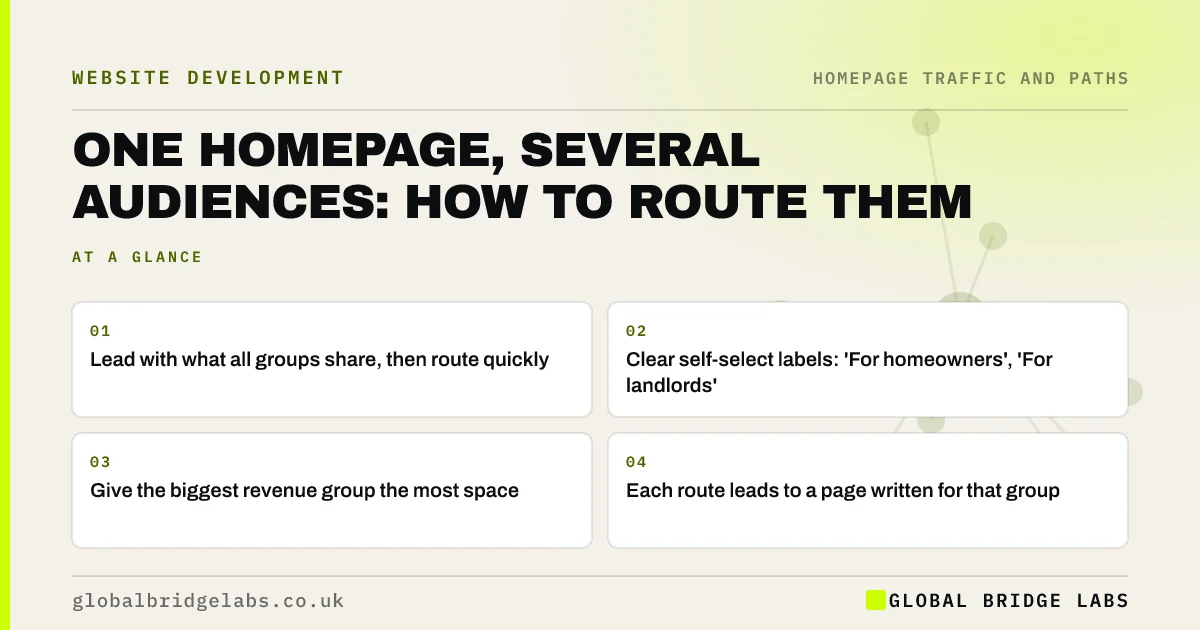
- Lead with what all groups share, then route quickly.
- Clear self-select labels: 'For homeowners', 'For landlords'.
- Give the biggest revenue group the most space.
- Each route leads to a page written for that group.
Serving more than one audience? Message us on WhatsApp.
Chat on WhatsApp →Why do multiple audiences make homepages harder?
Different audiences have different questions, proof and next steps. A cleaning firm serving homes and offices needs to talk about trust and flexibility to one and contracts and compliance to the other. A single message that tries to cover both ends up vague for both.
How do you route visitors?
Use a headline that covers what all groups share, then clear self-select routes near the top: 'For homes' and 'For businesses', or 'Buying', 'Selling', 'Letting'. Label routes by who they are for, not by internal department names. Each route leads to a page written entirely for that group.
How much space should each audience get?
Rank audiences by revenue and growth. The main group's proof and action can lead the homepage, with other groups routed clearly. Equal space for unequal audiences weakens the case for your most valuable customers.
What about B2B and B2C on one homepage?
B2B and B2C buyers differ in how they decide: businesses often involve several people, need credentials and want a conversation; consumers want reassurance, price and speed. If both are large, consider separate landing pages or even separate sites. If one is small, route it with a clear secondary link.
When should audiences have separate homepages?
When they share almost nothing: different services, different prices, different proof and different competitors. Then a shared homepage helps neither, and separate brands or sub-sites are clearer. Many small businesses are not at that point, and routing works well.
What does this look like in practice?
A pattern we see: a homepage written for 'homeowners, landlords, businesses and councils' in the same sentence. Leading with the main group, adding three clear routes and building a page for each usually raises both the relevance and the number of enquiries.
Multiple audiences checklist
- List audiences and rank them by revenue.
- Write a headline that covers what they share.
- Add self-select routes in the first screen or two.
- Label routes by who they are for.
- Build a page written for each audience.
Next step
List your audiences with last year's revenue from each. If one dominates, give it the hero; route the rest with clear labels.
Message us on WhatsApp to plan the routes, or book a 30-minute consultation.
Chat on WhatsApp →Sources and further reading
- Personas make users memorable for product team members · Nielsen Norman Group
- Information scent: how users decide where to go next · Nielsen Norman Group
Frequently asked questions
How do I design a homepage for different customers?
Lead with a message that covers what your customer groups share, then add clear routes labelled by who they are for, such as 'For homeowners' and 'For landlords'. Each route should lead to a page written specifically for that group.
Can one homepage serve B2B and B2C?
Yes, if one group is much larger or the groups overlap. Lead with the main group and route the other clearly. If both are large and very different, separate landing pages or sites usually work better.
Should I ask visitors to choose who they are?
A light self-select step, such as two clear buttons near the top, helps when audiences need different information. Avoid forcing a choice before visitors see anything, such as a splash screen, which adds a step for everyone.
Written by

Global Bridge Labs (GBL) is a UK–Sri Lanka partner for social media, websites and BPO. Everything here comes from client delivery, not theory.


