
On this page
- 01Key takeaways
- 02What is a homepage call to action?
- 03How do you choose the primary action?
- 04How should the button be worded?
- 05How should it look?
- 06When does a single action not fit?
- 07What does this look like in practice?
- 08Homepage call to action checklist
- 09Next step
- 10Sources and further reading
- 11Frequently asked questions
Key takeaways
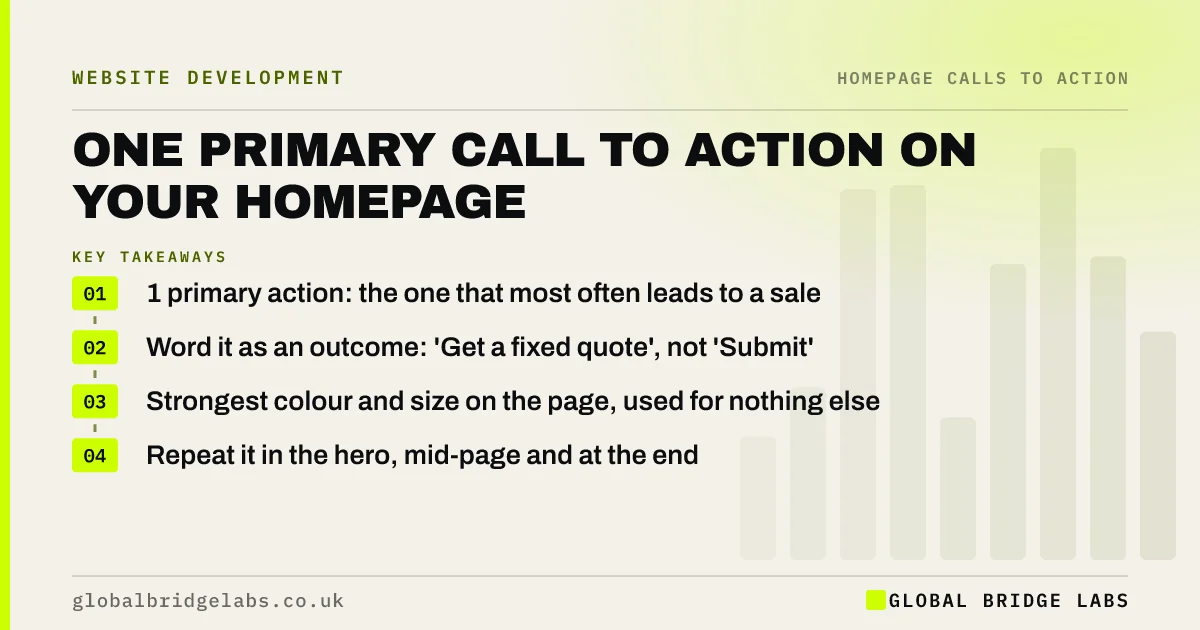
A homepage call to action works best when there is one primary action, chosen because it most often leads to paid work, worded as an outcome ('Get a fixed quote') and given the strongest button on the page. Everything else becomes a secondary link. One clear action usually beats several equal ones.
- 1 primary action: the one that most often leads to a sale.
- Word it as an outcome: 'Get a fixed quote', not 'Submit'.
- Strongest colour and size on the page, used for nothing else.
- Repeat it in the hero, mid-page and at the end.
Want your homepage call to action chosen and worded? Message us on WhatsApp.
Chat on WhatsApp →What is a homepage call to action?
A homepage call to action is the main button or link that asks visitors to take the next step, such as getting a quote, booking or calling. On a converting homepage there is one primary call to action, repeated, with any other routes clearly secondary. Wording ideas for all kinds of buttons are in our call to action examples guide.
How do you choose the primary action?
Choose the action that most often turns into paid work and that your team can respond to quickly. For trades it is often a quote request or a call; for clinics and salons a booking; for professional services a short consultation. Check your last 20 customers' first contact before deciding.
How should the button be worded?
Describe what the visitor gets, not what they do: 'Get my free quote', 'Book a 20-minute call', 'Check availability'. Avoid 'Submit', 'Click here' and 'Learn more' for the main action. Add a short line beside the button saying what happens next, such as 'Reply within 2 working hours'.
How should it look?
Give the primary button one colour that nothing else on the page uses, enough size to tap easily and plenty of space around it. WCAG 2.2 sets a minimum target size of 24 by 24 CSS pixels; for a main button, aim much larger. Secondary routes should be text links or outline buttons.
When does a single action not fit?
When two distinct audiences arrive in volume, such as diners and corporate event planners, one action cannot serve both. Then give each its own clear path from the hero, but still rank them: one primary, one secondary.
What does this look like in practice?
A pattern we see: 'Contact us' in grey at the bottom of the hero, next to a bright 'Our services' button. Swapping their weight and changing the wording to the outcome buyers want usually shifts clicks towards enquiries within days.
Homepage call to action checklist
- Pick the action that most often leads to paid work.
- Word the button as an outcome.
- Give it a colour used for nothing else.
- Add a line saying what happens next.
- Repeat it in the hero, mid-page and at the end.
- Demote every other action to a secondary style.
Next step
Check how your last 20 customers first contacted you, then rewrite your hero button to match the most common route.
Message us on WhatsApp for wording options, or book a 30-minute consultation.
Chat on WhatsApp →Sources and further reading
- Hick's Law: designing long menu lists · Nielsen Norman Group
- Understanding SC 2.5.8: Target Size (Minimum) · W3C Web Accessibility Initiative
- Beyond blue links: making clickable elements recognizable · Nielsen Norman Group
Frequently asked questions
What is the best call to action for a homepage?
The action that most often leads to paid work for your business, such as a quote request, booking or short consultation, worded as an outcome like 'Get a fixed quote'. It should be the strongest button on the page and repeated down it.
How many calls to action should a homepage have?
One primary call to action, repeated two or three times down the page, plus a few clearly secondary links for visitors who need something else. Several equal buttons make people hesitate and often lower the total number of enquiries.
Where should the call to action go on a homepage?
In the hero, so it is visible without scrolling, after the main proof section and at the end of the page. On mobile, make sure the hero button appears in the first screen and is easy to reach with a thumb.
Written by

Global Bridge Labs (GBL) is a UK–Sri Lanka partner for social media, websites and BPO. Everything here comes from client delivery, not theory.


