
On this page
- 01Key takeaways
- 02Should a hero have one button or two?
- 03What pairs work well?
- 04What pairs do not work?
- 05How should a primary and secondary pair look?
- 06How do you decide with data?
- 07What does this look like in practice?
- 08Hero buttons checklist
- 09Next step
- 10Sources and further reading
- 11Frequently asked questions
Key takeaways
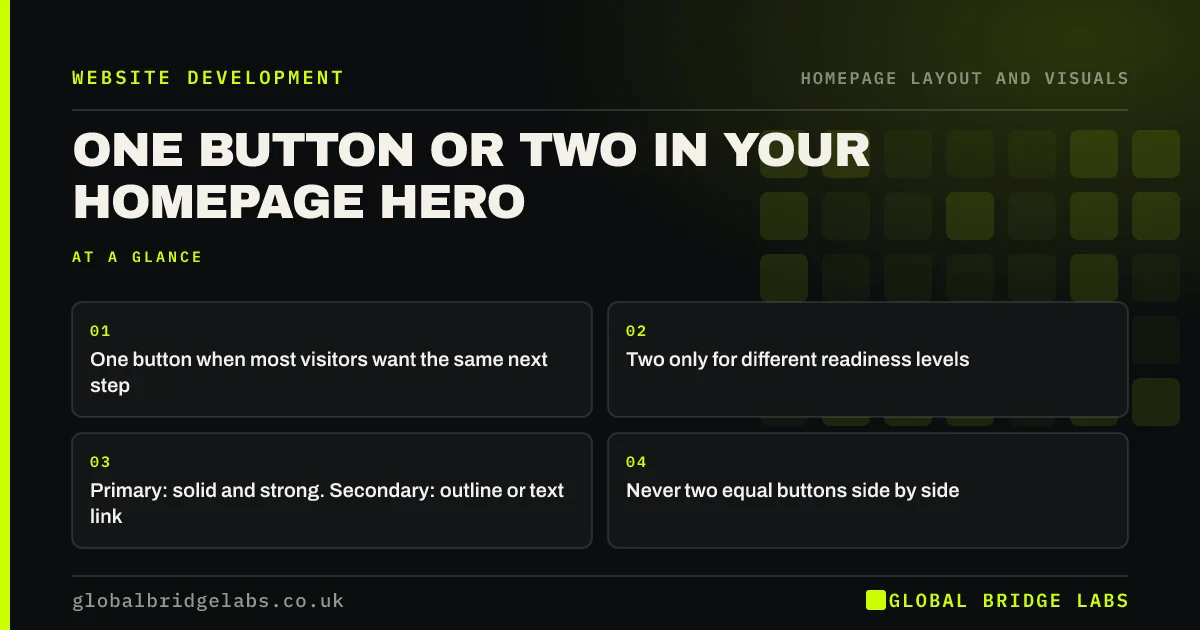
Two buttons in a hero section help only when they serve different readiness levels, such as 'Get a quote' for ready buyers and 'See our work' for researchers, and when one is clearly primary. Two equal buttons make visitors stop and choose. If most visitors want the same next step, one button is better.
- One button when most visitors want the same next step.
- Two only for different readiness levels.
- Primary: solid and strong. Secondary: outline or text link.
- Never two equal buttons side by side.
Not sure if your hero needs one button or two? Message us on WhatsApp.
Chat on WhatsApp →Should a hero have one button or two?
A hero should have one button if most visitors arrive wanting the same next step, which is common for branded and urgent traffic. Two buttons can help when visitors split between ready buyers and early researchers. Even then, one should be clearly primary so nobody has to weigh them as equals.
What pairs work well?
Good pairs serve different stages, not different versions of the same action.
- 'Get a fixed quote' (primary) and 'See recent projects' (secondary).
- 'Book online' (primary) and 'View prices' (secondary).
- 'Book a 15-minute call' (primary) and 'How it works' (secondary).
What pairs do not work?
'Call us' and 'Email us' side by side are two versions of the same action and split the decision. 'Learn more' and 'Contact us' are both vague. 'Services' as a hero button repeats the menu. Each of these adds a choice without serving a different visitor.
How should a primary and secondary pair look?
The primary is solid, in the one strong action colour, and comes first in reading order. The secondary is an outline or text link in a neutral colour. On mobile, stack them with the primary on top and make both easy to tap; WCAG 2.2 sets a 24 by 24 CSS pixel minimum target size.
How do you decide with data?
Track clicks on each hero button as separate events. If the secondary gets most clicks but few of those visitors go on to enquire, the pair is diverting ready buyers. If the primary gets almost all clicks, the secondary is unnecessary.
What does this look like in practice?
A pattern we see: two identical green buttons, 'Our services' and 'Contact us'. Most clicks go to services, and the enquiry rate is low. Making 'Get a quote' the solid primary and 'See services' a text link usually moves clicks towards enquiries without losing the researchers.
Hero buttons checklist
- Decide if visitors really split by readiness.
- If not, use one button.
- If yes, make the pair serve different stages.
- Style the primary solid and the secondary as an outline or link.
- Stack them on mobile, primary first.
- Track clicks on each separately.
Next step
Set up click tracking on both hero buttons, if you have two, and check the split after four weeks.
Message us on WhatsApp to read the numbers together, or book a 30-minute consultation.
Chat on WhatsApp →Sources and further reading
- Hick's Law: designing long menu lists · Nielsen Norman Group
- Understanding SC 2.5.8: Target Size (Minimum) · W3C Web Accessibility Initiative
- Enhanced measurement events · Google Analytics Help
Frequently asked questions
Should a hero section have two buttons?
Only when visitors split between those ready to act and those still researching, and when one button is clearly primary. If most visitors want the same next step, a single button is better because it removes a decision.
How should a secondary button look?
Visibly less important than the primary: an outline button or text link in a neutral colour, placed after the primary in reading order. It should be easy to find and tap, but it should not compete for the eye.
Is 'Learn more' a good hero button?
Rarely. It is vague and does not say what visitors will learn or get. Use specific wording such as 'See recent projects' or 'View prices' so visitors know what happens when they click.
Written by

Global Bridge Labs (GBL) is a UK–Sri Lanka partner for social media, websites and BPO. Everything here comes from client delivery, not theory.


