
On this page
Key takeaways
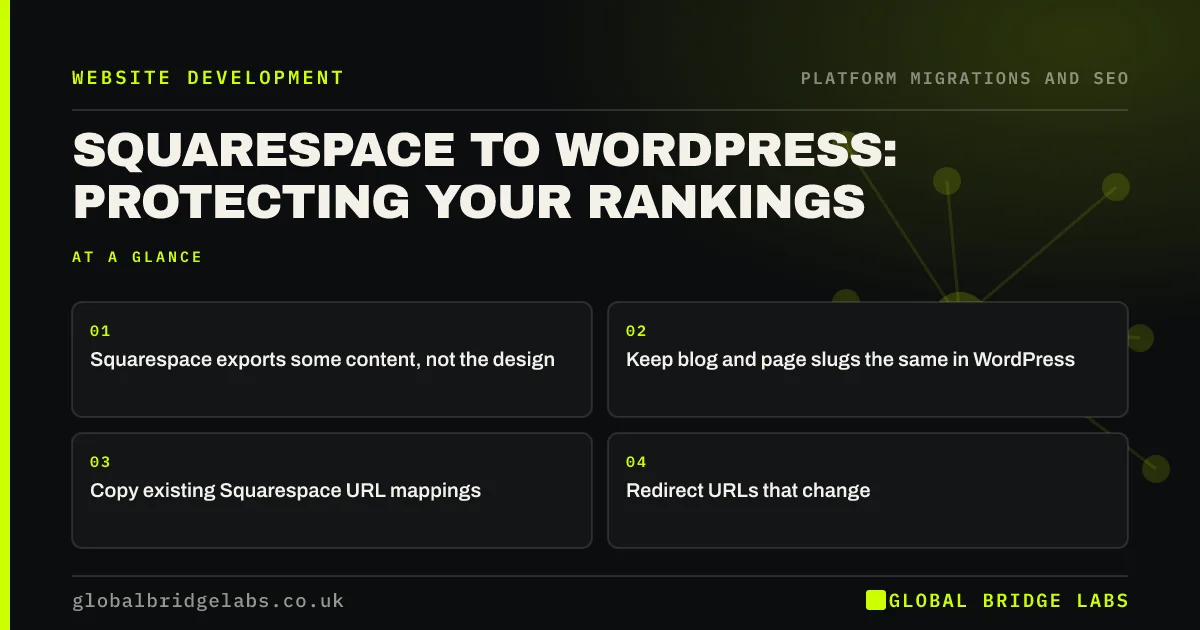
Squarespace can export some content, such as pages and blog posts, in a format WordPress can import, but the design, products and some blocks must be rebuilt. For SEO, list every Squarespace URL, keep blog and page slugs the same in WordPress, carry across titles and descriptions, copy any URL mappings Squarespace held and redirect what changes.
- Squarespace exports some content, not the design.
- Keep blog and page slugs the same in WordPress.
- Copy existing Squarespace URL mappings.
- Redirect URLs that change.
Leaving Squarespace? Message us on WhatsApp about protecting rankings.
Chat on WhatsApp →What carries across from Squarespace?
Squarespace's export covers some content types, mainly pages and blog posts, with images that may still point to Squarespace's servers until moved. Products, some block types and styling usually need rebuilding. Squarespace stores its redirects in URL mappings, explained in its help centre; those rules hold years of past redirects and must move into the new site too.
What are the SEO steps?
Treat the export as a starting point, not the finished migration.
- Crawl the Squarespace site and export URLs from Search Console.
- Copy the URL mappings into the redirect map.
- Import pages and posts, keeping slugs the same.
- Move images onto WordPress so they do not depend on Squarespace.
- Copy titles, descriptions and alt text.
- Redirect product and collection URLs to their new pages.
What do people miss?
Images are the classic miss: imported posts still load images from Squarespace's servers, which stop working when the subscription ends. Collection and tag pages are another, because Squarespace creates URLs for them automatically. And old URL mappings are often forgotten, so redirects from a redesign years ago stop working. Check all three before the subscription ends.
- Redirecting images, PDFs and files, not just pages
- Redirect chains and loops: how to find and fix them
Want a check before you cancel Squarespace? Message us on WhatsApp.
Chat on WhatsApp →What does this look like in practice?
A pattern we see: a business moves to WordPress and cancels Squarespace a month later. Every imported blog post loses its images overnight, because the images were still hosted by Squarespace. Moving images onto WordPress before cancelling, and checking a sample of posts, would have avoided it. Once the images were re-uploaded and the post content updated to point at them, the posts displayed properly again, but several weeks of broken pages had already been seen by visitors and crawlers.
Squarespace to WordPress checklist
- Crawl and export URLs.
- Copy URL mappings into the map.
- Import content and keep slugs.
- Move images onto WordPress.
- Check everything before cancelling Squarespace.
Next step
Open your Squarespace URL mappings and copy every rule into a spreadsheet. They are part of your redirect map, and they disappear when the site does.
Message us on WhatsApp about moving from Squarespace, or book a 30-minute consultation.
Chat on WhatsApp →Sources and further reading
- URL mappings · Squarespace Help Centre
- Site moves with URL changes · Google Search Central
- Redirects and Google Search · Google Search Central
Frequently asked questions
Can I move my Squarespace site to WordPress?
Yes. Squarespace can export some content, mainly pages and blog posts, in a format WordPress can import. The design, products and some blocks need rebuilding. For SEO, keep slugs the same, copy titles and descriptions, move images and redirect any URLs that change.
What happens to my Squarespace redirects?
They stop working when the Squarespace site is closed. Copy every rule from URL mappings into your redirect map, update each to point at the final new URL, and load them on the new site. Otherwise old links that relied on those redirects will break.
Do I need to keep Squarespace after moving?
Keep it for a short overlap until you have moved images, checked imported content and confirmed redirects work on the new site. Cancelling too early can break images that still load from Squarespace's servers. Once everything is checked, you can close it.
Written by

Global Bridge Labs (GBL) is a UK–Sri Lanka partner for social media, websites and BPO. Everything here comes from client delivery, not theory.


