
On this page
Key takeaways
Moving a shop from WooCommerce to Shopify changes most product and category URLs, because Shopify uses fixed folders such as /products/ and /collections/. Keep product handles the same as WooCommerce slugs, map every product, category and post URL, move reviews and structured data, import redirects into Shopify and test checkout and tracking before launch.
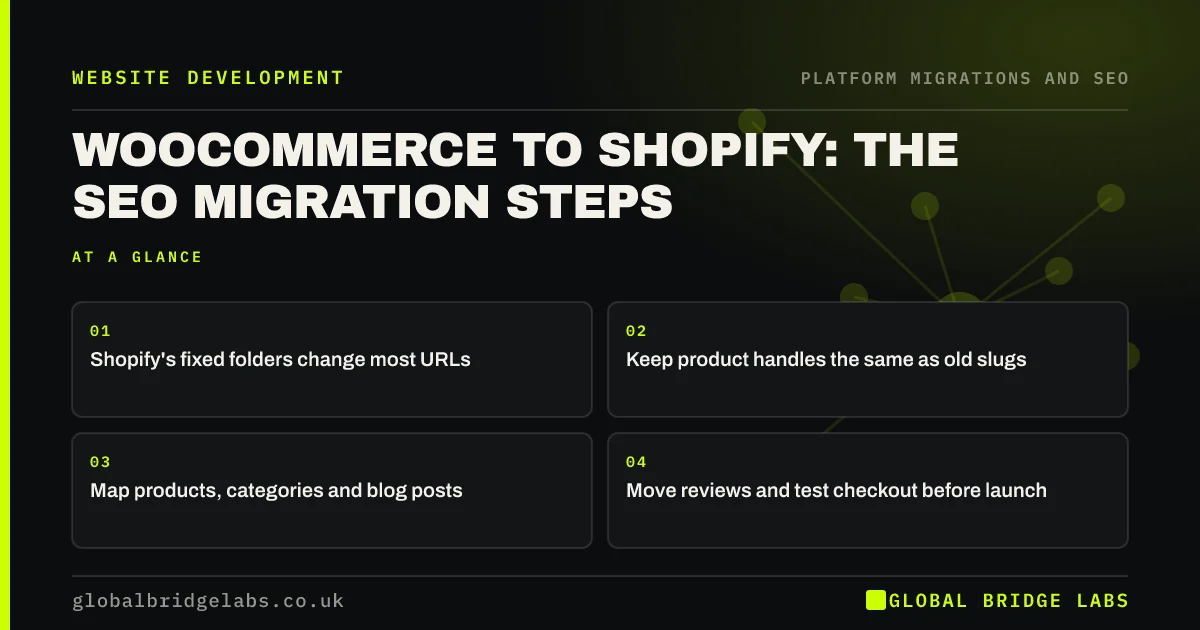
- Shopify's fixed folders change most URLs.
- Keep product handles the same as old slugs.
- Map products, categories and blog posts.
- Move reviews and test checkout before launch.
Moving from WooCommerce to Shopify? Message us on WhatsApp.
Chat on WhatsApp →Which URLs change?
WooCommerce commonly uses /product/ for products and /product-category/ for categories, with blog posts at the root or in a blog folder. Shopify uses /products/, /collections/ and /blogs/ followed by the blog name. Almost every shop URL changes folder, but the last part, the slug or handle, can usually stay the same, which makes mapping simpler.
What are the steps?
Plan the move in this order, so the redirect map is ready before launch.
- Export products with slugs, SKUs and categories from WooCommerce.
- Import into Shopify, keeping handles the same as slugs.
- Map categories to collections.
- Map blog posts to the Shopify blog.
- Import the redirect CSV into Shopify.
- Move reviews with a review app or import.
What else needs checking?
Check that product structured data, with price and availability, is output by the Shopify theme. Compare product descriptions with the old shop, because imports sometimes strip formatting or tabs. Test search, filters, discount codes, checkout and purchase tracking. And check variant URLs, which differ between the platforms, so old variant links reach the right product.
- Carry structured data across in a migration
- Keep analytics and tracking working through a migration
- Shopify store speed: what you can and cannot fix
Want us to check your WooCommerce redirect map? Message us on WhatsApp.
Chat on WhatsApp →What does this look like in practice?
A pattern we see: a shop imports products into Shopify, but the import tool creates new handles from product titles rather than keeping WooCommerce slugs. Mapping by SKU between the two exports matches every product to its new URL, and the redirect CSV is built in an afternoon rather than by hand. After launch, product pages hold their positions, and the few gaps found in the 404 log are old variant links that get their own redirects within the first week.
WooCommerce to Shopify checklist
- Export products with slugs and SKUs.
- Keep handles matching old slugs.
- Map categories, products and posts.
- Import redirects and move reviews.
- Test checkout, structured data and tracking.
Next step
Export your WooCommerce products with slugs and SKUs. Check whether your import tool keeps slugs as Shopify handles; if not, plan to map by SKU.
Message us on WhatsApp about your shop migration, or book a 30-minute consultation.
Chat on WhatsApp →Sources and further reading
- Site moves with URL changes · Google Search Central
- Redirects and Google Search · Google Search Central
- Introduction to structured data markup in Google Search · Google Search Central
Frequently asked questions
Will moving from WooCommerce to Shopify hurt SEO?
It can cause a dip while product and category URLs are reprocessed. With every URL mapped to its Shopify equivalent, handles kept the same, content and reviews moved and structured data in place, most shops recover within weeks. Missing product redirects cause most lasting losses.
How do I redirect WooCommerce URLs to Shopify?
Build a redirect map from your WooCommerce export, matching each old product and category URL to its Shopify URL, ideally by SKU. Save it as a CSV of old paths and new paths and import it in Shopify's URL redirects section. Test a sample before launch.
Can I keep my product URLs on Shopify?
Not exactly, because Shopify uses fixed folders such as /products/. You can usually keep the handle, the last part of the URL, the same as your WooCommerce slug. Redirects then handle the change of folder for each product, and old links keep working.
Written by

Global Bridge Labs (GBL) is a UK–Sri Lanka partner for social media, websites and BPO. Everything here comes from client delivery, not theory.


