
On this page
Key takeaways
Moving from Wix to WordPress usually means rebuilding the design, because Wix designs cannot be exported. The SEO work is in the URLs and content. List every Wix URL, including blog posts under the /post/ path, recreate the same paths in WordPress where you can, redirect the rest, carry titles and descriptions across and test everything before you point the domain at WordPress.
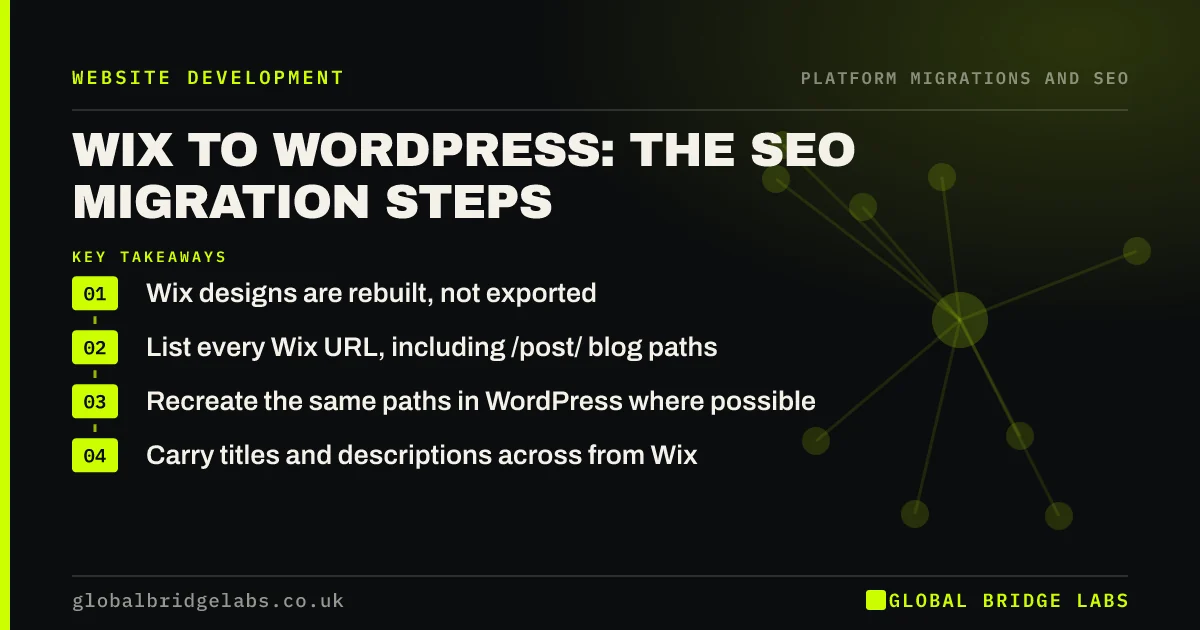
- Wix designs are rebuilt, not exported.
- List every Wix URL, including /post/ blog paths.
- Recreate the same paths in WordPress where possible.
- Carry titles and descriptions across from Wix.
Leaving Wix? Message us on WhatsApp before you rebuild.
Chat on WhatsApp →What changes when you leave Wix?
Wix uses its own URL patterns, such as /post/ for blog posts and its own paths for products and dynamic pages. WordPress lets you choose permalink structures, so many Wix paths can be matched exactly, which means fewer redirects. The design, apps and some features must be rebuilt, and Wix's SEO settings, such as custom titles and redirects, need copying by hand or from a crawl.
What are the SEO steps?
Follow the usual migration stages, with a few Wix-specific checks.
- Crawl the Wix site and export URLs from Search Console.
- Copy custom titles and descriptions from the crawl.
- Set WordPress permalinks to match Wix paths where possible.
- Move blog posts, keeping slugs, dates and images.
- Copy any existing Wix redirects into the new map.
- Redirect URLs that cannot be matched.
What should you check at launch?
Wix connects the domain through its own settings, so switching the domain to WordPress hosting is the moment of launch. Do it at a quiet time, then test a sample of old URLs, including blog posts and any product pages, and check WordPress is not set to discourage search engines. Keep the Wix plan active for a short time in case you need content or settings from it.
- The first hour after a migration: checks in order
- Noindex left on after launch: how to check and fix
- A rollback plan if the new site goes wrong
Want us to check your Wix URL list? Message us on WhatsApp.
Chat on WhatsApp →What does this look like in practice?
A pattern we see: a Wix site's blog brings most of its search traffic. Setting WordPress permalinks to a /post/ structure keeps every blog URL identical, so only a handful of service pages need redirects. Search traffic barely moves at launch, and the business gains the flexibility it moved for.
Wix to WordPress checklist
- Crawl Wix and export URLs.
- Copy titles and descriptions.
- Match Wix paths with WordPress permalinks.
- Copy existing Wix redirects.
- Test old URLs after switching the domain.
Next step
Export your Wix URLs and look at the blog and page paths. Decide which can be kept exactly in WordPress; the rest form your redirect map.
Message us on WhatsApp about moving from Wix, or book a 30-minute consultation.
Chat on WhatsApp →Sources and further reading
- Site moves with URL changes · Google Search Central
- Redirects and Google Search · Google Search Central
- About WordPress · WordPress.org
Frequently asked questions
Will I lose SEO moving from Wix to WordPress?
Not if you plan it. Keep URLs the same where WordPress permalinks allow, redirect the rest, carry titles, descriptions and content across, and test before switching the domain. A short dip is common. Lasting losses usually come from missing redirects or blog posts left behind.
Can I keep my Wix URLs in WordPress?
Often, yes. WordPress permalink settings can recreate many Wix patterns, including the /post/ path for blog posts, and individual page slugs can be set to match. Where a path cannot be matched, such as some dynamic pages, use a redirect to the new URL.
Can I export my Wix site to WordPress?
Not the design. Blog posts can sometimes be moved using an export or import tool, and page content can be copied across. Expect to rebuild the design and features. Crawl the Wix site first so you have a record of titles, headings and content.
Written by

Global Bridge Labs (GBL) is a UK–Sri Lanka partner for social media, websites and BPO. Everything here comes from client delivery, not theory.


