On this page
- 01Key takeaways
- 02What are the signs of a broken website-CRM connection?
- 03What does a poor connection cost?
- 04How do you connect a website to a CRM?
- 05What data should pass with each enquiry?
- 06When do integration problems justify a rebuild?
- 07What about data protection?
- 08How fast should website enquiries get a reply?
- 09What does this look like in practice?
- 10CRM connection checklist
- 11Next step
- 12Sources and further reading
- 13Frequently asked questions
Key takeaways
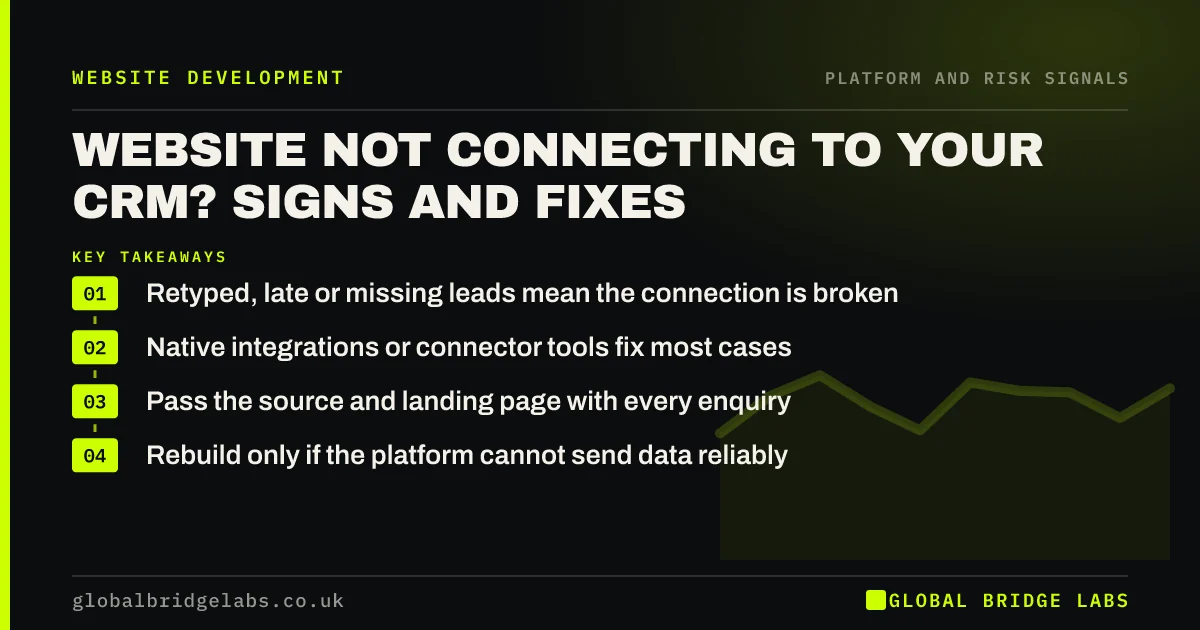
If website enquiries are retyped into your CRM, arrive late or go missing, the site and CRM are not properly connected. Most forms can connect through a native integration or a connector tool in days. A rebuild is justified only when the platform cannot send data reliably or the integration needs are beyond what it supports.
- Retyped, late or missing leads mean the connection is broken.
- Native integrations or connector tools fix most cases.
- Pass the source and landing page with every enquiry.
- Rebuild only if the platform cannot send data reliably.
Leads not reaching your CRM? Tell us which systems you use on WhatsApp.
Chat on WhatsApp →What are the signs of a broken website-CRM connection?
A website and CRM are poorly connected when enquiries arrive by email and are copied in by hand, some never reach the CRM, duplicates appear, or the source of each lead is missing. The cost is slower replies, lost leads and no way to see which pages produce customers.
What does a poor connection cost?
Speed and visibility. Enquiries that wait in an inbox for a day lose to competitors who reply in an hour. Without source data, you cannot tell which pages or campaigns bring customers, so marketing decisions rely on guesswork.
Want to know how much a slow handover is costing you? Ask us on WhatsApp.
Chat on WhatsApp →How do you connect a website to a CRM?
Three routes cover most small businesses.
- Native integration: the CRM's own form or plug-in for your platform.
- Connector tools: services that pass form data to the CRM.
- Custom API integration: for complex needs or bespoke systems.
What data should pass with each enquiry?
The enquiry itself plus context: name, contact details, message, service of interest, landing page, source and campaign (including UTM parameters), date and time. Record the lawful basis for any marketing use and respect consent choices.
When do integration problems justify a rebuild?
When the platform cannot send data reliably: a proprietary builder with locked forms, a site that cannot run the CRM's scripts, or an e-commerce system that cannot sync orders and customers. If integration is central to how you work and the platform blocks it, rebuilding is justified.
What about data protection?
Sending enquiries to a CRM moves personal data to another processor. Check the CRM provider's data processing terms, where data is stored, and update your privacy notice to name the categories of recipients. The ICO's guidance on controllers and processors explains the responsibilities.
How fast should website enquiries get a reply?
As fast as your competitors, and ideally within a couple of hours in UK business hours. Buyers often contact several businesses at once, and the first useful reply frequently wins. A direct website-to-CRM connection with an instant alert makes that possible.
Set a target, measure it from the CRM timestamps, and review it monthly. If replies regularly take longer than a working day, the problem may be capacity rather than technology, and outsourced first response or call answering can help.
- Set a reply-time target for web enquiries.
- Alert the person responsible instantly.
- Measure reply times from CRM timestamps.
- Review monthly and address capacity gaps.
What does this look like in practice?
A pattern in UK mortgage and finance brokers: web enquiries arrive by email and are typed into the CRM the next morning, losing the source and delaying replies. Connecting the form directly, with source and page captured, cuts the handover time and shows which pages produce clients.
CRM connection checklist
Check these with a test enquiry.
- Submit a test enquiry and time its arrival in the CRM.
- Check source, landing page and UTMs are recorded.
- Check duplicates are handled.
- Set an alert to the person who replies.
- Review processor terms and privacy notice.
- Test monthly and after any site or CRM update.
Next step
If enquiries are not flowing cleanly into your CRM, we will map the connection with you in 30 minutes and recommend the simplest reliable fix.
Message us on WhatsApp for a CRM integration review, or book a 30-minute consultation.
Chat on WhatsApp →Sources and further reading
- Controllers and processors · Information Commissioner's Office
- URL builders: collect campaign data with custom URLs · Google Analytics Help
- About key events · Google Analytics Help
Frequently asked questions
How do I connect my website forms to my CRM?
Use your CRM's native form or plug-in for your website platform if one exists, a connector tool if not, or a custom API integration for complex needs. Pass the enquiry plus source, landing page and campaign data, and test with a real submission.
Why are my website leads not showing in my CRM?
Common causes are a broken connector after a site or CRM update, form changes that no longer match CRM fields, spam filters, or forms that were never connected. Submit a test enquiry and trace where it stops. Check the form, connector and CRM in turn.
Do I need a new website to integrate with my CRM?
Usually not. Most platforms support native integrations or connector tools. You need a rebuild only if your platform cannot send data reliably, for example a proprietary builder with locked forms, and integration is central to how you work. Consider integration needs in any rebuild brief.
Is sending website enquiries to a CRM GDPR compliant?
It can be. The CRM provider acts as your processor, so check their data processing terms and where data is stored, name the categories of recipients in your privacy notice, and respect consent choices for any marketing use. Keep a record of the processors you use.
Written by

Global Bridge Labs (GBL) is a UK–Sri Lanka partner for social media, websites and BPO. Everything here comes from client delivery, not theory.