
On this page
Key takeaways
Server errors, the 5xx status codes, and timeouts mean pages failed to load. During a migration, they often come from a new server under strain, misconfigured redirects or heavy pages. Google slows its crawling when it sees many errors, which also slows the processing of your redirects. Monitor errors closely in the first week and fix the cause, not just the symptom.
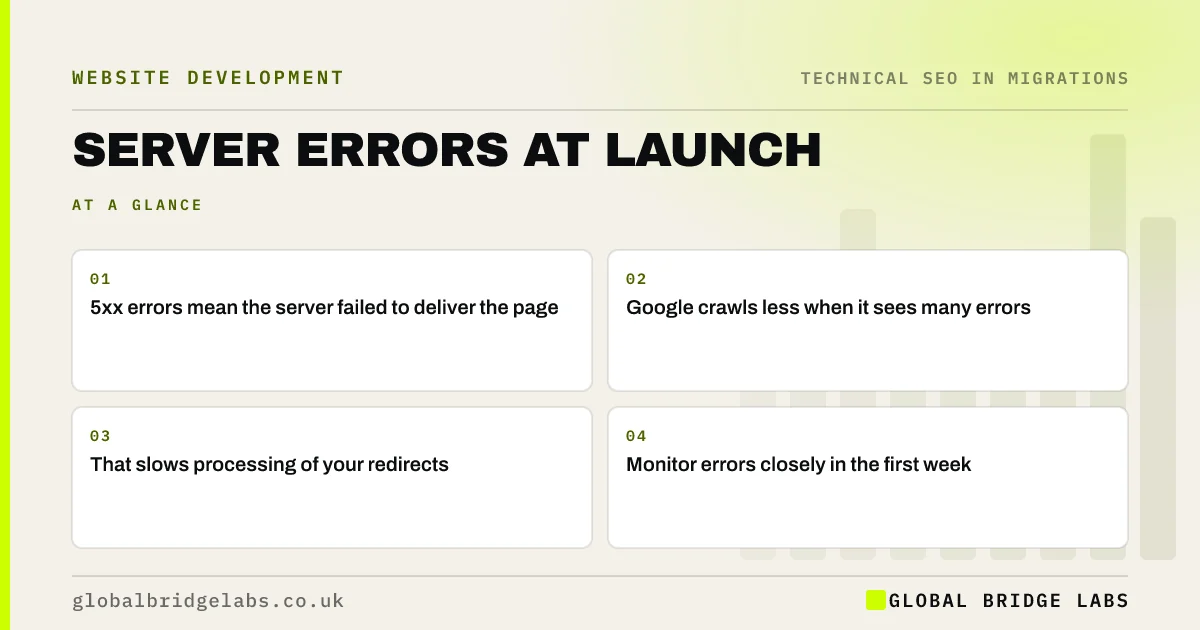
- 5xx errors mean the server failed to deliver the page.
- Google crawls less when it sees many errors.
- That slows processing of your redirects.
- Monitor errors closely in the first week.
Seeing server errors after launch? Message us on WhatsApp.
Chat on WhatsApp →Why do server errors matter in a migration?
After launch, search engines recrawl many old URLs to discover redirects and fetch new pages. If the server responds slowly or with errors, Google's documentation explains that it reduces how fast it crawls, to avoid overloading the site. Persistent errors can also lead to pages dropping from the index. Visitors who hit errors leave, so enquiries suffer at the same time.
What causes them at launch?
Most launch errors have a few common sources.
- A new server or plan without enough capacity.
- Redirect rules that loop or overload the server.
- Heavy pages or slow database queries.
- Security tools blocking crawlers by mistake.
- Caching not yet set up on the new platform.
How do you find and fix them?
Check server logs or your host's error reports daily in the first week. In Search Console, look at crawl stats for spikes in server errors and response time, and at the Page indexing report for server error reasons. Crawl the site to find pages that error. Fix the cause: add capacity or caching, correct redirect rules, speed up slow pages or adjust security settings that block crawlers.
- Reading the Page indexing report after a migration
- Crawl the new site in week one: what to look for
- The 90-day monitoring plan after a migration
Want us to read your crawl stats? Message us on WhatsApp.
Chat on WhatsApp →What does this look like in practice?
A pattern we see: a site moves to a cheaper hosting plan as part of the rebuild, and at launch the burst of crawling from search engines rechecking old URLs causes timeouts. Crawl stats show response times climbing. Enabling caching and upgrading the plan for the first month settles the server, and crawling returns to normal.
Server errors checklist
- Check server logs daily for a week.
- Watch crawl stats in Search Console.
- Crawl to find erroring pages.
- Fix capacity, caching or redirect causes.
- Check security tools are not blocking crawlers.
Next step
Ask your host how you can see server errors and response times, and set up access before launch. Check them daily for the first week.
Message us on WhatsApp about server errors, or book a 30-minute consultation.
Chat on WhatsApp →Sources and further reading
- How HTTP status codes and network errors affect Google Search · Google Search Central
- Large site owner's guide to managing your crawl budget · Google Search Central
- Page indexing report · Search Console Help
Frequently asked questions
Do server errors hurt SEO?
Occasional errors do little harm, but persistent 5xx errors or timeouts make Google crawl less and can cause pages to drop from the index. During a migration, that also slows the processing of redirects. Fix the cause quickly and watch crawl stats return to normal.
How do I see server errors in Search Console?
Check the crawl stats report in settings for server error responses and response times, and the Page indexing report for pages not indexed because of server errors. URL Inspection's live test can check a single page. Server logs from your host give the fullest picture.
Why is Google crawling my site less after migration?
Common causes are server errors, slow responses, robots.txt blocks or redirect problems. Google slows down when your server struggles. Check crawl stats, server logs and robots.txt, fix any errors and speed issues, and crawling usually recovers within days to weeks.
Written by

Global Bridge Labs (GBL) is a UK–Sri Lanka partner for social media, websites and BPO. Everything here comes from client delivery, not theory.


