
On this page
Key takeaways
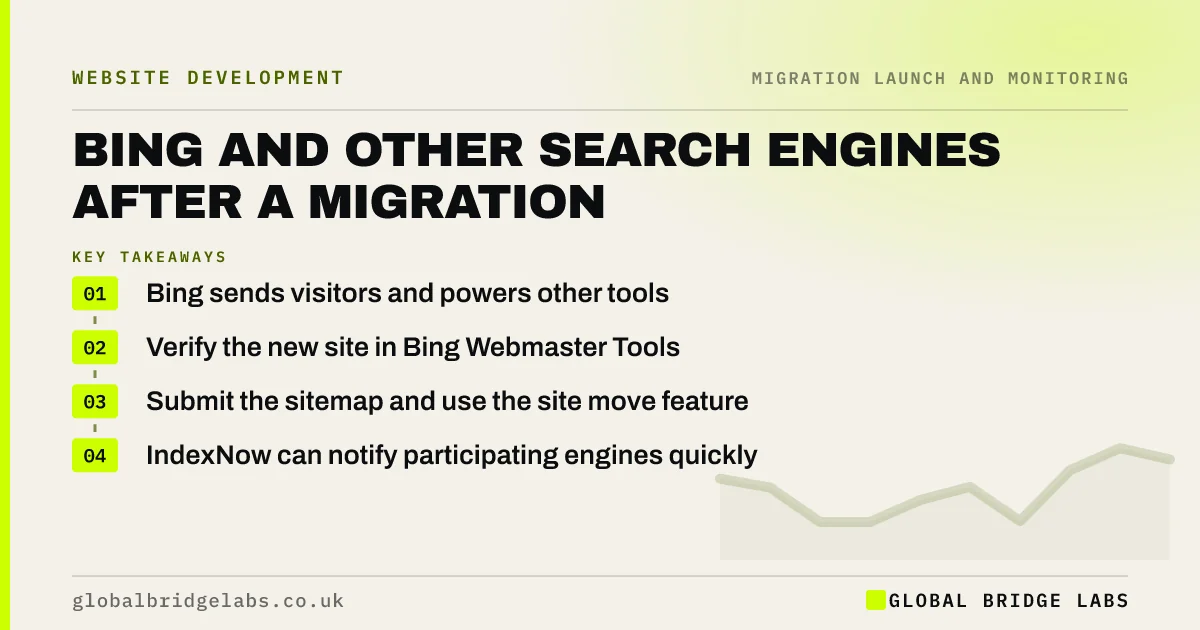
Google is not the only search engine sending visitors. Bing also powers other search tools and some AI assistants. After a migration, verify the new site in Bing Webmaster Tools, submit the new sitemap, use its site move feature for a domain change and consider IndexNow to notify participating search engines of changed URLs. Check Bing traffic against your baseline too.
- Bing sends visitors and powers other tools.
- Verify the new site in Bing Webmaster Tools.
- Submit the sitemap and use the site move feature.
- IndexNow can notify participating engines quickly.
Not sure your site is set up in Bing? Message us on WhatsApp.
Chat on WhatsApp →Why does Bing matter?
For many UK small businesses, Bing sends a smaller but steady share of search visits, often from desktop users and work computers. Its index also feeds other search services and some AI tools. A migration that is handled well for Google but ignored for Bing can leave old URLs in those results for longer. Bing's webmaster guidelines cover how it crawls and indexes sites.
What should you do in Bing Webmaster Tools?
The steps mirror what you do in Search Console.
- Verify the new site, or import it from Search Console.
- Submit the new XML sitemap.
- Use the site move feature for a domain change.
- Check crawl errors and blocked pages after launch.
- Inspect key URLs to confirm Bing sees the redirects.
What is IndexNow?
IndexNow is a protocol that lets you notify participating search engines, including Bing, when URLs are added, changed or removed. Some platforms and plugins support it automatically. After a migration, notifying engines about changed URLs can speed up how quickly they pick up the new pages and redirects. Google does not use IndexNow, so it complements rather than replaces the Google steps.
Want help setting up IndexNow? Message us on WhatsApp.
Chat on WhatsApp →What does this look like in practice?
A pattern we see: months after a domain move, the business notices Bing still showing old URLs for some searches. The new site was never added to Bing Webmaster Tools. Importing it from Search Console, submitting the sitemap and using the site move feature brings Bing up to date within weeks.
Bing migration checklist
- Verify the new site in Bing Webmaster Tools.
- Submit the new sitemap.
- Use the site move feature for domain changes.
- Consider IndexNow.
- Compare Bing traffic with the baseline.
Next step
Check your analytics for visits from Bing. If they are a noticeable share, add Bing Webmaster Tools to your launch checklist alongside Search Console.
Message us on WhatsApp about Bing, or book a 30-minute consultation.
Chat on WhatsApp →Sources and further reading
- Bing Webmaster Guidelines · Microsoft Bing
- IndexNow protocol · IndexNow
- Site moves with URL changes · Google Search Central
Frequently asked questions
Do I need to tell Bing about my website migration?
It helps. Verify the new site in Bing Webmaster Tools, submit the new sitemap and, for a domain change, use its site move feature. Bing will follow your redirects anyway, but these steps help it process the move faster and let you see any crawl errors.
What is IndexNow?
IndexNow is an open protocol that lets websites notify participating search engines, such as Bing, when pages are added, updated or removed. Many platforms and plugins support it. It can speed up discovery of changes after a migration. Google does not currently use it.
Can I import my site into Bing from Search Console?
Yes. Bing Webmaster Tools offers an import from Google Search Console, which can add verified sites and sitemaps quickly. After a domain move, import or add the new property and check that the new sitemap is listed and read without errors.
Written by

Global Bridge Labs (GBL) is a UK–Sri Lanka partner for social media, websites and BPO. Everything here comes from client delivery, not theory.


