
On this page
Key takeaways
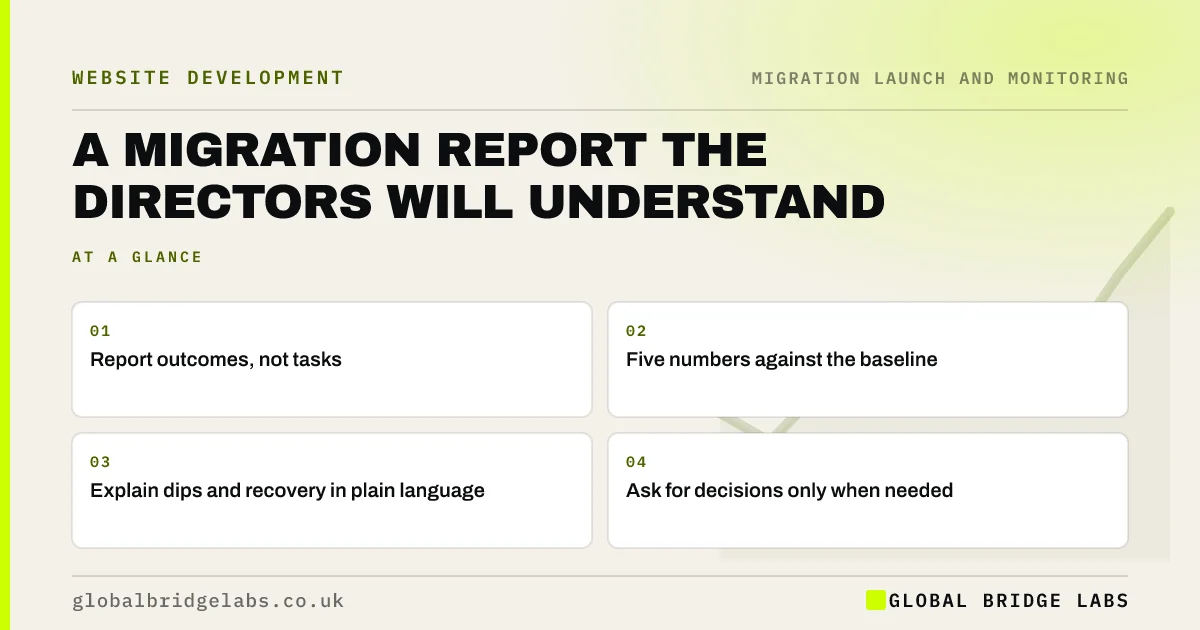
Directors want to know whether the migration protected the business, not how many redirects were loaded. Report five numbers against the baseline: organic clicks, enquiries or sales from search, top page performance, indexing errors and fixes made. Explain any dip in plain terms, show the trend and ask for decisions only where they are needed.
- Report outcomes, not tasks.
- Five numbers against the baseline.
- Explain dips and recovery in plain language.
- Ask for decisions only when needed.
Need to report on your migration? Message us on WhatsApp for a template.
Chat on WhatsApp →What should the report show?
Keep it to one page, with the same layout every time.
- Organic clicks this week against the baseline.
- Enquiries, calls or sales from organic search.
- Top 10 pages: holding, recovering or down.
- Indexing errors: count and trend.
- Fixes made this period and what is next.
How do you explain a dip?
Explain it as a process rather than a problem: Google is moving old pages to new addresses, and some pages wobble while that happens. Show the expected path, a small dip and recovery over a few weeks, and where the site is on it. If something did go wrong, say what, what was done and what effect you expect. Directors trust a report that names problems early.
When should you ask for decisions?
Ask only when there is a real choice: extra budget for a recovery audit, delaying the next phase, or keeping the old domain longer. Present the options with a recommendation and the cost of each. At 90 days, give a final report comparing results with the baseline and listing anything still to do, then close the migration project.
- A recovery audit after a failed migration
- Migrating one section at a time: a phased site move
- How to measure website redesign success
Want us to review your migration report? Message us on WhatsApp.
Chat on WhatsApp →What does this look like in practice?
A pattern we see: weekly migration reports full of crawl statistics and technical terms leave directors anxious and asking for daily updates. Switching to a one-page summary with five numbers and a short paragraph of explanation calms the discussion and keeps attention on the two pages that actually need work.
Migration report checklist
- Use one page and a fixed layout.
- Show five numbers against the baseline.
- Explain dips as part of a process.
- Name problems early with fixes.
- Ask for decisions only when needed.
Next step
Draft the one-page report layout before launch and agree it with the directors. Filling the same template each week takes minutes and makes progress easy to see.
Message us on WhatsApp about migration reporting, or book a 30-minute consultation.
Chat on WhatsApp →Sources and further reading
- Performance report (Search results) · Search Console Help
- About key events · Google Analytics Help
- Google Search Console · Google
Frequently asked questions
What should a website migration report include?
Organic clicks and enquiries from search compared with the baseline, the status of the top pages, the count and trend of indexing errors, fixes made and next steps. Keep it to one page, in plain language, and use the same layout every week so trends are easy to see.
How often should I report on a migration?
Weekly for the first three months is usually right, with a quick daily update in the first week if directors want it. At 90 days, give a final report comparing results with the baseline and listing any remaining work, then return to normal monthly reporting.
How do I explain a traffic dip after launch?
Explain that Google is moving old pages to new addresses and that some fluctuation is normal for a few weeks. Show the baseline, where traffic is now and the expected recovery. If a specific problem caused the dip, say what it was and what has been done.
Written by

Global Bridge Labs (GBL) is a UK–Sri Lanka partner for social media, websites and BPO. Everything here comes from client delivery, not theory.


