
On this page
Key takeaways
Several common beliefs about migrations lead to avoidable losses. Google does not work out where pages went without redirects. A redirect to the homepage is not a safe default. Robots.txt does not keep staging out of results. A new design does not automatically improve rankings. And a migration is not finished at launch. Knowing the myths makes the right steps obvious.
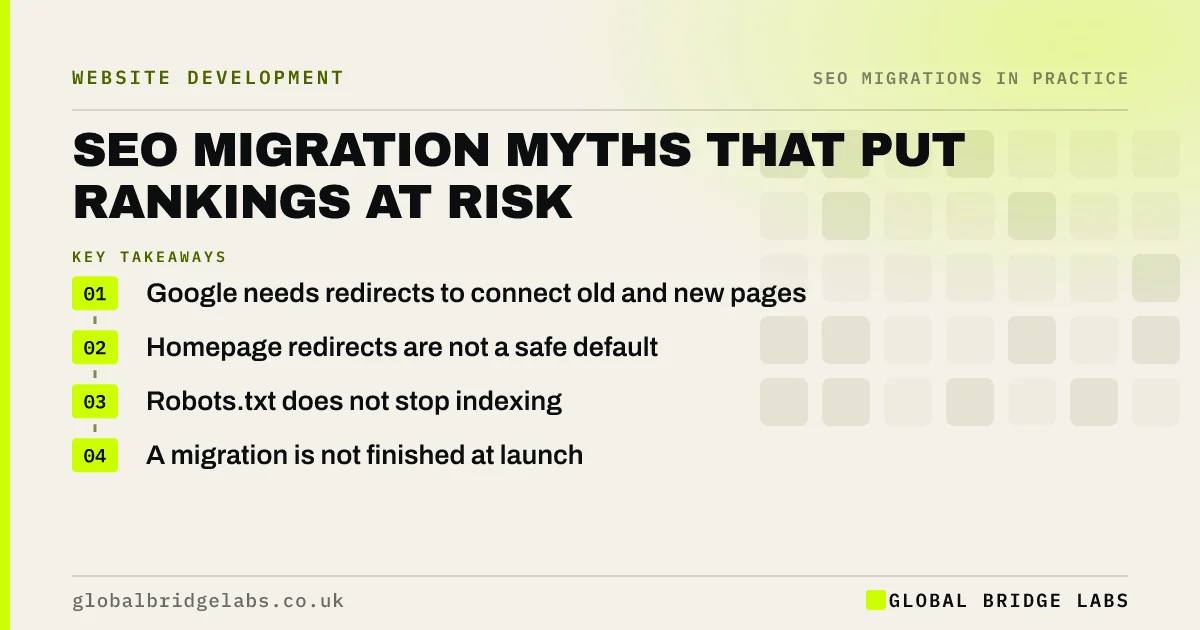
- Google needs redirects to connect old and new pages.
- Homepage redirects are not a safe default.
- Robots.txt does not stop indexing.
- A migration is not finished at launch.
Heard advice that sounds too easy? Check it with us on WhatsApp.
Chat on WhatsApp →Which myths cause the biggest losses?
These beliefs lie behind many of the drops we see.
- Google will work it out: without redirects, it cannot link old and new pages.
- Only the main pages need redirects: blog posts and files bring traffic too.
- Redirect everything to the homepage: often treated as soft 404s.
- Same content, so no risk: URL changes still need processing.
Which myths cause technical problems?
Some myths are about how search engines and servers behave.
- Robots.txt hides staging: it blocks crawling, not indexing.
- 302s are fine for permanent moves: 301 or 308 is clearer.
- Canonicals can replace redirects: they are a hint, not a move.
- A new sitemap is enough: redirects still do the main work.
Which myths cause problems after launch?
The last group affects what happens once the site is live. A new design does not automatically lift rankings; content and relevance matter more. Traffic dips are not always a disaster, but nor do they always fix themselves. And launch is not the end: monitoring for 90 days is where missed redirects and errors are found and fixed.
Want a myth-free migration plan? Message us on WhatsApp.
Chat on WhatsApp →What does this look like in practice?
A pattern we see: a business is told by its web designer that Google will find the new pages on its own, so redirects are unnecessary. Search Console fills with not found errors within days. Building the redirect map after launch recovers most of the traffic, but only after weeks of lost enquiries.
Migration myths checklist
- Plan redirects for every changed URL.
- Map to relevant pages, not the homepage.
- Protect staging with a password.
- Use permanent redirects.
- Monitor for 90 days after launch.
Next step
Write down any migration advice you have been given and check it against the myths above. If any of it matches, ask the person who gave it to explain how they will handle that risk.
Message us on WhatsApp about migration advice, or book a 30-minute consultation.
Chat on WhatsApp →Sources and further reading
- Site moves with URL changes · Google Search Central
- Redirects and Google Search · Google Search Central
- Introduction to robots.txt · Google Search Central
Frequently asked questions
Will Google find my new pages without redirects?
It may eventually find and index the new pages, but it will not know they replace the old ones, so the old pages' signals and links are lost and visitors from old links hit errors. Redirects are how you tell Google where each page has moved.
Does a new website design improve SEO?
Not automatically. A new design can help if it is faster, clearer and easier to use, but rankings depend more on content, relevance and links. A redesign that cuts content or breaks URLs can hurt rankings. Protect what ranks, then improve.
Is a website migration finished at launch?
No. Launch is the midpoint. The following 90 days are when missed redirects, indexing errors and content gaps show up in Search Console and need fixing. Plan daily checks in the first week and weekly reviews for three months as part of the project.
Written by

Global Bridge Labs (GBL) is a UK–Sri Lanka partner for social media, websites and BPO. Everything here comes from client delivery, not theory.


