
On this page
Key takeaways
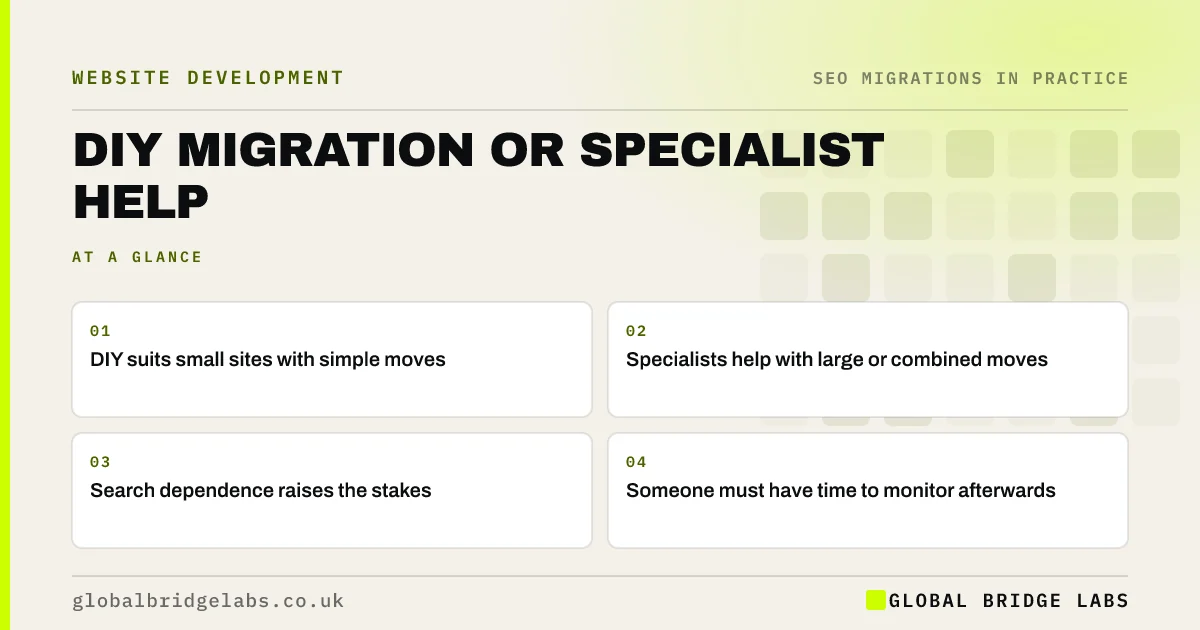
You can migrate a small website yourself if few URLs change, the move is simple and you are comfortable with a crawler, a spreadsheet and your platform's redirect settings. Get specialist help when the site is large, the move combines domain, platform and structure, search brings most of your enquiries, or nobody has time to monitor for 90 days.
- DIY suits small sites with simple moves.
- Specialists help with large or combined moves.
- Search dependence raises the stakes.
- Someone must have time to monitor afterwards.
Not sure whether to do it yourself? Message us on WhatsApp.
Chat on WhatsApp →When is DIY reasonable?
A careful owner or marketer can handle many small migrations with a clear checklist.
- Fewer than about 50 URLs, most staying the same.
- A host move, theme change or simple platform change.
- Search is one source of enquiries among several.
- You can use a crawler, spreadsheet and redirect settings.
- You have time for staging tests and weekly monitoring.
When should you get help?
The case for help grows with the risk and the stakes.
- Hundreds or thousands of URLs, or an online shop.
- New domain, new platform and new structure together.
- Search brings most of your enquiries or sales.
- Previous migrations have gone wrong.
- Nobody has time to own the redirect map and monitoring.
Is there a middle way?
Yes. Many businesses do the inventory and content work themselves and pay for a review of the redirect map, a staging check and launch-day support. That keeps costs down while putting experienced eyes on the highest-risk moments. Agree the scope clearly, so you know which tasks are yours and which are the specialist's.
Want a review rather than a full service? Message us on WhatsApp.
Chat on WhatsApp →What does this look like in practice?
A pattern we see: an owner builds the inventory and redirect map for a 40-page site, then pays for a two-hour review before launch. The review finds a pattern rule catching the wrong pages and a missing group of PDFs. The fixes take an afternoon, and the launch goes smoothly at a fraction of a full service cost.
DIY or specialist checklist
- Count URLs and list what is changing.
- Work out how much business comes from search.
- Be honest about skills and time.
- Consider a review of the riskiest stages.
- Agree scope clearly if you get help.
Next step
Use the two lists above to score your project. If most of the DIY conditions apply, plan to do it yourself with a checklist; if most of the help conditions apply, budget for support.
Message us on WhatsApp about migration support, or book a 30-minute consultation.
Chat on WhatsApp →Sources and further reading
- Site moves with URL changes · Google Search Central
- Google Search Console · Google
- Redirects and Google Search · Google Search Central
Frequently asked questions
Can I migrate my website myself?
If the site is small, few URLs change and you are comfortable with a crawler, a spreadsheet and your platform's redirect settings, yes. Follow a staged checklist, test redirects before launch and monitor Search Console for 90 days. Get a second opinion for higher-risk moves.
When do I need an SEO migration specialist?
When the site is large or a shop, when domain, platform and structure change together, when search brings most of your business, or when nobody has time to own the redirect map and monitoring. A specialist reduces risk where mistakes would be most costly.
Can I pay for just a migration review?
Yes, many specialists offer reviews of the redirect map, a staging check or launch-day support without running the whole migration. It is a cost-effective middle way for businesses that can do the groundwork but want experienced eyes on the riskiest stages.
Written by

Global Bridge Labs (GBL) is a UK–Sri Lanka partner for social media, websites and BPO. Everything here comes from client delivery, not theory.


