
On this page
Key takeaways
Seasonal offers can go in the navigation, but temporarily and in a controlled way: one clearly labelled item, an announcement bar or a promoted slot in a dropdown, each with an end date. Do not rename permanent items, move key services or leave expired campaigns in the menu. Link the offer to a dedicated page that will be updated or redirected afterwards.
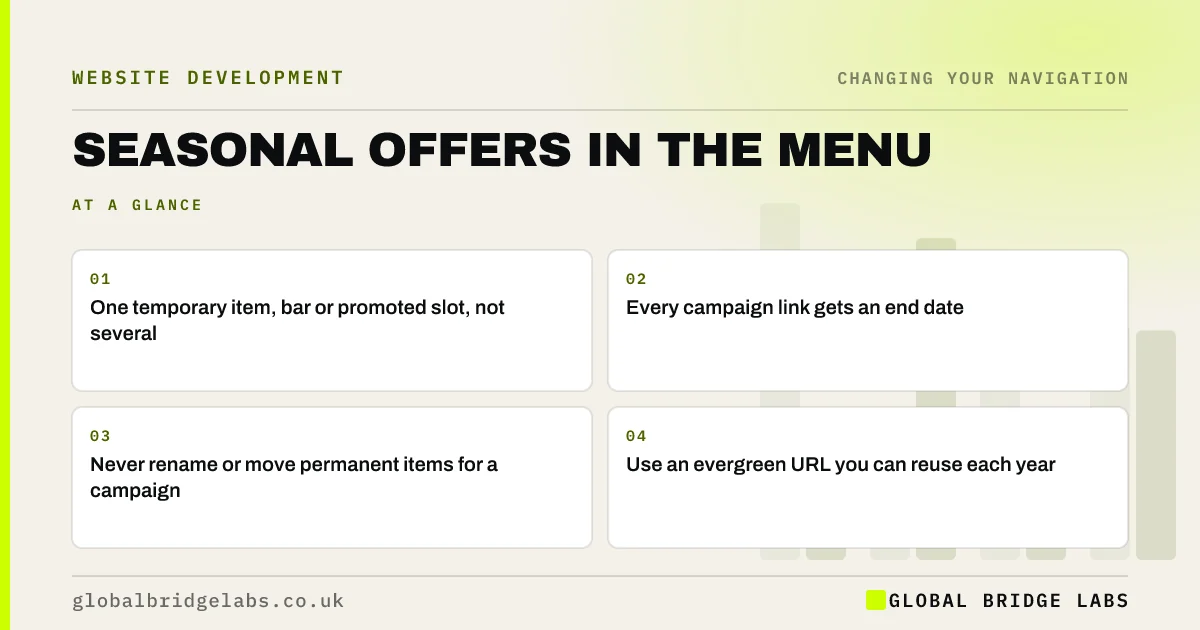
- One temporary item, bar or promoted slot, not several.
- Every campaign link gets an end date.
- Never rename or move permanent items for a campaign.
- Use an evergreen URL you can reuse each year.
Want your seasonal campaigns planned into your navigation? Message us on WhatsApp.
Chat on WhatsApp →Should seasonal offers go in the main menu?
For a short, important campaign such as Christmas delivery or a summer booking window, one temporary menu item can help, because it is where visitors look. For smaller offers, an announcement bar or homepage slot is enough. The main menu should never fill with campaigns, or the permanent routes get lost.
Where can offers go instead?
Several places promote an offer without changing the menu structure.
- An announcement bar above the header.
- A promoted slot inside a dropdown or mega menu.
- A homepage section near the top.
- A banner on relevant category or service pages.
- A link from the header action, if the offer is the main action.
How do you keep campaign links tidy?
Give every campaign link an end date and an owner who removes it. Use an evergreen URL, such as /christmas-delivery, that you update each year rather than creating /christmas-2026. After the season, update the page or redirect it to the most relevant permanent page.
- Who owns the menu? Keep navigation clear after launch
- URL structure: addresses that tell visitors where they are
Want a reusable seasonal page plan set up? Message us on WhatsApp and we will discuss your requirements.
Chat on WhatsApp →What should you avoid?
Avoid renaming permanent items, such as 'Services' becoming 'Summer deals', moving key services to make room, adding flashing labels or badges that compete with everything else, and leaving expired offers live. Each confuses visitors who come for the permanent offer.
What does this look like in practice?
A pattern we see: a shop adds 'Black Friday', 'Christmas gifts' and 'January sale' to its menu over a winter and removes none of them until spring. Using one evergreen 'Offers' page, linked from a single temporary item and the announcement bar, keeps the menu stable through the season.
Seasonal navigation checklist
- One temporary item or bar per campaign.
- An end date and owner for each link.
- Evergreen URLs reused each year.
- Permanent items left unchanged.
- Expired pages updated or redirected.
Next step
Check your menu for any campaign link whose offer has already ended.
Message us on WhatsApp for a navigation review, or book a 30-minute consultation.
Chat on WhatsApp →Sources and further reading
- URL structure best practices for Google Search · Google Search Central
- Menu-design checklist: 17 UX guidelines · Nielsen Norman Group
- Site moves with URL changes · Google Search Central
Frequently asked questions
Should I add a sale link to my website menu?
For a major, time-limited sale, one temporary menu item can work well. Give it an end date, link it to an evergreen offers page and remove it when the sale ends. For smaller offers, use an announcement bar or homepage slot instead.
What should happen to seasonal pages after the season?
Update the page to say when the offer returns, or redirect it to the most relevant permanent page. Reusing the same URL each year keeps any links and search history it has built.
Will temporary menu items hurt SEO?
Not if handled well. Linking a seasonal page temporarily is fine. Problems come from creating a new URL every year and deleting old ones without redirects, which wastes links and creates errors.
Written by

Global Bridge Labs (GBL) is a UK–Sri Lanka partner for social media, websites and BPO. Everything here comes from client delivery, not theory.


