On this page
- 01Key takeaways
- 02What does it cost when you cannot update your website?
- 03Is it access, training or the platform?
- 04How do you fix access and training problems?
- 05What should an owner be able to edit?
- 06When is it a rebuild signal?
- 07What does paying for every change cost?
- 08What should editing training cover?
- 09What does this look like in practice?
- 10Editing independence checklist
- 11Next step
- 12Sources and further reading
- 13Frequently asked questions
Key takeaways
If you cannot change text, prices or photos on your own website, content goes stale and every change costs a fee and a wait. First check whether it is an access problem, a training problem or a platform problem. Only the last one needs a rebuild; the others are fixed in days.
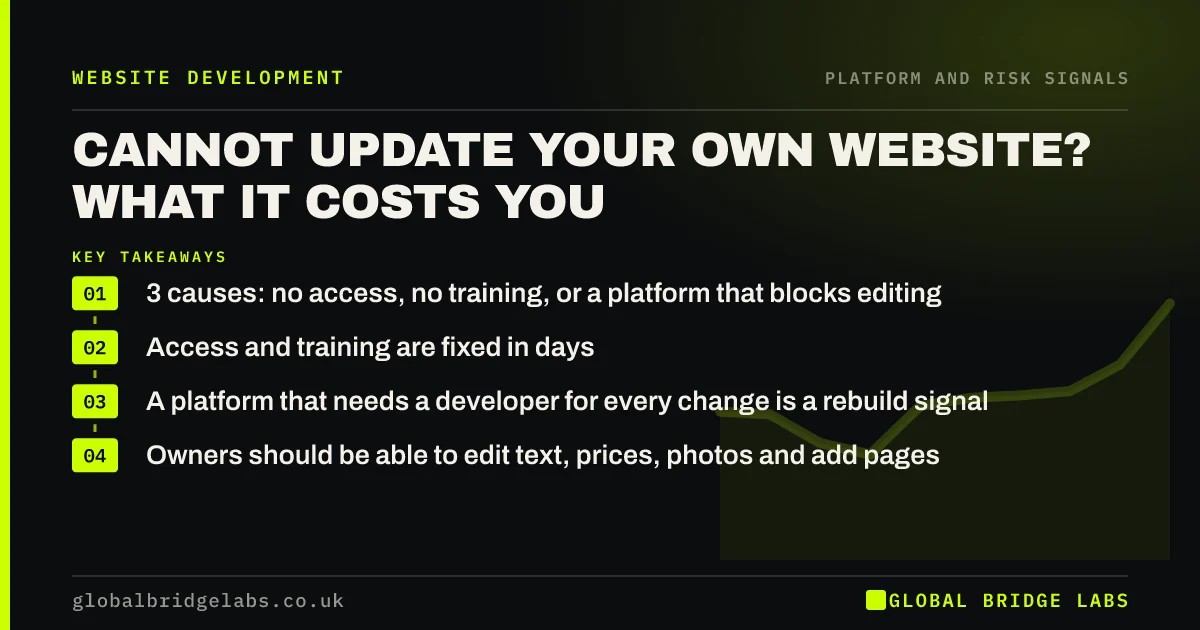
- 3 causes: no access, no training, or a platform that blocks editing.
- Access and training are fixed in days.
- A platform that needs a developer for every change is a rebuild signal.
- Owners should be able to edit text, prices, photos and add pages.
Stuck waiting on someone to update your site? Tell us on WhatsApp.
Chat on WhatsApp →What does it cost when you cannot update your website?
When a business cannot update its own website, prices, services and team details go out of date, new work never appears, and small changes cost a developer fee and days of waiting. The site gradually stops describing the business, which costs trust and enquiries.
Is it access, training or the platform?
Work out which before deciding anything.
- Access: nobody in the business has an admin login.
- Training: you have a login but the editor is confusing.
- Platform: edits need code, or the supplier blocks access.
Not sure which one you have? Ask us on WhatsApp.
Chat on WhatsApp →How do you fix access and training problems?
Ask the current supplier for an editor-level login in your name, and an hour's walkthrough of how to change text, swap images and add a page. Write down the steps. Most modern platforms are editable by non-technical staff once someone shows them how.
What should an owner be able to edit?
Everyday content, without a developer: text on any page, prices, team members, photos, blog posts, new service or case study pages from a template, and contact details. Layout and design changes can reasonably need help; content should not.
When is it a rebuild signal?
When the platform itself prevents editing: hand-coded pages with no CMS, a proprietary system with no client login, or a site so fragile that edits break layouts. Then content will always lag behind the business, and a rebuild on an editable platform is justified.
What does paying for every change cost?
Ad hoc website support in the UK typically costs around £50 to £100 an hour, often with a minimum charge. A few small changes a month can add up to more than a care plan that includes edits, and far more than the time it would take to make them yourself.
What should editing training cover?
An hour of practical training covers what most owners need: logging in, changing text, replacing an image, adding a page from a template, publishing a post and updating contact details. Record the session or write short steps so anyone in the team can follow them later.
Ask the trainer to show what not to touch as well, such as theme settings, plugins and code areas, so edits stay safe. A short checklist on a shared drive turns a one-off session into something the business can rely on when the person who was trained is away.
- Log in and change text on any page.
- Replace an image with alt text.
- Add a page from a template.
- Update contact details site-wide.
- Know which settings not to touch.
What does this look like in practice?
A pattern in UK hospitality: a restaurant emails its web designer every time the menu changes and waits a week for each update, so the site's menu is often wrong. On a platform with a simple menu editor, the manager updates it in minutes, and the site stays accurate.
Editing independence checklist
Check you can do these yourself.
- Log in with an account in your own name.
- Change text and prices on any page.
- Replace a photo.
- Add a team member or case study.
- Add a new page from a template.
- Update contact details site-wide.
Next step
If you cannot update your own site, we will work out with you in 30 minutes whether it is access, training or the platform, and what the quickest fix is.
Message us on WhatsApp for an editing access review, or book a 30-minute consultation.
Chat on WhatsApp →Sources and further reading
- Updating WordPress · WordPress.org
- Creating helpful, reliable, people-first content · Google Search Central
- Unfair commercial practices guidance (CMA207) · Competition and Markets Authority
Frequently asked questions
Why can I not edit my own website?
Usually one of three reasons: nobody in the business has an admin login, the editor is unfamiliar and nobody showed you how, or the platform is hand-coded or proprietary and needs a developer. The first two are quick fixes; the third may need a rebuild.
Should I be able to update my own website?
Yes, for everyday content: text, prices, photos, team members, blog posts and new pages from templates. Layout and design changes can reasonably need help, but routine content should not require a developer. Ask for training if the editor feels unfamiliar.
How much does it cost to have a developer update my website?
Ad hoc support in the UK typically costs around £50 to £100 an hour, often with a minimum charge. Regular changes can make a care plan with included hours, or an editable platform, better value. Compare that with a care plan that includes edits.
What is the easiest website platform to update?
Mainstream platforms with visual editors are generally easiest for non-technical staff. The best choice depends on your needs, but any platform you choose should give you your own login, let you edit content without code and let you export your content.
Written by

Global Bridge Labs (GBL) is a UK–Sri Lanka partner for social media, websites and BPO. Everything here comes from client delivery, not theory.