
On this page
- 01Key takeaways
- 02Is the three-click rule true?
- 03Do people really not scroll?
- 04Does everyone understand the hamburger icon?
- 05Is a shorter menu always better?
- 06Can search replace navigation?
- 07Is a creative menu a mark of a good design?
- 08What does this look like in practice?
- 09Myth-proof navigation checklist
- 10Next step
- 11Sources and further reading
- 12Frequently asked questions
Key takeaways
Several popular navigation rules are myths: the three-click rule, 'nobody scrolls', 'everyone knows the hamburger icon', 'fewer menu items is always better' and 'search replaces navigation'. Each contains a grain of truth but leads to worse menus when followed literally. Test with real visitors rather than relying on rules of thumb.
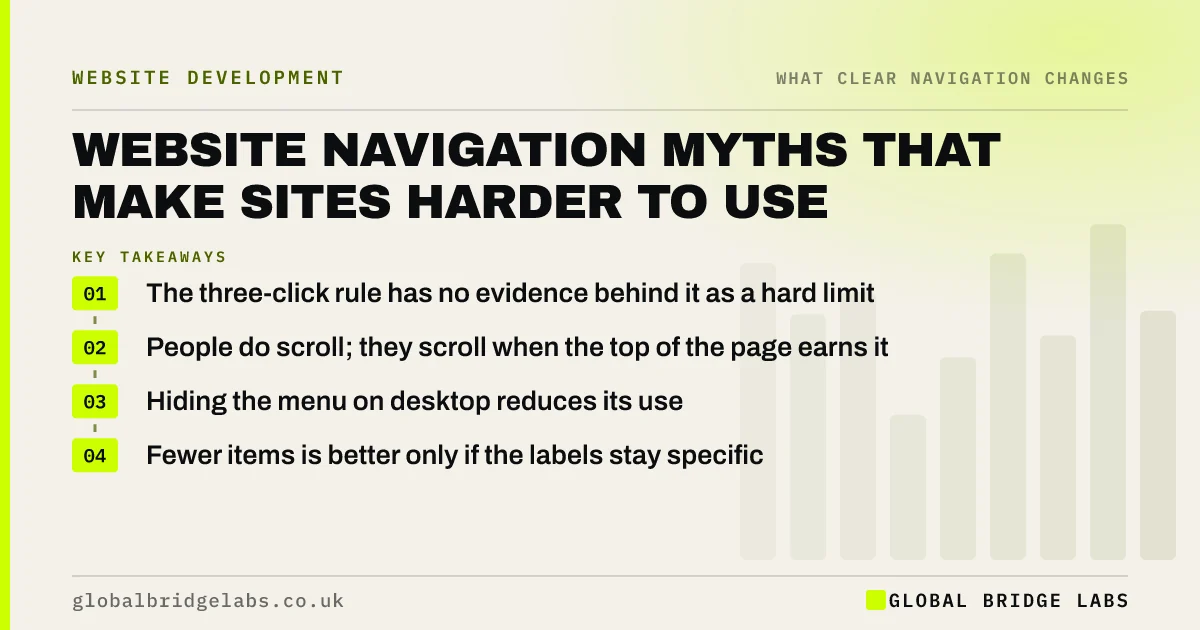
- The three-click rule has no evidence behind it as a hard limit.
- People do scroll; they scroll when the top of the page earns it.
- Hiding the menu on desktop reduces its use.
- Fewer items is better only if the labels stay specific.
Want your navigation checked against evidence, not myths? Message us on WhatsApp.
Chat on WhatsApp →Is the three-click rule true?
No. Nielsen Norman Group calls the three-click rule false: users do not give up after three clicks if each click feels like progress. What matters is how confident each step feels. Keep key pages close, but do not cram the menu to hit an arbitrary number.
Do people really not scroll?
They do scroll. Nielsen Norman Group's research found users spend most of their viewing time above the fold but do scroll when the content looks worth it. The myth leads to cramming everything into the top of the page or the menu. Put the essentials at the top, then give visitors a reason to continue.
Does everyone understand the hamburger icon?
Most people recognise it on phones now, but recognising it is not the same as using it. Nielsen Norman Group found hidden navigation is used less than visible navigation, particularly on desktop. On phones, a hamburger is a reasonable trade-off; on desktop, show the menu.
Is a shorter menu always better?
Not if the labels become vague to fit. A three-item menu of 'About', 'Services' and 'Contact' hides more than a six-item menu naming the services. Aim for about five to seven top-level items with specific labels, and judge by whether visitors find things, not by the count.
Can search replace navigation?
Rarely on a business site. Many visitors do not know what to search for, especially if they do not know your terms. Search helps on large catalogues and help centres, but it should support navigation, not replace it. Site search terms are useful evidence of what the menu fails to show.
Is a creative menu a mark of a good design?
Not usually. Clever labels and unusual layouts look distinctive but cost visitors effort, because they cannot use habits learned elsewhere. Express the brand through colour, type, imagery and writing, and keep the menu familiar.
Want a menu that keeps your style and loses the guesswork? Message us on WhatsApp and we will discuss your requirements.
Chat on WhatsApp →What does this look like in practice?
A pattern we see: a brief specifies 'three clicks maximum, hamburger menu for a clean look, and no scrolling on the homepage'. Each rule makes the site harder to use. Replacing them with tasks to test, such as 'find a price in under a minute', gives a clearer target.
Myth-proof navigation checklist
- Judge routes by confidence, not click count.
- Put essentials at the top, but let pages scroll.
- Show the menu on desktop.
- Keep labels specific, even if the menu is longer.
- Use search to support, not replace, the menu.
- Test with real visitors and tasks.
Next step
Replace any navigation rule in your brief with a task visitors must be able to complete.
Message us on WhatsApp for a navigation review, or book a 30-minute consultation.
Chat on WhatsApp →Sources and further reading
- The 3-click rule for navigation is false · Nielsen Norman Group
- Hamburger menus and hidden navigation hurt UX metrics · Nielsen Norman Group
- Scrolling and attention · Nielsen Norman Group
Frequently asked questions
What is the biggest navigation myth?
The three-click rule is the most repeated. Research has not found that users abandon tasks after three clicks. The useful idea behind it is to keep important pages close and each step obvious, which matters more than any click count.
Should I use a hamburger menu on desktop?
Usually not. Research shows hidden menus are used less than visible ones. On desktop there is usually room to show the main items, so show them. On phones, a hamburger menu labelled 'Menu' is a reasonable compromise.
Is the fold still important?
Yes, but less than the myth suggests. Visitors pay most attention to the top of the page, so put the key message and action there. They will scroll if the top makes them want to, so long pages are fine when they are well structured.
Written by

Global Bridge Labs (GBL) is a UK–Sri Lanka partner for social media, websites and BPO. Everything here comes from client delivery, not theory.


