On this page
- 01Key takeaways
- 02How should contact details be written for overseas customers?
- 03Why do time zones matter?
- 04Which countries and currencies should you mention?
- 05Do you need a separate international site?
- 06What about messaging apps?
- 07When does this not matter?
- 08What does this look like in practice?
- 09International contact checklist
- 10Next step
- 11Sources and further reading
- 12Frequently asked questions
Key takeaways
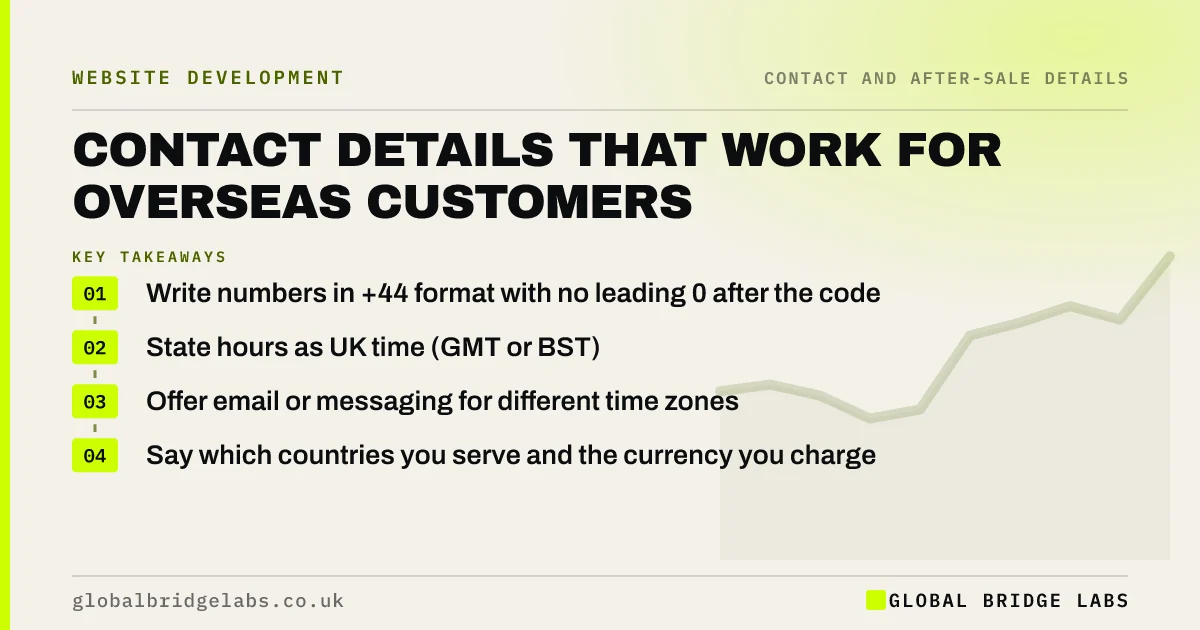
If you sell or might sell abroad, write your phone number in international format (+44 20 7946 0000), state your opening hours with the UK time zone, give an email or messaging route that works across time zones, and say which countries you serve and in what currency. Small changes make overseas buyers feel expected.
- Write numbers in +44 format with no leading 0 after the code.
- State hours as UK time (GMT or BST).
- Offer email or messaging for different time zones.
- Say which countries you serve and the currency you charge in.
Selling overseas? Message us on WhatsApp.
Chat on WhatsApp →How should contact details be written for overseas customers?
Write phone numbers in international format, such as +44 20 7946 0000, and drop the leading zero after the country code. State hours with the time zone, such as '9am to 5pm UK time (GMT/BST)', and give an email or messaging route. Global Bridge Labs (GBL) suggests showing both formats only if UK callers are confused.
Why do time zones matter?
Without a time zone, '9am to 5pm' means nothing to a buyer in Dubai or Sydney. The UK moves between GMT and BST, so 'UK time' is clearer than a fixed offset. If you have staff in other time zones, such as a Sri Lanka team covering early hours, say when that cover applies.
Which countries and currencies should you mention?
Say which countries you serve and whether you deliver, travel or work remotely. State the currency you invoice in and whether you accept others. If prices are shown in pounds only, say so. These answer an overseas buyer's first question: can I actually buy from you?
Do you need a separate international site?
Usually not at first. A UK site with clear international contact details and a page for overseas customers is enough. Separate country or language versions make sense when you have real demand. Google's guidance on multi-regional sites explains the options when you get there.
What about messaging apps?
In many markets, buyers prefer messaging apps to email or calls, especially across time zones. A WhatsApp or similar link lets them message whenever suits them. State when you reply, so a message at their midnight does not expect an instant answer.
When does this not matter?
It does not matter for local services with no overseas demand. Writing every number in +44 format can confuse some local callers, so keep the UK format there. Add international details when you start receiving overseas enquiries or plan to.
What does this look like in practice?
A pattern we see with exporters: an overseas buyer tries the number on the website, gets a dialling error because of the leading zero, and gives up. Adding the +44 format and 'UK time' to the contact page is a five-minute fix with a real effect.
International contact checklist
- Write numbers in +44 format.
- State hours as UK time.
- Offer email and messaging routes.
- List countries served.
- State currencies accepted.
- Note overseas cover hours if you have them.
Next step
Ask a contact abroad to try calling and messaging you using only your website details. Fix whatever trips them up.
Message us on WhatsApp for help reaching overseas buyers, with no pitch.
Chat on WhatsApp →Sources and further reading
- Managing multi-regional and multilingual sites · Google Search Central
- When do the clocks change? · GOV.UK
- How to use click to chat · WhatsApp Help Center
Frequently asked questions
How do I write a UK phone number for international callers?
Use +44 followed by the number without its leading zero, for example +44 20 7946 0000 for a London number. Many sites show the international format on the contact page and the familiar UK format elsewhere, so both groups of callers get through first time.
Should I put my time zone on my website?
Yes, if you have overseas customers. Say 'UK time' rather than GMT alone, because the UK moves to BST in summer. Give an email or messaging route for customers in very different time zones.
Do I need a different website for overseas customers?
Not usually at first. Clear international contact details and a page explaining how you serve overseas customers are enough. Consider separate country or language versions when demand justifies the extra work of maintaining them.
Written by

Global Bridge Labs (GBL) is a UK–Sri Lanka partner for social media, websites and BPO. Everything here comes from client delivery, not theory.