
On this page
- 01Key takeaways
- 02Why do contact details get hidden?
- 03Where should your phone number go?
- 04Should you show your email address?
- 05What about WhatsApp?
- 06Should you show your address?
- 07Is a contact form enough?
- 08What does this look like in practice?
- 09Contact details checklist
- 10Next step
- 11Sources and further reading
- 12Frequently asked questions
Key takeaways
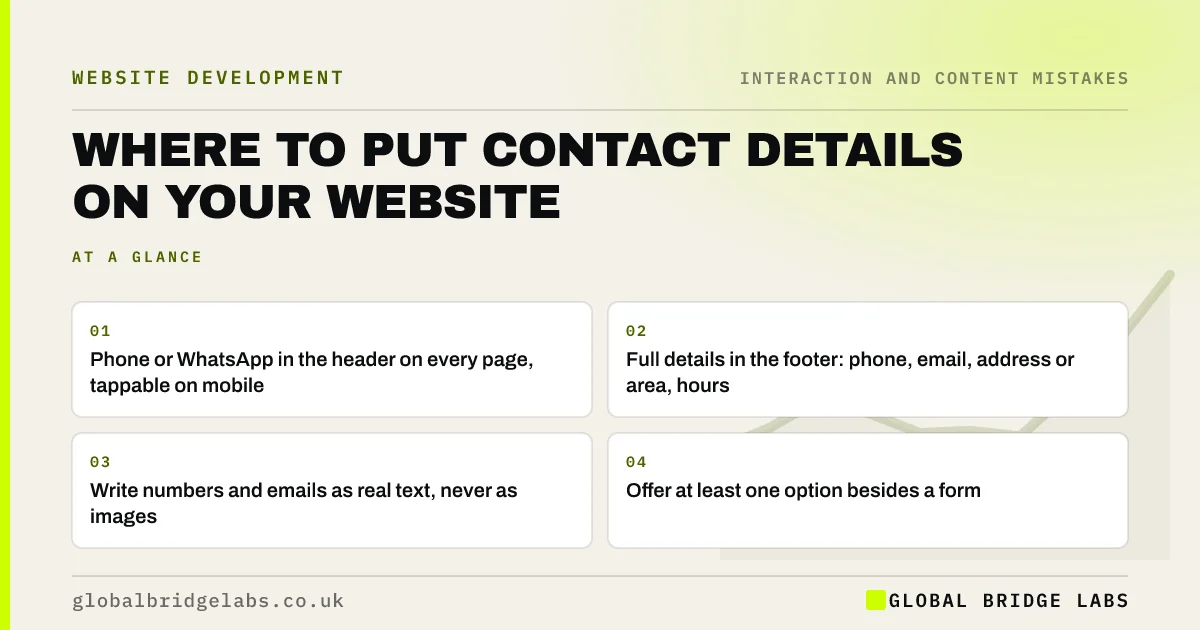
Put your main contact method, usually a phone number or WhatsApp, in the header of every page, and full contact details in the footer and on a contact page. Hiding contact details on a single page, showing them as images or using a form as the only option are common design mistakes that cost enquiries, especially from mobile visitors.
- Phone or WhatsApp in the header on every page, tappable on mobile.
- Full details in the footer: phone, email, address or area, hours.
- Write numbers and emails as real text, never as images.
- Offer at least one option besides a form.
Want your contact details placed where buyers look? Message us on WhatsApp.
Chat on WhatsApp →Why do contact details get hidden?
Contact details get hidden for tidy-looking headers, to push everyone through a form, or simply because nobody checked. The result is that the most common action on a service business website, getting in touch, becomes the hardest. Buyers who cannot find a number in a few seconds often ring a competitor whose number is obvious.
Where should your phone number go?
In the top right of the header on every page, where visitors expect it, and as a tap-to-call link on mobile. Show it in a readable size, with your opening hours nearby if calls are only answered at certain times. Repeat it near the main call to action on key pages and in the footer.
Should you show your email address?
Yes, for most businesses. Some buyers prefer email, especially business buyers who want a record. Show it as a real, clickable address on the contact page and in the footer. Spam is better handled by filtering than by hiding the address; showing it as an image breaks copying and screen readers.
What about WhatsApp?
If you answer WhatsApp promptly, a WhatsApp link in the header or as a floating button can be the easiest contact route for mobile visitors. Use the official click-to-chat link format, and only offer it if someone will reply within business hours.
Want the right contact options for your buyers? Message us on WhatsApp and we will discuss your requirements.
Chat on WhatsApp →Should you show your address?
If customers visit you, show the full address with a map link and directions. If you serve an area from home, show your service area instead of a home address. Limited companies must show their registered office on the website, usually in the footer. Keep name, address and phone consistent with your Google Business Profile.
Is a contact form enough?
A form alone suits some buyers but not all. People with an urgent problem want to call; business buyers often want an email address. Offering only a form also signals that you may be hard to reach. Give visitors a choice of at least two methods.
What does this look like in practice?
A pattern we see: a trades business shows its phone number only on the contact page, and mobile visitors have to open the menu, tap Contact and scroll to find it. Putting a tappable number in the header removes those steps on every page.
Contact details checklist
- Put phone or WhatsApp in the header of every page.
- Make numbers tappable on mobile.
- Show opening hours near the number.
- Show email as clickable text.
- Show address or service area in the footer.
- Offer at least two contact methods.
- Match details to your Google Business Profile.
Next step
Open any inner page of your site on a phone and time how long it takes to find your phone number.
Message us on WhatsApp for a contact and conversion review, or book a 30-minute consultation.
Chat on WhatsApp →Sources and further reading
- Running a limited company: signs, stationery and promotional material · GOV.UK
- Tips to improve your local ranking on Google · Google Business Profile Help
- How to use click to chat · WhatsApp Help Center
Frequently asked questions
Where should I put my phone number on my website?
In the header, usually top right, on every page, as a tap-to-call link on mobile. Repeat it in the footer and near the main call to action on key pages, with opening hours if calls are answered only at certain times.
Should I put my email address on my website?
Yes, for most businesses. Show it as clickable text on the contact page and in the footer. Use spam filtering rather than hiding it, and never show it as an image, which stops copying and screen readers.
Do I have to show my address on my business website?
UK limited companies must show their registered office address on their website. If customers visit you, show your trading address too. Home-based businesses that travel to customers can show a service area instead of a home address.
Written by

Global Bridge Labs (GBL) is a UK–Sri Lanka partner for social media, websites and BPO. Everything here comes from client delivery, not theory.


