
On this page
- 01Key takeaways
- 02What does mapping content to the customer journey mean?
- 03How do you map your existing content?
- 04How do you find content gaps?
- 05How do you handle overlaps?
- 06How does the map decide what to write next?
- 07When is a content map overkill?
- 08What does this look like in practice?
- 09Content mapping checklist
- 10Next step
- 11Sources and further reading
- 12Frequently asked questions
Key takeaways
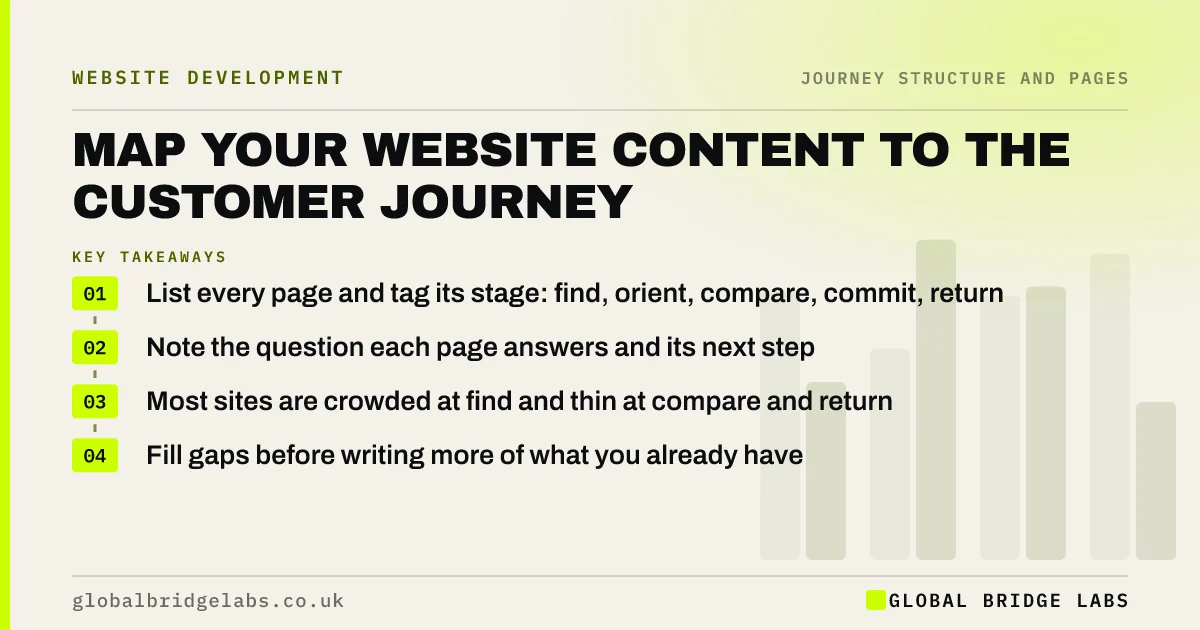
Mapping content to the customer journey means listing every page on your site, tagging each with the journey stage and question it serves, and checking where stages are crowded or empty. Most small business sites have plenty of find-stage content and gaps at compare and return. The map tells you what to write next, what to merge and which pages need a better route forward.
- List every page and tag its stage: find, orient, compare, commit, return.
- Note the question each page answers and its next step.
- Most sites are crowded at find and thin at compare and return.
- Fill gaps before writing more of what you already have.
Want your content mapped to your customer journey? Message us on WhatsApp.
Chat on WhatsApp →What does mapping content to the customer journey mean?
Mapping content to the customer journey is the process of assigning each page on a website to the journey stage and buyer question it serves, then comparing that map with what buyers need at each stage. It turns a list of pages into a picture of coverage: where buyers are well served, where they find nothing, and where several pages compete for the same job.
How do you map your existing content?
Map existing content in a spreadsheet. List every page from your sitemap or a crawl, then add columns for journey stage, buyer type, the question it answers, its next step, monthly entrances from GA4 and its key event rate. Fill the stage and question columns by reading each page as a buyer would. The exercise takes a few hours for a typical small business site.
- Page URL and title.
- Journey stage: find, orient, compare, commit or return.
- Buyer type it serves.
- The question it answers, in the buyer's words.
- Its next step or call to action.
- Entrances and key event rate from GA4.
How do you find content gaps?
Find gaps by comparing the map with your journey map's questions. Every important question should have a page or section that answers it. Typical gaps on small business sites are price guidance, process, proof by sector, comparisons and anything for existing customers. Questions your team answers every week by phone are the clearest gaps of all.
How do you handle overlaps?
Handle overlaps by merging pages that answer the same question for the same buyer. Two thin articles on the same topic, or a service page and a landing page saying the same thing, split attention and search signals. Keep the stronger page, move the useful parts of the other into it, and redirect the old URL.
How does the map decide what to write next?
The map decides what to write next by ranking gaps by how many buyers they affect and how close they sit to the decision. Compare and commit gaps on busy service pages come first, then return-stage pages that save staff time, then new find-stage articles. Writing more awareness articles while service pages lack prices rarely pays.
Want the gaps in your content ranked by value? Send us your page list on WhatsApp.
Chat on WhatsApp →When is a content map overkill?
A content map is overkill for a site of under ten pages, where you can check coverage by reading it in one sitting. It earns its time on sites with dozens of pages, years of blog posts or several services, and before any redesign, where it doubles as the content audit.
What does this look like in practice?
A pattern we see in content maps: forty blog posts tagged 'find', six service pages tagged 'orient', and almost nothing tagged 'compare' or 'return'. The business has been writing articles for search while the pages that turn visitors into enquiries were left as they were at launch.
Pausing new articles to add pricing, process and proof to the service pages changes the balance. Across our client work we have seen a 2.4x enquiry rate from conversion changes of this kind. Global Bridge Labs (GBL) maps content before writing any more of it.
Content mapping checklist
- Export every page from your sitemap or a crawl.
- Tag each with stage, buyer type and question.
- Add entrances and key event rate from GA4.
- Compare with the journey map's questions.
- Merge overlapping pages and redirect.
- Rank gaps and write compare and commit content first.
Next step
A content map shows in an afternoon what months of publishing may have missed. We will map your pages to your customer journey and show what to write next.
Message us on WhatsApp for a journey content map, or book a 30-minute consultation.
Chat on WhatsApp →Sources and further reading
- Engagement rate and bounce rate · Google Analytics Help
- SEO Starter Guide · Google Search Central
- Creating helpful, reliable, people-first content · Google Search Central
Frequently asked questions
What is customer journey content mapping?
It is assigning each page on your website to the journey stage and buyer question it serves, then comparing that with what buyers need at each stage. It shows gaps, overlaps and pages without a clear next step.
How do I map content to the buyer journey?
List every page in a spreadsheet, tag each with its journey stage, buyer type, the question it answers and its next step, and add entrances and key event rates from GA4. Then compare with your journey map's questions to find gaps and overlaps.
Which content gaps are most common on small business websites?
Compare-stage and return-stage gaps: missing price guidance, process, proof by sector and comparisons, and little for existing customers. Many sites have plenty of awareness articles but service pages that have not changed since launch.
Written by

Global Bridge Labs (GBL) is a UK–Sri Lanka partner for social media, websites and BPO. Everything here comes from client delivery, not theory.


