
On this page
- 01Key takeaways
- 02What does the guest journey look like?
- 03What do guests need to see first?
- 04How should booking work?
- 05Where do allergens fit in the guest journey?
- 06What should happen between booking and arrival?
- 07When do booking platforms make more sense?
- 08What does this look like in practice?
- 09Guest journey checklist
- 10Next step
- 11Sources and further reading
- 12Frequently asked questions
Key takeaways
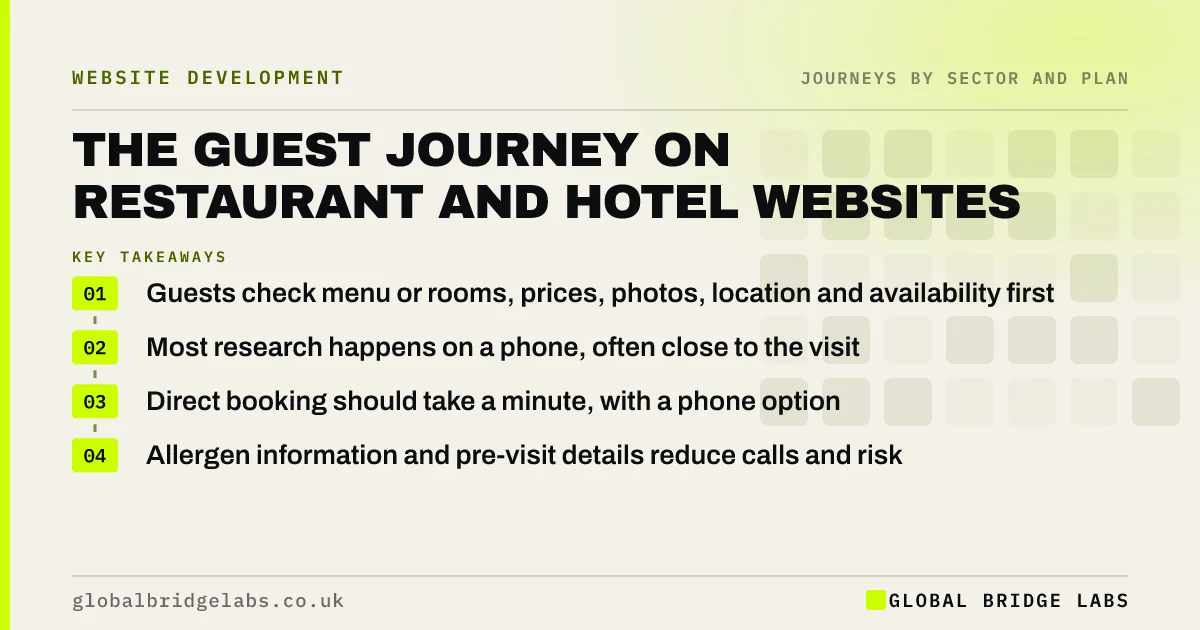
Guests choosing a restaurant, pub or hotel usually check the same things in quick succession on a phone: menu or rooms, prices, photos, location, opening times and availability, then book. Hospitality websites should put those within one or two taps, make booking direct and simple, show allergen information clearly, and send guests the details they need before arriving.
- Guests check menu or rooms, prices, photos, location and availability first.
- Most research happens on a phone, often close to the visit.
- Direct booking should take a minute, with a phone option.
- Allergen information and pre-visit details reduce calls and risk.
Want your venue's booking journey tested on a phone? Message us on WhatsApp.
Chat on WhatsApp →What does the guest journey look like?
The guest journey often starts with an occasion: dinner on Friday, a birthday, a weekend away. Guests search on maps, social media or booking platforms, then visit the venue's website to check the menu or rooms, prices, photos, location and availability. They book, receive a confirmation, arrive, and, if it goes well, return, review and recommend.
What do guests need to see first?
Guests need the deciding facts immediately: what you serve or offer, what it costs, what it looks like, where you are and whether you have space. Menus should be web pages rather than PDFs, so they load quickly and are readable on a phone. Opening times must match your Google Business Profile.
- Menu or rooms as web pages, with prices.
- Real photos of food, rooms and the space.
- Address, map, parking and transport.
- Opening times matching your Google profile.
- A clear 'Book a table' or 'Check availability' button.
How should booking work?
Booking should be quick, on the venue's own site where possible, and clear about any deposit or cancellation terms. Show availability before asking for details. Offer a phone number for large groups or special requests. Direct bookings avoid platform commission and give you the guest's details for future contact, with consent.
Want to move more bookings to your own website? Ask us on WhatsApp.
Chat on WhatsApp →Where do allergens fit in the guest journey?
Allergens fit early, because guests with allergies decide whether to book based on them. Food businesses must provide allergen information for the 14 major allergens, and the Food Standards Agency guides how. On the website, say clearly how guests can get allergen information, mark allergens on online menus where you can do so accurately, and invite guests to mention needs when booking.
What should happen between booking and arrival?
Between booking and arrival, send a confirmation with the date, time, party size, address, parking and how to change or cancel. For hotels, add check-in times and what is included. A reminder a day or two before reduces no-shows. Link to the menu, directions and any pre-order options.
When do booking platforms make more sense?
Booking platforms make sense when they bring guests you would not otherwise reach, particularly for hotels and new venues. The best approach is often both: list on platforms for discovery, and make direct booking on your own site easy and attractive for guests who find you there.
What does this look like in practice?
A pattern we see on restaurant websites: the menu is a large PDF, the booking button opens a third-party page in a new tab, and opening times differ from the Google listing. Guests on phones give up on the PDF and book through a platform, or ring to check whether the kitchen is open.
A web-page menu, embedded booking and matched opening times shorten the journey to a booking. Across our client work we have seen a 2.4x enquiry rate from conversion changes of this kind. Global Bridge Labs (GBL) tests hospitality sites on a phone, the way guests use them.
Guest journey checklist
- Menu or rooms as web pages with prices.
- Real photos and clear location details.
- Opening times matching Google.
- Direct booking with availability shown first.
- Clear allergen information route.
- Confirmation and reminder with directions and changes.
Next step
Guests decide in a few taps whether to book. We will walk your site as a guest on a phone and show what slows them down.
Message us on WhatsApp for a guest journey review, or book a 30-minute consultation.
Chat on WhatsApp →Sources and further reading
- Allergen guidance for food businesses · Food Standards Agency
- Google Business Profile Help · Google
- Consumer Contracts (Information, Cancellation and Additional Charges) Regulations 2013 · legislation.gov.uk
Frequently asked questions
What is the guest journey for a restaurant website?
Guests usually find the venue through maps, social media or platforms, check the menu, prices, photos, location and opening times on the website, check availability and book, then receive a confirmation and reminder before visiting. After a good visit they return, review and recommend.
Should a restaurant menu be a PDF?
Usually not. PDFs are slow and hard to read on phones, which is where most guests check menus. A web-page menu loads faster, is easier to update, can be read by search engines and works better with screen readers.
Do restaurant websites need allergen information?
Food businesses must provide allergen information for the 14 major allergens. The website should explain how guests can get it, show it accurately on online menus where possible, and invite guests to mention needs when booking. Follow the Food Standards Agency's guidance.
Written by

Global Bridge Labs (GBL) is a UK–Sri Lanka partner for social media, websites and BPO. Everything here comes from client delivery, not theory.


