
On this page
- 01Key takeaways
- 02Why do homepage sign-offs drag on?
- 03What are the four approval points?
- 04How do you collect feedback without a committee?
- 05How do you handle a senior person's late opinion?
- 06When does a page need more than one approver?
- 07What does this look like in practice?
- 08Homepage sign-off checklist
- 09Next step
- 10Sources and further reading
- 11Frequently asked questions
Key takeaways
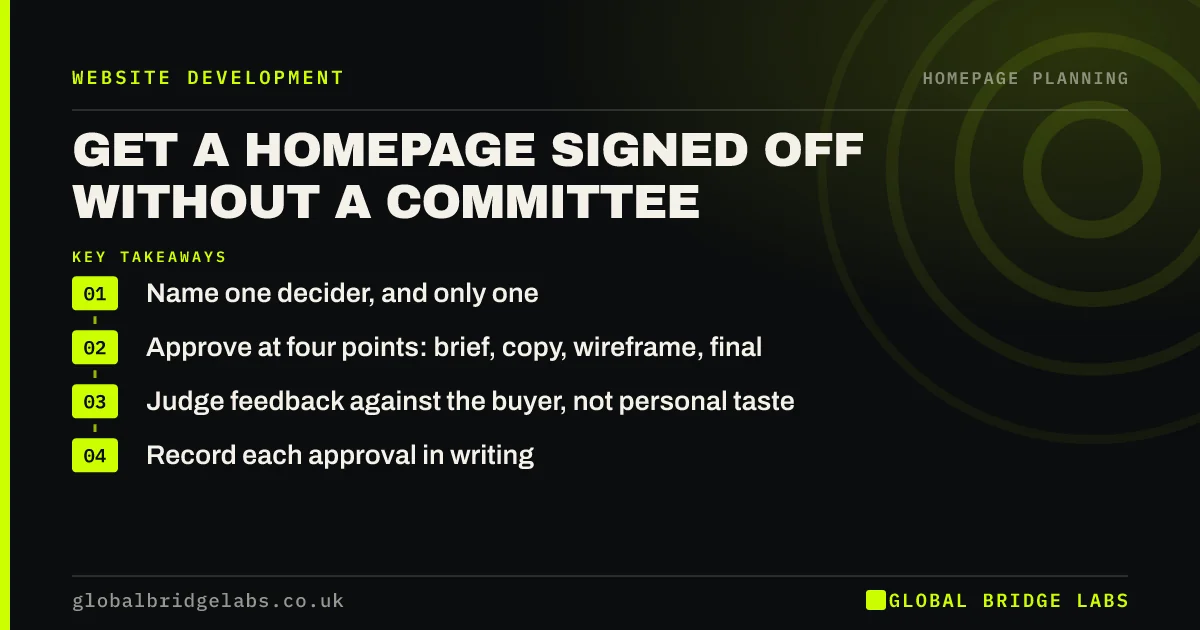
Homepage sign off works best with one named decider and fixed review points at the brief, copy, wireframe and final page. Anyone can give feedback, but only the decider approves. Without this rule, every new opinion reopens agreed work and the project drifts for months while the old page keeps losing enquiries.
- Name one decider, and only one.
- Approve at four points: brief, copy, wireframe, final.
- Judge feedback against the buyer, not personal taste.
- Record each approval in writing.
Stuck in homepage feedback rounds? Message us on WhatsApp.
Chat on WhatsApp →Why do homepage sign-offs drag on?
Homepage sign-offs drag on because everyone has an opinion on the most visible page, and no one has been told whose view counts. Each round adds requests, and the page gradually becomes a compromise. The result is usually longer, vaguer and worse at converting than the first draft.
What are the four approval points?
Approve the brief, then the written copy, then the wireframe, and finally the built page. Each approval closes that layer, so a comment on the proposition is not reopened during visual design. Late changes are still allowed, but they are recorded as a change and they move the launch date.
How do you collect feedback without a committee?
Give reviewers a deadline, one document and three questions: what is factually wrong, what would a buyer misunderstand and what is missing. Ask them to comment individually, not in a meeting. The decider then weighs up the comments. This keeps useful input and removes the group-think of a room reviewing a page.
How do you handle a senior person's late opinion?
Ask which buyer problem the change solves, then check it against the brief. If it improves the page, adopt it and adjust the date. If it is preference, offer to test it after launch. Evidence from enquiries calms most disagreements better than arguments in a meeting can.
When does a page need more than one approver?
It needs more than one where a regulator or a legal duty is involved. An FCA-authorised firm's financial promotions need approval by a competent person, and a clinic's claims may need clinical review. Treat these as factual checks on specific wording, separate from the commercial decision on the page.
What does this look like in practice?
A pattern we see: a good homepage draft goes to seven people, returns with forty comments and is merged into something nobody likes. Limiting comments to factual errors and buyer misunderstandings usually removes most of the list without losing anything that mattered.
Homepage sign-off checklist
- Name the decider in the brief.
- Set dates for all four approvals.
- Share one document for comments.
- Ask reviewers the three questions.
- Record every approval in writing.
- Treat late changes as changes to the date.
Next step
Before the next review, send out the three questions and the name of the decider. That one message will probably save you a round of revisions.
Message us on WhatsApp for help getting your homepage over the line.
Chat on WhatsApp →Sources and further reading
- The aesthetic-usability effect · Nielsen Norman Group
- Financial promotions and adverts · Financial Conduct Authority
- Government design principles · GOV.UK
Frequently asked questions
Who should sign off a website?
One named person, usually the owner or the person accountable for sales. Others should give input, but a single decider stops the page turning into a compromise. In regulated firms, add a compliance check on specific claims.
How many rounds of website revisions are normal?
Two rounds at each stage is a common allowance in supplier contracts, though you should check yours. More rounds usually point to an unclear brief, not to a design problem, so go back and settle the brief if feedback keeps circling.
How do I stop too many people commenting on a website design?
Tell people in advance who decides, when they can comment and what kind of comment you need. Limit feedback to factual errors, buyer misunderstandings and gaps. Reviewers stop debating taste when they are given a narrow, useful job.
Written by

Global Bridge Labs (GBL) is a UK–Sri Lanka partner for social media, websites and BPO. Everything here comes from client delivery, not theory.


