
On this page
- 01Key takeaways
- 02Why does the mobile menu hide the next step?
- 03How do you keep the action visible on mobile?
- 04What should the open menu show?
- 05What covers the action on mobile?
- 06When is a hamburger menu fine?
- 07What does this look like in practice?
- 08Mobile menu checklist
- 09Next step
- 10Sources and further reading
- 11Frequently asked questions
Key takeaways
On phones, the mobile menu often hides the one thing visitors need: the call to action. Keep the main action visible outside the hamburger, as a header button, tappable phone icon or slim sticky bar, and put the action at the top of the open menu too. Nielsen Norman Group has found hidden navigation is used less than visible navigation.
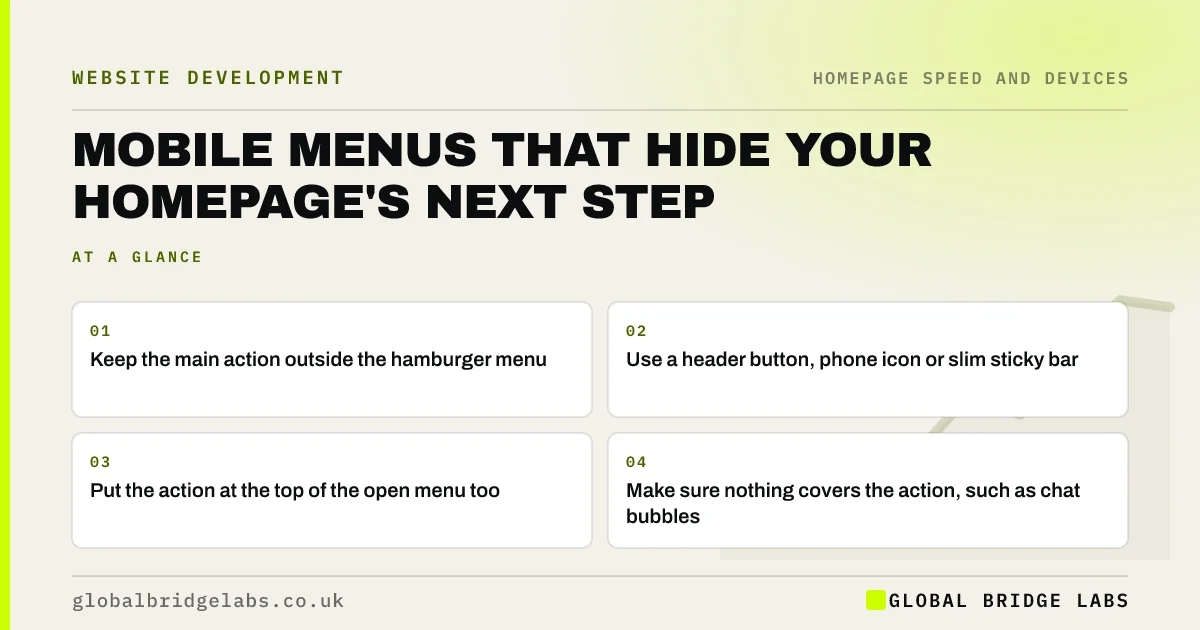
- Keep the main action outside the hamburger menu.
- Use a header button, phone icon or slim sticky bar.
- Put the action at the top of the open menu too.
- Make sure nothing covers the action, such as chat bubbles.
Want your mobile header checked? Message us on WhatsApp.
Chat on WhatsApp →Why does the mobile menu hide the next step?
On a phone, the main navigation usually collapses into a menu icon, and 'Contact' or 'Get a quote' goes with it. Visitors who want to act must open the menu, scan a list and find the right item. Nielsen Norman Group found people use hidden navigation less often than visible navigation, and the same applies to hidden actions.
How do you keep the action visible on mobile?
Use one of these, matched to your main action.
- A small header button beside the menu icon: 'Quote' or 'Book'.
- A tappable phone icon in the header for call-led businesses.
- A slim sticky bar at the bottom with the main action.
What should the open menu show?
When the menu opens, put the main action at the top as a button, followed by the most-used pages and contact details. Keep the list short and labels clear. If visitors have opened the menu to find a way to contact you, they should not have to scroll for it.
What covers the action on mobile?
Chat bubbles, cookie banners, WhatsApp buttons and sticky offer bars can all sit on top of the main action or each other on a small screen. Check the bottom corners of the screen on several phones and make sure only one floating element remains.
When is a hamburger menu fine?
A menu icon is a normal pattern on mobile and is fine for secondary pages. The problem is only when the main action lives exclusively inside it. On desktop, where there is room, show the main links openly.
What does this look like in practice?
A pattern we see: a trades site where 'Call now' exists only inside the mobile menu and a chat bubble covers the footer phone number. Adding a phone icon beside the menu and removing the chat bubble on mobile often brings calls back from phone visitors the same week.
Mobile menu checklist
- Check the main action is visible without opening the menu.
- Add a header button, phone icon or sticky bar.
- Put the main action at the top of the open menu.
- Keep menu labels short and clear.
- Remove overlapping floating elements.
Next step
Open your homepage on a phone and try to get in touch without touching the menu icon. If you cannot do it in one tap from the first screen, fix the header.
Message us on WhatsApp for a header check, or book a 30-minute consultation.
Chat on WhatsApp →Sources and further reading
- Hamburger menus and hidden navigation hurt UX metrics · Nielsen Norman Group
- Sticky headers: 5 ways to make them better · Nielsen Norman Group
- Understanding WCAG 2.2 success criterion 2.4.11: Focus Not Obscured (Minimum) · W3C
Frequently asked questions
Should the call to action be inside the mobile menu?
It can be inside the menu as well, but it should also be visible outside it, as a header button, phone icon or slim sticky bar. Visitors ready to act should not have to open a menu and scan a list to find it.
Do hamburger menus hurt conversion?
They can when they hide the main action. Hidden navigation is used less than visible navigation. A menu icon is fine on mobile for secondary pages, as long as the main action stays visible outside it.
Is a sticky call to action bar good on mobile?
It can be, if it is slim, shows one clear action and does not cover content or other buttons. Test it on small screens and with the cookie banner open, and avoid stacking it with chat bubbles or other floating elements.
Written by

Global Bridge Labs (GBL) is a UK–Sri Lanka partner for social media, websites and BPO. Everything here comes from client delivery, not theory.


