
On this page
- 01Key takeaways
- 02Should the mobile homepage show less than desktop?
- 03What should come first on mobile?
- 04How do you make the mobile page shorter without hiding things?
- 05When is collapsing content acceptable?
- 06When is a different mobile layout right?
- 07What does this look like in practice?
- 08Mobile homepage content checklist
- 09Next step
- 10Sources and further reading
- 11Frequently asked questions
Key takeaways
Rather than hide content on mobile, reorder and condense it. Google uses the mobile version of a page for indexing, so content missing on mobile is effectively missing. Keep the same message and proof, but shorten copy, stack sections in priority order and collapse only secondary detail, so the mobile homepage is shorter without being thinner.
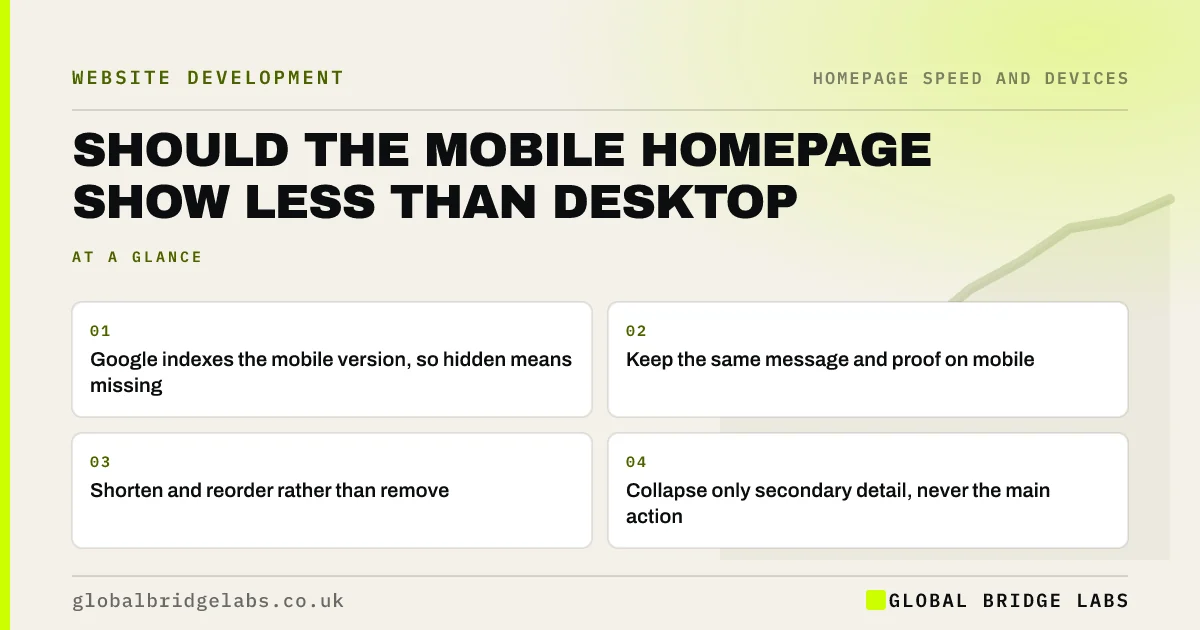
- Google indexes the mobile version, so hidden means missing.
- Keep the same message and proof on mobile.
- Shorten and reorder rather than remove.
- Collapse only secondary detail, never the main action.
Want your mobile homepage reordered for phones? Message us on WhatsApp.
Chat on WhatsApp →Should the mobile homepage show less than desktop?
The mobile homepage should feel shorter but carry the same essentials. Google has moved to mobile-first indexing, which means it mainly uses the mobile version of your content. If proof, services or key text are removed on phones, both visitors and search engines lose them.
What should come first on mobile?
On a phone, sections stack, so order matters more than on desktop. Put the headline, subheadline and main button first, then a short trust line, then services, then proof. Elements that sat in a sidebar on desktop, such as a contact form, need a deliberate place in the stack.
How do you make the mobile page shorter without hiding things?
Shorten the copy, not the content. Cut adjectives, turn paragraphs into short lines, use one image per section instead of three, and reduce large empty margins. Turn long lists into a few items with a 'see all' link to the relevant page.
When is collapsing content acceptable?
Collapsing secondary detail, such as full FAQ answers or long service descriptions, into accordions is acceptable on mobile as long as the content is in the page and the headings are clear. Never collapse the main message, the main button or the service area.
When is a different mobile layout right?
A different mobile layout is right when mobile visitors want something different, such as a restaurant's phone visitors wanting the menu, directions and booking first. Check GA4 to see what phone visitors click, then order the mobile stack around that.
What does this look like in practice?
A pattern we see: the desktop homepage shows reviews in a sidebar that disappears on mobile, so phone visitors never see any proof. Moving a short review line into the mobile stack under the hero usually helps more than any change to the desktop layout.
Mobile homepage content checklist
- Compare mobile and desktop: is anything missing?
- Put headline, button and trust line first on mobile.
- Shorten copy rather than removing sections.
- Collapse only secondary detail.
- Check what phone visitors click in GA4.
Next step
Scroll your homepage on a phone and on a laptop side by side, and list anything that appears on one but not the other.
Message us on WhatsApp with the list, or book a 30-minute consultation.
Chat on WhatsApp →Sources and further reading
- Mobile-first indexing best practices · Google Search Central
- Reading content on mobile devices · Nielsen Norman Group
- Accordions for complex website content on desktops · Nielsen Norman Group
Frequently asked questions
Should I hide content on the mobile version of my site?
Avoid hiding important content. Google mainly uses the mobile version for indexing, and phone visitors need the same message and proof. Make the mobile page shorter by tightening copy and reordering sections, and collapse only secondary detail.
Should my mobile homepage be different from desktop?
The content should be the same, but the order and density can differ. Phones stack sections, so put the headline, button and a trust line first, and adapt sidebars and grids into a sensible single column.
Are accordions OK on mobile?
Yes for secondary detail such as FAQ answers or long descriptions, as long as headings are clear and the content is in the page. Do not collapse the main message, call to action or anything every visitor needs.
Written by

Global Bridge Labs (GBL) is a UK–Sri Lanka partner for social media, websites and BPO. Everything here comes from client delivery, not theory.


