
On this page
- 01Key takeaways
- 02Why are video backgrounds so costly?
- 03What do mobile visitors experience?
- 04How do you keep video without the wait?
- 05What about embedded YouTube or Vimeo players?
- 06When is hero video worth it?
- 07What does this look like in practice?
- 08Video speed checklist
- 09Next step
- 10Sources and further reading
- 11Frequently asked questions
Key takeaways
A video background is the single heaviest thing most business websites put on their first screen. It delays the moment the page becomes useful, uses the visitor's mobile data and often hides the headline while it loads. Video can still earn its place. Show a still image first, load video only on larger screens or on tap, and keep the message in text.
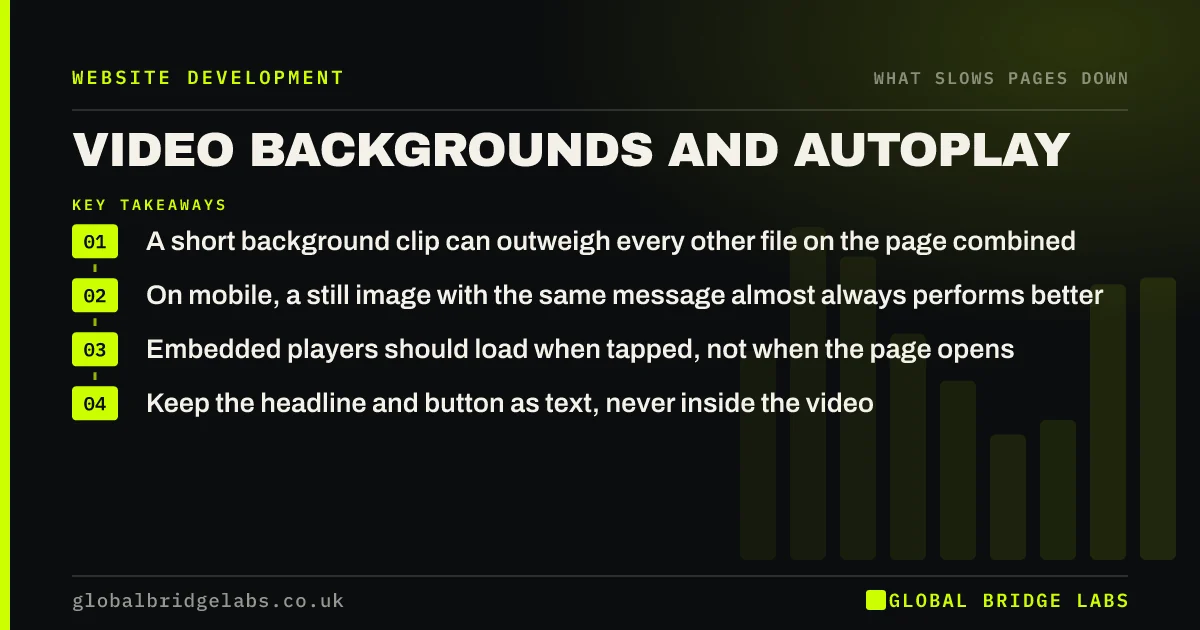
- A short background clip can outweigh every other file on the page combined.
- On mobile, a still image with the same message almost always performs better.
- Embedded players should load when tapped, not when the page opens.
- Keep the headline and button as text, never inside the video.
Want to know what your hero video costs on a phone? Send us the URL on WhatsApp.
Chat on WhatsApp →Why are video backgrounds so costly?
Video backgrounds are costly because video files are large and the first screen is the worst place to put weight. A few seconds of footage can be several megabytes. The browser starts fetching it while it is also trying to load the text, styles and images that make the page readable.
If the video or its first frame is the largest element on screen, its arrival sets the page's Largest Contentful Paint, the measure of when the main content appears.
What do mobile visitors experience?
On a phone, visitors experience a delay and sometimes nothing else. Some browsers will not autoplay video in data-saving or low-power modes, leaving a blank or frozen area where the header should be. Where it does play, it competes with the rest of the page for a limited connection and uses data the visitor is paying for.
The effect on enquiries is separate from the effect on speed. A video that helps a visitor understand the service may be worth having. A decorative loop of an office rarely is.
How do you keep video without the wait?
Treat video as an enhancement that arrives after the page works.
- 1. Show a compressed still image first, as the poster.
- 2. Load the background video only on wider screens and good connections.
- 3. Keep clips short, silent and compressed, at a modest resolution.
- 4. For embedded players, show a thumbnail with a play button and load the player on tap.
- 5. Put the headline, offer and button in text over or beside the media.
Want a lighter version of your video header mocked up? Ask us on WhatsApp.
Chat on WhatsApp →What about embedded YouTube or Vimeo players?
An embedded player is a third-party application. Placed on a page in the standard way, it loads its scripts and makes connections when the page opens, whether or not anyone presses play. Several on one page multiply the cost.
The fix is a tap-to-load preview: a static thumbnail and a play button that swaps in the real player when pressed. Google's web.dev guidance on embeds recommends this pattern. Visitors notice no difference except that the page arrives sooner.
When is hero video worth it?
Hero video is worth it when movement is the proof: a venue, a product in use, a destination or a craft. Even then, the mobile version should start with a still. It is not worth it when the footage is generic, when the site's visitors are mostly on phones, or when it was added because a competitor has one.
What does this look like in practice?
A pattern we see in hospitality and property: a drone or interior video fills the homepage header. On office broadband it looks impressive. On a phone, the visitor sees a dark rectangle for several seconds, with the booking button somewhere below it.
Keeping the video for wide screens and using the best frame as a still on mobile, with the headline and button visible at once, preserves the effect where it works. Across client work at Global Bridge Labs (GBL), we have seen a 2.4x enquiry rate from conversion changes like these.
Video speed checklist
- Open the page on a phone over mobile data and watch the header.
- Check the size of the video file.
- Add a compressed poster image.
- Disable background video on small screens.
- Replace embedded players with tap-to-load previews.
- Confirm the headline and button never depend on the video.
Next step
Video should show what you do, not stand between visitors and your offer. We will test your header on a phone and suggest a version that keeps the impact.
Message us on WhatsApp for a video and speed review.
Chat on WhatsApp →Sources and further reading
- Lazy loading video · web.dev (Google)
- Best practices for using third-party embeds · web.dev (Google)
- Optimise Largest Contentful Paint · web.dev (Google)
Frequently asked questions
Do video backgrounds slow down a website?
Yes. Video files are large, and placing one on the first screen delays the point at which the page becomes useful. On mobile it also uses the visitor's data. Showing a still image first and loading video only on larger screens removes most of the cost.
Should I use autoplay video on my homepage?
Only if the footage shows something a visitor needs to see and the page works without it. Keep it silent and short, provide a still for phones and never place the headline or button inside the video.
Does embedding a YouTube video slow my site?
A standard embed loads the player's scripts when the page opens, even if nobody plays it. Using a thumbnail that loads the player on tap gives the same result for visitors with a much lighter page.
What should mobile visitors see instead of a video header?
A compressed still image, ideally the strongest frame from the video, with the headline, offer and main button in text. It conveys the same message and appears in a fraction of the time.
Written by

Global Bridge Labs (GBL) is a UK–Sri Lanka partner for social media, websites and BPO. Everything here comes from client delivery, not theory.


