
On this page
Key takeaways
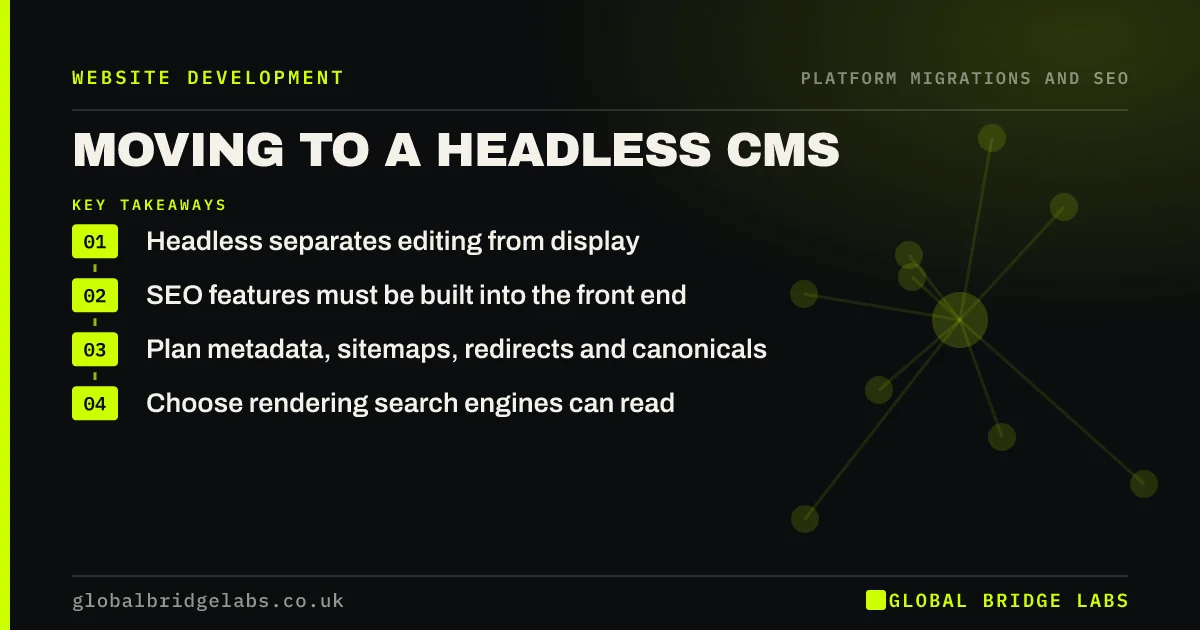
A headless CMS separates where content is edited from the front end that displays it. It can give a fast, flexible site, but the SEO features a traditional CMS provides, such as metadata fields, sitemaps, redirects and canonical tags, must be built into the front end. Plan them in the brief, choose a rendering approach search engines can read, and test before launch.
- Headless separates editing from display.
- SEO features must be built into the front end.
- Plan metadata, sitemaps, redirects and canonicals.
- Choose rendering search engines can read.
Considering a headless CMS? Message us on WhatsApp about the SEO side.
Chat on WhatsApp →What are the SEO risks?
With a headless CMS, nothing appears on the website unless the front end is built to show it. Metadata fields need adding to content models and outputting in templates. Sitemaps need generating. Redirects need a place to be managed. And if the front end renders content in the browser with scripts, search engines may see less than visitors do.
What should the brief include?
List the SEO requirements in the content model and the front end.
- Editable title, description and canonical fields per page.
- Server-side rendering or static generation.
- An automatically generated XML sitemap.
- A redirect manager editors can use.
- Structured data output by templates.
- Real status codes for missing pages.
How do you test it?
Crawl staging with and without JavaScript rendering and compare the results: text, links and metadata should match. Check the sitemap lists live URLs only. Test the redirect manager by adding and testing a redirect. Confirm that a non-existent URL returns a real 404, and that editors can preview and publish without developer help.
- Crawl the staging site before launch: what to check
- How to test hundreds of redirects before launch
- Soft 404s after a migration: what they mean
Want us to test your headless staging site? Message us on WhatsApp.
Chat on WhatsApp →What does this look like in practice?
A pattern we see: a headless build launches without a redirect manager, so every redirect needs a developer to edit code and deploy. Small fixes after launch take days. Adding a simple redirect collection to the CMS, read by the front end, puts redirects back in editors' hands.
Headless migration checklist
- Add SEO fields to the content model.
- Use server-side rendering or static generation.
- Generate sitemaps automatically.
- Give editors a redirect manager.
- Test rendered and raw crawls.
Next step
Before choosing headless, ask the developer to show how editors will set titles, manage redirects and update the sitemap. If they cannot, those features are not in the plan yet.
Message us on WhatsApp about a headless migration, or book a 30-minute consultation.
Chat on WhatsApp →Sources and further reading
- Understand JavaScript SEO basics · Google Search Central
- Site moves with URL changes · Google Search Central
- What is a sitemap · Google Search Central
Frequently asked questions
Is a headless CMS good for SEO?
It can be, with server-side rendering or static generation and the SEO basics built in: metadata fields, sitemaps, redirects, canonicals and structured data. Without them, a headless site can be weaker than a traditional CMS. The quality depends on the build, not the label.
Do small businesses need a headless CMS?
Most do not. Headless suits sites with several front ends, high traffic or complex content needs. For a typical small business site, a traditional CMS gives the same SEO capability with less build and maintenance. Choose headless only for a clear business reason.
How do redirects work with a headless CMS?
They need to be built. Common approaches are a redirect collection in the CMS that the front end or hosting reads, or redirects set at the hosting or CDN level. Make sure editors can add redirects without a developer, and test that they return permanent status codes.
Written by

Global Bridge Labs (GBL) is a UK–Sri Lanka partner for social media, websites and BPO. Everything here comes from client delivery, not theory.


