
On this page
Key takeaways
Moving from a website builder to a custom-built site gives full control, but the builder's URL patterns, automatic metadata and built-in redirects all disappear. Record every URL and setting before you start, keep URLs the same where you can, rebuild titles, sitemaps and structured data deliberately, and redirect builder-specific paths. The developer must build features the builder handled for you.
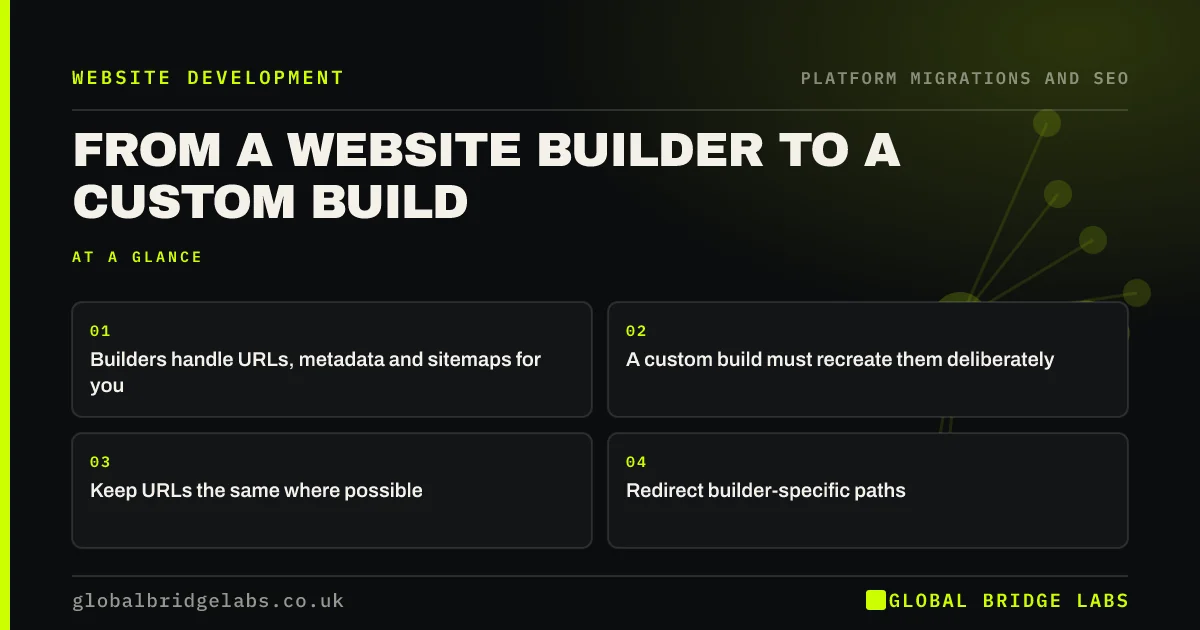
- Builders handle URLs, metadata and sitemaps for you.
- A custom build must recreate them deliberately.
- Keep URLs the same where possible.
- Redirect builder-specific paths.
Moving off a website builder? Message us on WhatsApp.
Chat on WhatsApp →What does the builder do for you?
Website builders quietly handle many SEO basics: XML sitemaps, canonical tags, mobile layout, HTTPS, basic structured data and a redirect manager. A custom build starts with none of these. If the brief does not list them, the new site may launch without a sitemap, with missing canonicals or with no way to manage redirects.
What are the steps?
Record the builder site thoroughly, then brief the developer.
- Crawl the site and export URLs, titles and descriptions.
- Copy the builder's redirect list.
- Note builder-specific paths for blogs, shops and galleries.
- Brief the developer on sitemaps, canonicals, redirects and schema.
- Keep page URLs the same where the new site allows.
- Redirect builder paths that change.
What should you check before launch?
Crawl the custom site on staging and confirm every basic the builder used to provide is present: a sitemap, canonicals, HTTPS redirects, mobile layout, structured data and a way to add redirects later. Then compare key pages with the builder site for content and titles. Keep the builder account until the new site has been live and stable for a few weeks.
- Crawl the staging site before launch: what to check
- XML sitemaps in a migration: old, new or both?
- Canonical tags in a migration: point to the new URLs
Want us to check your custom build before launch? Message us on WhatsApp.
Chat on WhatsApp →What does this look like in practice?
A pattern we see: a custom site launches fast and well designed, but with no XML sitemap, no canonical tags and no admin screen for redirects, because the builder used to handle all three. Adding them is straightforward, but discovering the gap after launch means weeks of avoidable uncertainty.
Builder to custom checklist
- Record URLs, metadata and builder redirects.
- List what the builder did automatically.
- Brief the developer on each item.
- Check basics on staging.
- Keep the builder account for a few weeks.
Next step
List every SEO feature your builder handles automatically today. Make sure each one appears in the custom build brief and quote.
Message us on WhatsApp about leaving your builder, or book a 30-minute consultation.
Chat on WhatsApp →Sources and further reading
- Site moves with URL changes · Google Search Central
- Redirects and Google Search · Google Search Central
- URL structure best practices for Google Search · Google Search Central
Frequently asked questions
Is a custom website better for SEO than a builder?
Not automatically. A custom site gives more control over speed, structure and features, but it only helps if the basics, such as sitemaps, canonicals, redirects and structured data, are built properly. A well-run builder site can outrank a poorly built custom one.
What do I lose when leaving a website builder?
You lose the builder's automatic features, such as sitemaps, basic structured data, redirect management and hosting, and usually the design, which cannot be exported. Your content, domain and URLs can move. Record everything before leaving and brief the developer to recreate the basics.
Can I keep my URLs when leaving a builder?
Page URLs can usually be kept on a custom site. Builder-specific paths, such as blog, shop or gallery folders, may need to change, so redirect those. Copy any redirects the builder held as well, because they stop working when the builder site closes.
Written by

Global Bridge Labs (GBL) is a UK–Sri Lanka partner for social media, websites and BPO. Everything here comes from client delivery, not theory.


