On this page
- 01Key takeaways
- 02What goes in a business process register?
- 03How do you build the register quickly?
- 04How is a process register different from a task inventory?
- 05How do you use the register to choose what to outsource?
- 06What does this look like in practice?
- 07Process register checklist
- 08Next step
- 09Sources and further reading
- 10Frequently asked questions
Key takeaways
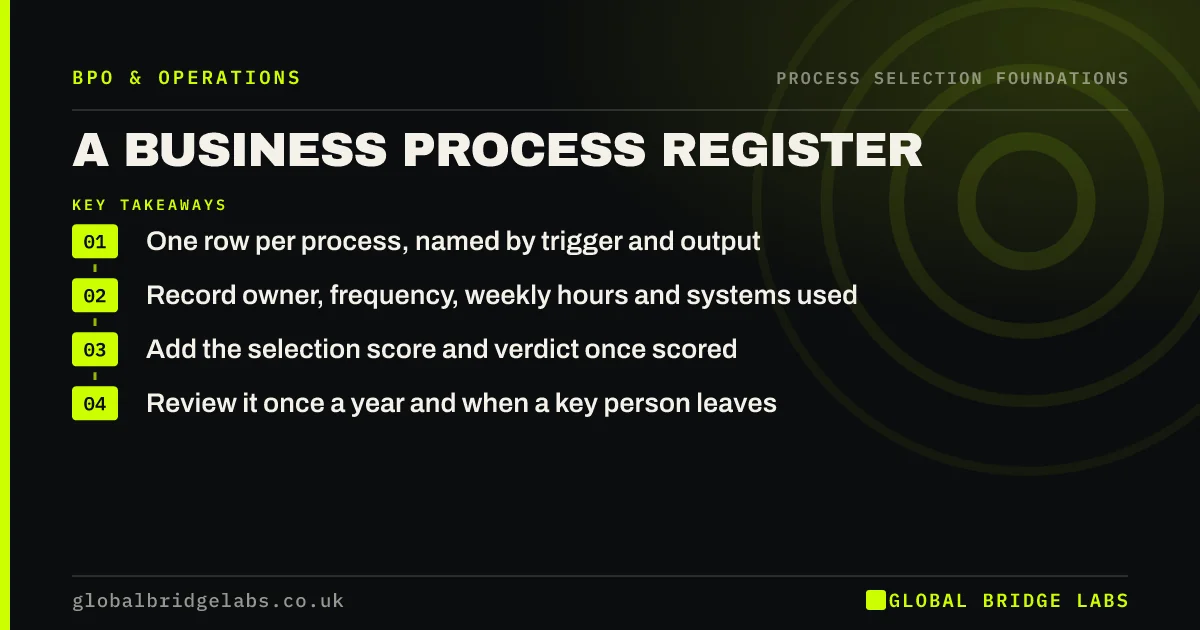
A business process register is a single list of every recurring process in your business, with its trigger, output, owner, frequency and weekly hours. It takes an afternoon to build for a firm of 10 to 50 people. It is the input to every outsourcing decision, because you cannot choose which processes to move until you can see them all.
- One row per process, named by trigger and output.
- Record owner, frequency, weekly hours and systems used.
- Add the selection score and verdict once scored.
- Review it once a year and when a key person leaves.
Want our process register template? Message us on WhatsApp and we will send it.
Chat on WhatsApp →What goes in a business process register?
Each row is one process. The columns are the facts you need to decide what to do with it. Keep it to one sheet: a register nobody opens is worse than none.
- Process name, written as trigger to output.
- Owner and the people involved.
- Frequency and weekly hours.
- Systems and data it uses, including personal data.
- Selection score, verdict and next review date.
How do you build the register quickly?
Start from a standard list of business processes, then ask each team member which ones they touch and roughly how many hours a week. Merge duplicates and agree start and end points. Hours do not need to be exact; a range is enough to see where time goes.
How is a process register different from a task inventory?
A task inventory lists individual jobs, often dozens per person. A process register groups those jobs into the processes they belong to, usually 25 to 40 for an SME. Use the task inventory to find small jobs to bundle; use the process register to decide which whole processes to outsource, split or keep.
- Repetitive task inventory: list every recurring job once
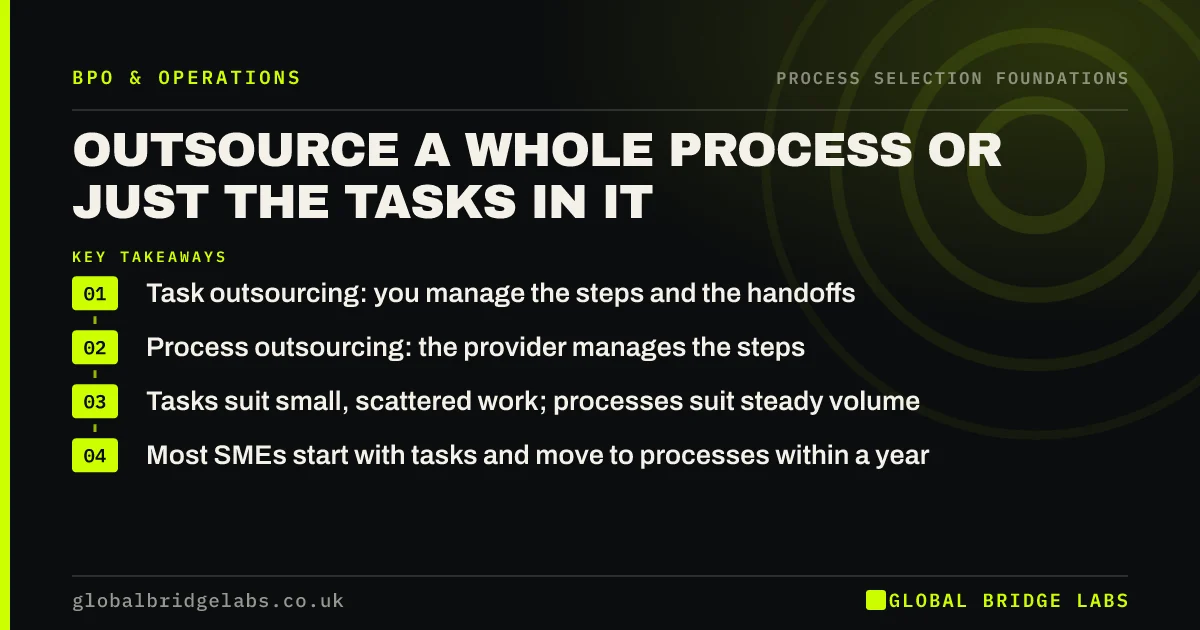
- Outsource a whole process or just the tasks in it?
Want help turning a task list into a process register? Message us on WhatsApp.
Chat on WhatsApp →How do you use the register to choose what to outsource?
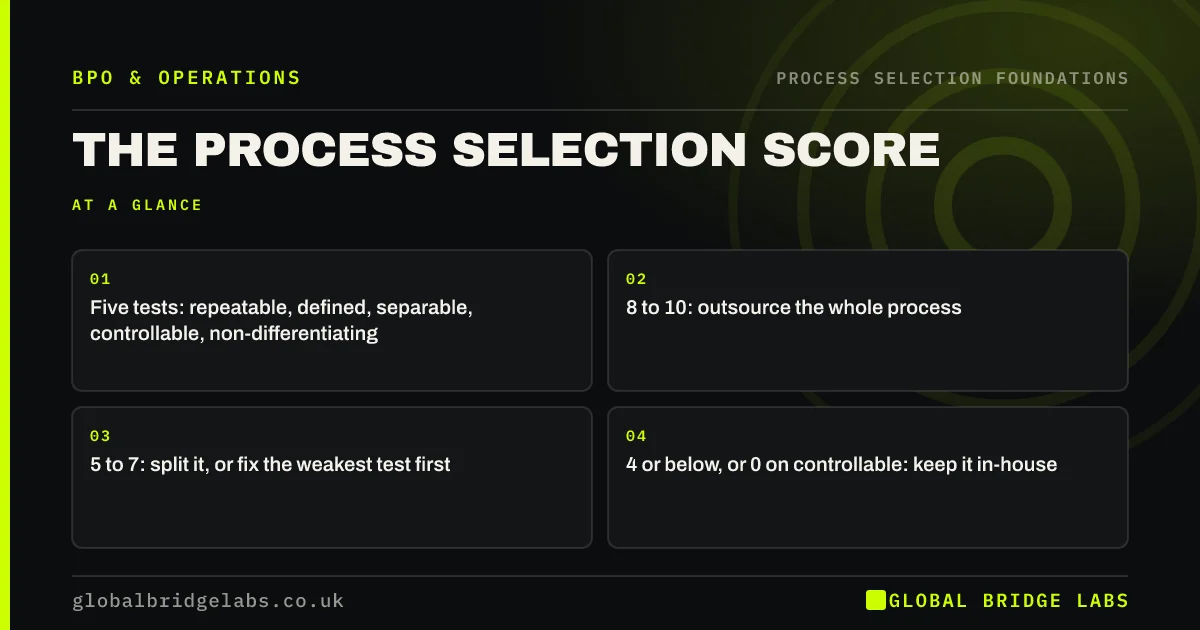
Sort by weekly hours, then score the top ten with the process selection score. Record each verdict in the register. The processes that score 8 or more and carry the most hours are your first candidates; the fix-first list becomes a short improvement plan.
What does this look like in practice?
A pattern we see: building the register uncovers processes that two people do in parallel without knowing it, and processes nobody owns. Fixing those is often worth more than the first outsourcing decision.
Process register checklist
Before you rely on the register, check these.
- Every process has one owner.
- Start and end points are agreed.
- Weekly hours are recorded for each.
- Personal data use is flagged.
- The top ten by hours are scored.
- A review date is set.
Next step
Build your register, sort it by hours and send us the top ten. We will help you score them and tell you which processes are worth a closer look.
Message us on WhatsApp, or book a 30-minute consultation.
Chat on WhatsApp →Sources and further reading
- Labour productivity · Office for National Statistics
- Principle (d): Accuracy · Information Commissioner's Office
Frequently asked questions
What is a business process register?
A business process register is a single list of every recurring process in a business, with each process's trigger, output, owner, frequency, weekly hours and systems. It gives owners a complete view of how work is done and is the starting point for improving, automating or outsourcing processes.
How long does it take to build a process register?
For a business of 10 to 50 people, about an afternoon to build a first version: an hour to draft from a standard list, an hour of short conversations with the team, and an hour to merge duplicates and agree start and end points. Refine the hours over the following weeks.
What is the difference between a process register and a process map?
A process register lists all your processes on one sheet with the key facts about each. A process map draws the steps of one process in detail. Build the register first to see everything, then map only the processes you plan to change or outsource.
Written by

Global Bridge Labs (GBL) is a UK–Sri Lanka partner for social media, websites and BPO. Everything here comes from client delivery, not theory.