On this page
Key takeaways
Admin creep is the gradual return of routine work to your team after outsourcing. New reports, small requests and exceptions land with whoever is nearest, and within a few months the freed hours are gone. Stop it with a routing rule for new admin, a monthly review of what came back and a provider scope that can grow.
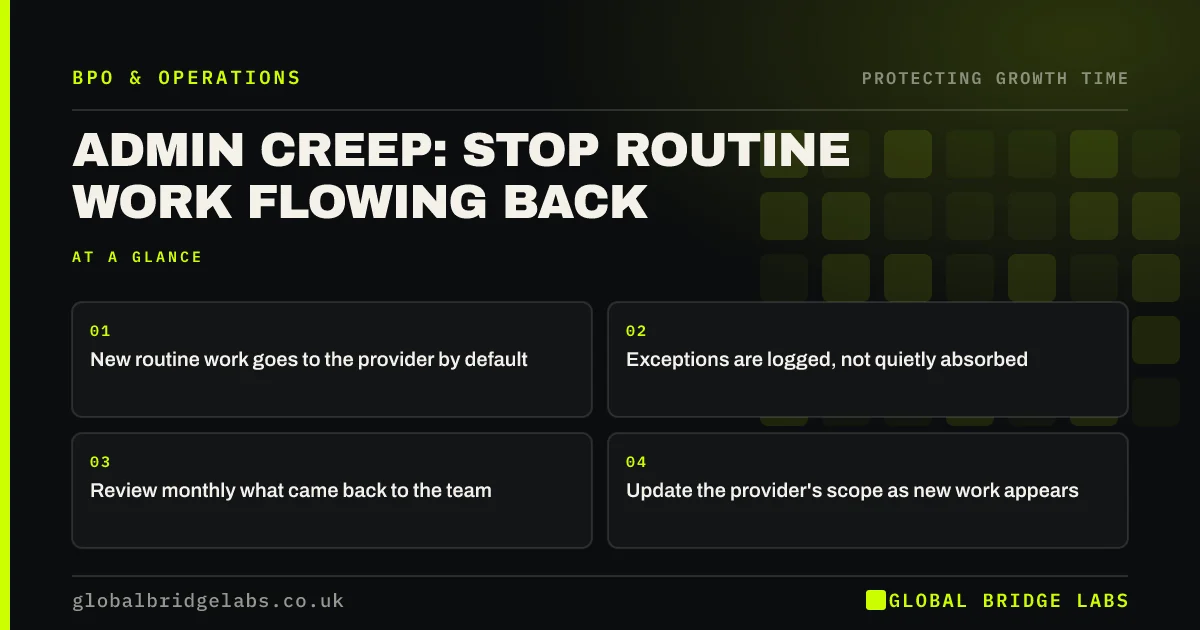
- New routine work goes to the provider by default.
- Exceptions are logged, not quietly absorbed.
- Review monthly what came back to the team.
- Update the provider's scope as new work appears.
Want a routing rule for new admin? Message us on WhatsApp.
Chat on WhatsApp →What is admin creep?
Admin creep is the slow build-up of new routine work in your team's day after the original routine work has been outsourced. It comes from new reports, extra checks, exceptions the provider sends back and small requests that seem quicker to do yourself. Each piece is small; together they reabsorb the freed hours.
Where does admin creep come from?
- New reports or trackers someone asks for.
- Exceptions the provider is not set up to handle.
- Colleagues who keep asking the person they always asked.
- Over-checking the provider's work.
- New systems that add manual steps.
How do you stop it?
Write a routing rule: any new recurring task goes to the provider unless a manager decides otherwise. Log exceptions the provider returns and review them monthly; many can be added to the provider's instructions. Tell colleagues where to send requests. Ask your provider to propose scope changes when new work appears. Where personal data is involved, update the written processing instructions as the scope grows.
When should admin stay in-house?
When it involves a decision, a sensitive client relationship or a legal duty. Admin creep is only a problem when routine work returns; some new tasks rightly belong with your team.
What does this look like in practice?
A pattern we see: six months after outsourcing, a sales team is again spending a day a week on admin. A review finds a new weekly pipeline report, quote reformatting and supplier queries. All three move to the provider within a month.
Admin creep checklist
- Write and share a routing rule.
- Log exceptions the provider returns.
- Review what came back each month.
- Update the provider's instructions.
- Tell colleagues where requests go.
Next step
Ask each person what new routine work they have picked up since the handover. List it and decide where each item belongs.
Message us on WhatsApp for an admin creep review, or book a 30-minute consultation.
Chat on WhatsApp →Sources and further reading
- What are the Management Standards for work-related stress? · Health and Safety Executive
- Controllers and processors · Information Commissioner's Office
Frequently asked questions
Why does admin keep coming back after outsourcing?
New reports, exceptions, colleague requests and new systems all generate routine work, and it lands with whoever is nearest. Without a rule that routes new recurring tasks to the provider, the team absorbs it gradually until the freed hours are gone. A monthly review catches it early.
How do I stop my team doing admin again?
Set a default that new recurring tasks go to your outside team, tell colleagues where to send requests, log exceptions the provider returns and update their instructions monthly. Make one manager responsible for deciding which new tasks stay in-house. Revisit the answer each quarter, because team capacity and priorities change as the business grows.
Should the outsourcing scope grow over time?
Often, yes. As new routine work appears, adding it to the provider's scope keeps your team's time protected. Agree a simple process for scope changes, including pricing and instructions, so growth in scope is a decision rather than drift. Start with one well-documented bundle of work, check the first month closely and widen the scope once quality is steady.
Written by

Global Bridge Labs (GBL) is a UK–Sri Lanka partner for social media, websites and BPO. Everything here comes from client delivery, not theory.