On this page
Key takeaways
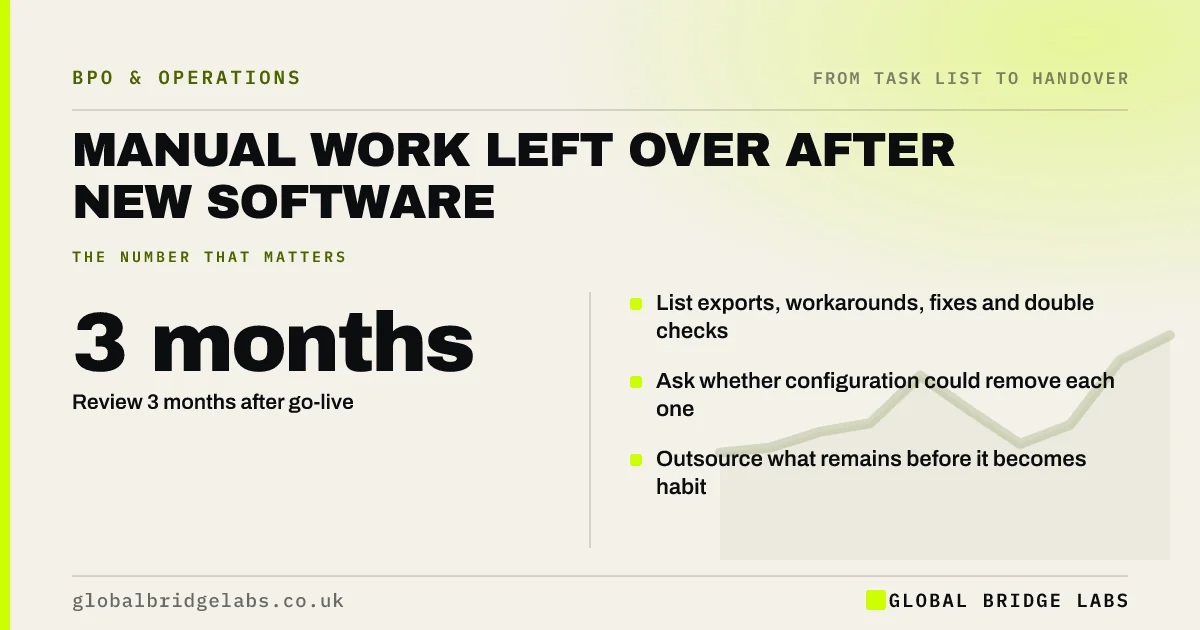
Manual work left after new software is the set of exports, workarounds, data fixes and checks that a new system did not remove, or created. It is a prime time to find outsourcing candidates, because the tasks are new, clearly defined and not yet anyone's habit. Review three months after go-live, before workarounds become permanent.
- Review 3 months after go-live.
- List exports, workarounds, fixes and double checks.
- Ask whether configuration could remove each one.
- Outsource what remains before it becomes habit.
Want a post go-live task review? Message us on WhatsApp.
Chat on WhatsApp →Why does new software leave manual work?
Because no system fits a business perfectly. Some data does not flow between systems, some reports are missing, and some exceptions are not handled. Staff fill the gaps with spreadsheets, exports and manual checks. These workarounds are often well defined and repetitive, which makes them good candidates once you know they exist.
How do you find the leftover manual work?
Ask targeted questions three months after go-live.
- What do you export from the new system, and why?
- What do you check by hand that the system should check?
- Which spreadsheets did you keep or create?
- What do you re-key into another system?
- Which exceptions does the system not handle?
Configure, integrate or outsource?
Check configuration first: a setting, rule or report may remove the task. Then integration: a connector may stop re-keying. Outsource what remains, especially exception handling and checks that need a person. Review again after six months, because some workarounds disappear as people learn the system.
What does this look like in practice?
A pattern we see: a few months after a new job management system goes live, staff still export jobs to a spreadsheet for invoicing and check every address by hand. A system report removes the export; address checking and exception handling move to an outside team.
Post go-live checklist
- Book a review three months after go-live.
- Ask the five leftover-work questions.
- Try configuration and integration first.
- Screen what remains as candidates.
- Review again at six months.
Next step
If you replaced a system in the last year, ask your team the five questions this week. The answers are usually a short list of clear tasks.
Message us on WhatsApp for the post go-live questions, or book a 30-minute consultation.
Chat on WhatsApp →Sources and further reading
- The probability of automation in England: 2011 and 2017 · Office for National Statistics
- Principle (d): Accuracy · Information Commissioner's Office
Frequently asked questions
Why is there still manual work after new software?
Because systems rarely fit every part of a business. Missing reports, data that does not flow between systems and unhandled exceptions lead staff to create exports, spreadsheets and manual checks. These workarounds often go unnoticed until someone reviews them.
When should I review manual work after a system change?
Around three months after go-live, once people have settled into the system but before workarounds become permanent habits. Review again at six months, as some workarounds disappear while others become established.
Should I fix the software or outsource the workaround?
Try configuration and integration first, because they can remove the task entirely. Outsource what remains, especially exception handling and checks that need a person. Many firms do both: fix what software can fix and hand over the rest.
Written by

Global Bridge Labs (GBL) is a UK–Sri Lanka partner for social media, websites and BPO. Everything here comes from client delivery, not theory.