
On this page
- 01Key takeaways
- 02What is an accessibility overlay?
- 03Why can an overlay not fix accessibility?
- 04Why do many disabled users dislike overlays?
- 05Does an overlay protect you legally?
- 06What should you do instead?
- 07What does this look like in practice?
- 08Accessibility instead-of-overlay checklist
- 09Next step
- 10Sources and further reading
- 11Frequently asked questions
Key takeaways
An accessibility overlay is a script or widget that promises to make a website accessible automatically, often with a toolbar for text size and contrast. It cannot fix the underlying problems, such as missing labels, poor structure and controls that do not work by keyboard, and some overlays interfere with the assistive technology disabled people already use. Fix the site itself.
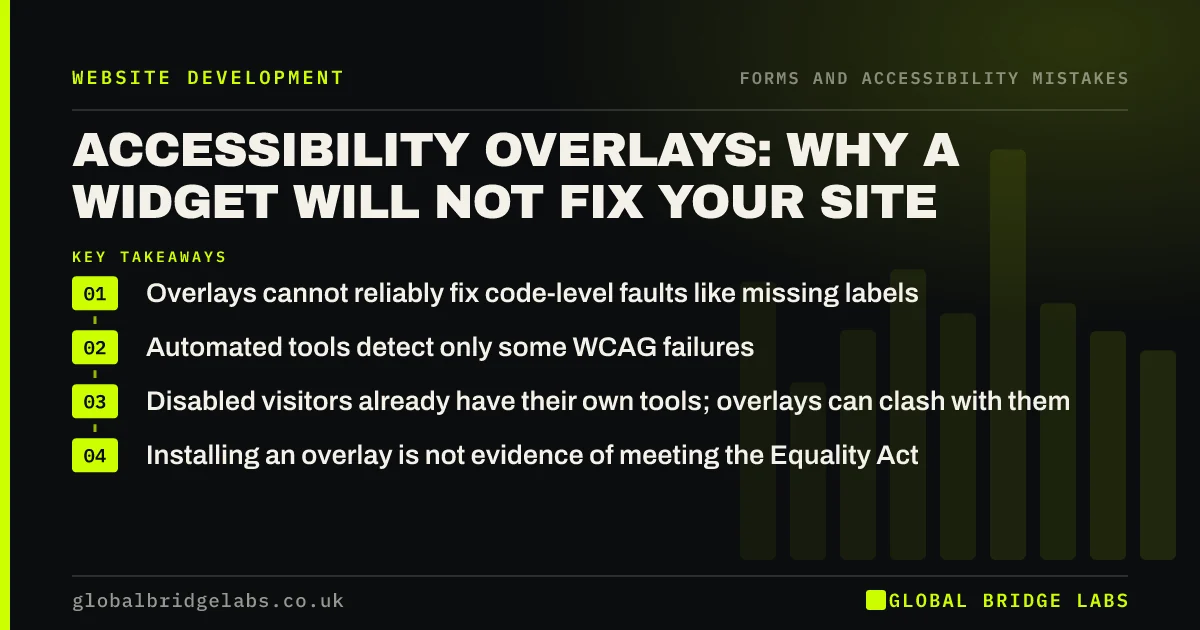
- Overlays cannot reliably fix code-level faults like missing labels.
- Automated tools detect only some WCAG failures, so automated fixes miss more.
- Disabled visitors already have their own tools; overlays can clash with them.
- Installing an overlay is not evidence of meeting the Equality Act.
Considering an overlay? Message us on WhatsApp first.
Chat on WhatsApp →What is an accessibility overlay?
An accessibility overlay is third-party software added to a website with a line of code. It typically shows a floating icon that opens a panel of options, such as larger text, high contrast or reading aids, and claims to use automation or AI to repair accessibility faults in the background.
Why can an overlay not fix accessibility?
Most accessibility problems live in the site's structure and content: form fields without labels, images without meaningful alt text, headings in the wrong order, menus that need a mouse. A script running on top cannot reliably understand intent; it cannot know what an unlabelled field is for or what an image means to the page.
WebAIM notes that automated testing detects only some WCAG failures. If automated detection is partial, automated repair is more limited still.
Why do many disabled users dislike overlays?
Disabled people already use tools set up for their needs: screen readers, magnifiers, browser zoom, high-contrast modes and voice control. Overlay toolbars duplicate these, can interfere with them and add another control to navigate. Many accessibility practitioners and disabled users have publicly criticised overlays for this reason.
Does an overlay protect you legally?
No overlay can guarantee compliance. Under the Equality Act 2010, UK service providers must make reasonable adjustments so disabled people are not put at a substantial disadvantage. What matters is whether people can actually use your site. Relying on a widget while the forms remain unusable is unlikely to count as reasonable steps.
Want a realistic accessibility plan for your site? Message us on WhatsApp and we will discuss your requirements.
Chat on WhatsApp →What should you do instead?
Fix the most common faults at source, starting with those that affect the most people and the most important pages.
- Fix text contrast to WCAG's 4.5:1.
- Add visible labels and clear errors to forms.
- Write alt text for meaningful images.
- Make every control work by keyboard with visible focus.
- Use proper headings in order.
- Test with real assistive technology users where possible.
What does this look like in practice?
A pattern we see: a business pays monthly for an overlay, believing the site is covered, while its contact form still has no labels and its menu cannot be used with a keyboard. Spending a similar budget on fixing those faults directly improves the site for everyone.
Accessibility instead-of-overlay checklist
- Run a free automated check to find obvious faults.
- Fix contrast, labels, alt text and keyboard access.
- Check headings and page structure.
- Test key journeys with a keyboard and a screen reader.
- Publish an honest accessibility statement.
- Review after every significant change.
Next step
Run WAVE or a similar free checker on your homepage and contact page and list the top five issues.
Message us on WhatsApp for an accessibility review, or book a 30-minute consultation.
Chat on WhatsApp →Sources and further reading
- The WebAIM Million: accessibility of the top 1,000,000 home pages · WebAIM
- Equality Act 2010 · legislation.gov.uk
- WCAG 2 overview · W3C Web Accessibility Initiative
- Easy checks: a first review of web accessibility · W3C Web Accessibility Initiative
Frequently asked questions
Do accessibility overlays work?
Not as a fix. They cannot reliably repair structural faults such as missing labels or keyboard traps, and some interfere with assistive technology. They may offer cosmetic options, but they do not make an inaccessible site accessible.
Will an accessibility widget make my site compliant?
No widget can guarantee compliance with WCAG or the Equality Act. What counts is whether disabled people can actually use your site. Fixing faults in the site itself is the reliable route.
What is the cheapest way to improve website accessibility?
Fix the most common faults first: text contrast, form labels, alt text and keyboard access with visible focus. These are often quick fixes in the site's styles and templates and help every visitor.
Written by

Global Bridge Labs (GBL) is a UK–Sri Lanka partner for social media, websites and BPO. Everything here comes from client delivery, not theory.


