
On this page
Key takeaways
Shopify uses fixed URL paths, such as /products/ and /collections/, so most migrations to Shopify change every product and category URL. Shopify's admin includes a URL redirects section that accepts a CSV import of old paths and new paths. Prepare the map carefully, import it before launch and test it, because Shopify only redirects paths that do not already exist as live pages.
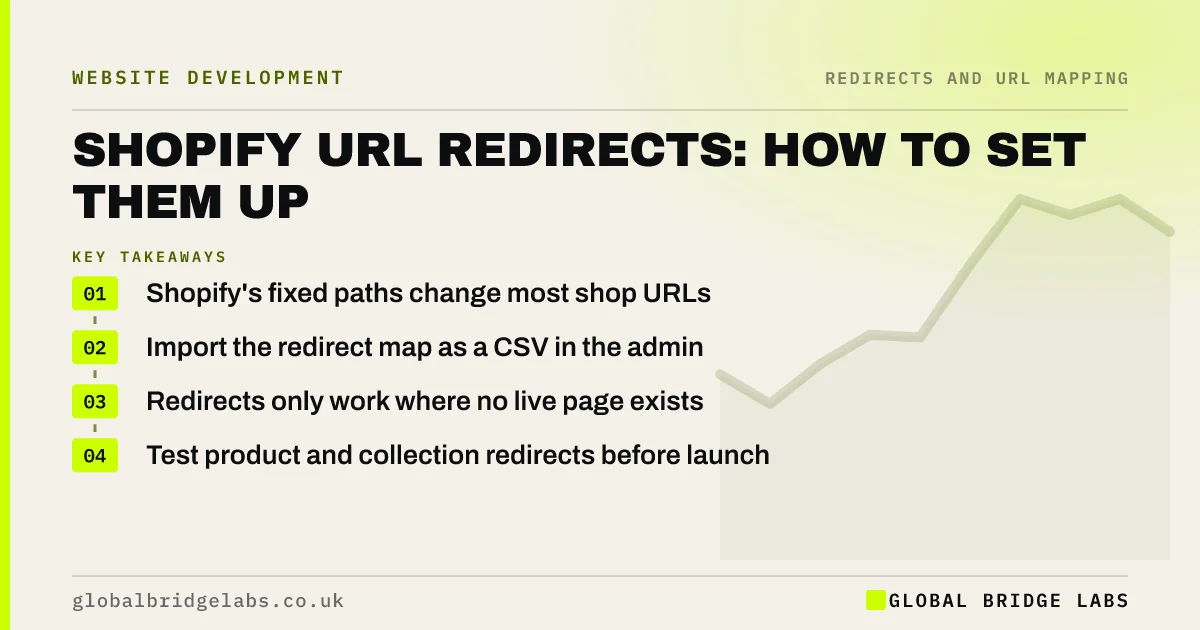
- Shopify's fixed paths change most shop URLs.
- Import the redirect map as a CSV in the admin.
- Redirects only work where no live page exists.
- Test product and collection redirects before launch.
Moving to Shopify? Message us on WhatsApp before you import redirects.
Chat on WhatsApp →Why do Shopify migrations change URLs?
Shopify sets the structure for its main page types: products under /products/, categories under /collections/, information pages under /pages/ and blog posts under /blogs/ followed by the blog name. If your old shop used other patterns, such as category folders or .html endings, every one of those URLs changes. The handle, the part after the folder, can usually be kept the same as the old slug.
How do you import redirects?
Prepare the map as a CSV with two columns, the old path and the new path, following the format Shopify's import expects.
- Use paths, not full URLs, for the old addresses.
- Keep product handles the same as old slugs where you can.
- Import on the new store before launch.
- Spot check products, collections, pages and posts.
- Export the redirects list as a backup.
What can Shopify not do?
Shopify's built-in redirects match exact paths, so they do not support pattern rules for large groups of URLs; some apps add more options. A redirect will not fire if a live page exists at the old path. Query strings are handled differently from server rules, so test old URLs with parameters. When you change a product handle later, Shopify offers to create a redirect automatically; leave that option ticked.
- Pattern redirects: move hundreds of URLs with one rule
- Old URLs with parameters: tracking codes, filters and IDs
- Shopify navigation: menus and collections shoppers follow
Want a check on your Shopify redirect CSV? Send it to us on WhatsApp.
Chat on WhatsApp →What does this look like in practice?
A pattern we see: a shop moves to Shopify and imports redirects with full URLs, including the old domain, in the old path column. None of them match, and old product URLs return 404s on launch. Re-importing with paths only fixes it in minutes, and a test of ten URLs on the new store would have caught it.
Shopify redirects checklist
- Keep product handles the same where possible.
- Prepare a CSV of old and new paths.
- Import before launch and spot check.
- Test URLs with parameters.
- Keep the automatic handle redirect ticked.
Next step
Export your current product and category URLs and check how many would keep the same handle on Shopify. The more you keep, the simpler the redirect map.
Message us on WhatsApp about Shopify redirects, or book a 30-minute consultation.
Chat on WhatsApp →Sources and further reading
- Redirects and Google Search · Google Search Central
- Site moves with URL changes · Google Search Central
- Web performance for your online store · Shopify Help Center
Frequently asked questions
How do I add redirects in Shopify?
Use the URL redirects section in the Shopify admin. You can add redirects one at a time or import a CSV with old paths and new paths. Import before launch, then test a sample of products, collections, pages and blog posts to confirm each redirect works.
Why is my Shopify redirect not working?
Common causes are a live page still existing at the old path, full URLs instead of paths in the import, typos or trailing slashes, and query strings. Check that the old path no longer exists as a page and that the import used the format Shopify expects.
Can I keep my old URLs on Shopify?
Usually not exactly, because Shopify uses fixed folders for products, collections, pages and blog posts. You can often keep the handle, the last part of the URL, the same as before. Redirects then handle the change of folder for each URL.
Written by

Global Bridge Labs (GBL) is a UK–Sri Lanka partner for social media, websites and BPO. Everything here comes from client delivery, not theory.


