
On this page
- 01Key takeaways
- 02How does speed affect repeat customers?
- 03Which pages do returning customers use?
- 04How do you make repeat visits fast?
- 05What does slow self-service cost?
- 06When does speed do little for loyalty?
- 07What does this look like in practice?
- 08Repeat customer speed checklist
- 09Next step
- 10Sources and further reading
- 11Frequently asked questions
Key takeaways
Website speed affects loyalty because repeat customers use the slowest parts of a site most often: logins, account pages, reorders, booking changes and order tracking. They tolerate a delay once. Meeting it on every visit turns a convenient supplier into an irritating one, and they start to phone instead, or to look elsewhere. Speed does not create loyalty. Slowness wears it away.
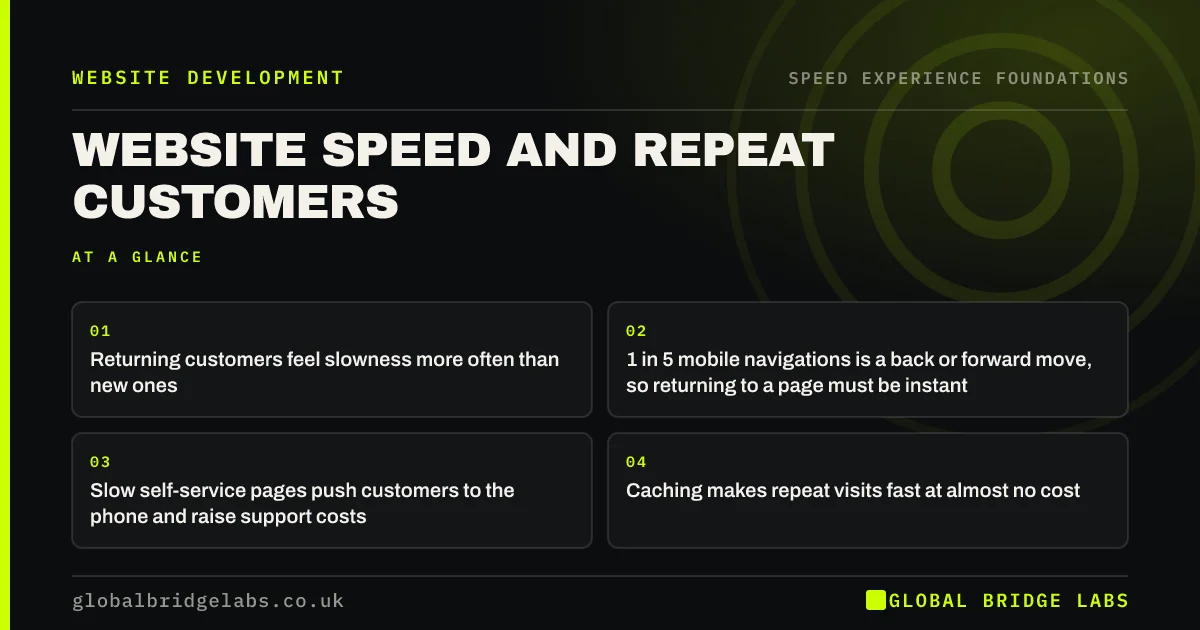
- Returning customers feel slowness more often than new ones.
- 1 in 5 mobile navigations is a back or forward move, so returning to a page must be instant.
- Slow self-service pages push customers to the phone and raise support costs.
- Caching makes repeat visits fast at almost no cost.
Do your regulars ring because the site is quicker to avoid? Tell us on WhatsApp.
Chat on WhatsApp →How does speed affect repeat customers?
Speed affects repeat customers through accumulation. A new visitor experiences your site once. A regular customer experiences it every time they reorder, rebook or check a status. A three-second wait that a first-time buyer forgives becomes, over twenty visits, part of what they think of you.
Published case studies point the same way. Yahoo! Japan reported a 15% uplift in page views per session after fixing layout shift, and other publishers have reported better session length and bounce after speed work. People do more on sites that do not make them wait.
Which pages do returning customers use?
Returning customers skip the pages most speed projects focus on. They go straight to the tools.
- Login and account pages.
- Reorder, basket and saved-details pages.
- Booking management: change, cancel, rebook.
- Order and delivery tracking.
- Search, for people who know what they want.
- Help pages and contact routes.
How do you make repeat visits fast?
Repeat visits can be far faster than first visits, because the browser can keep what it has already downloaded. Correct caching means a returning customer's phone reuses your logo, fonts, styles and scripts instead of fetching them again. Chrome's usage data shows that one in ten desktop navigations and one in five on mobile are back or forward moves, and browsers can restore those pages instantly if the site allows it.
- Set long cache times on files that rarely change.
- Make sure going back restores the page at once, with the basket intact.
- Keep logged-in pages light: they cannot be cached as fully.
- Remember details the customer has already given.
Want your account, reorder or tracking pages tested? Ask us on WhatsApp.
Chat on WhatsApp →What does slow self-service cost?
Slow self-service moves work back to your staff. A customer who cannot quickly see where an order is will ring or email to ask. Each of those contacts takes staff time that the website was meant to save, and it happens with the customers you can least afford to annoy.
An illustrative sum: if 30 customers a week phone about something the site could have shown them, at five minutes a call, that is two and a half hours of staff time every week, before counting the customers who did not bother and went elsewhere.
When does speed do little for loyalty?
Speed does little for loyalty when customers rarely return to the site. A roofing firm or a conveyancer may serve a customer once in ten years, and loyalty there is built through the job and the follow-up, not the website. In those businesses, put speed effort into first visits.
Speed also cannot rescue a poor service. A fast tracking page that reports a late delivery is still reporting a late delivery.
What does this look like in practice?
A pattern we see in online shops and trade suppliers: the homepage and product pages have been optimised, and the account area has not been touched since launch. Regular customers log in to reorder, wait for a slow order history to load and then phone the order through.
Loading the most recent orders first and adding a one-tap reorder button shortens the visit for the customers who buy most often. Global Bridge Labs (GBL) tests logged-in journeys as well as public pages for this reason.
Repeat customer speed checklist
- Log in as a customer on a phone and time each step.
- Test reorder, booking change and tracking journeys.
- Press back and check the page returns at once.
- Check cache settings on images, styles and scripts.
- Count calls and emails the site could have answered.
- Fix the page your best customers use most.
Next step
Your best customers see the parts of your site you look at least. We will walk the returning-customer journey with you and show where it slows them down.
Message us on WhatsApp for a review of your account and reorder journey.
Chat on WhatsApp →Sources and further reading
- Back/forward cache · web.dev (Google)
- Prevent unnecessary network requests with the HTTP cache · web.dev (Google)
- The business impact of Core Web Vitals · web.dev (Google)
Frequently asked questions
Does website speed affect customer loyalty?
Yes, mainly by eroding it. Repeat customers use logins, reorders and tracking pages often, so they meet any slowness on every visit. Over time a slow site becomes part of how they judge the business, and they shift to phoning or to a competitor.
Why are repeat visits sometimes slower than they should be?
Usually because caching is not set up, so the browser downloads the same files on every visit, or because logged-in pages load far more data than the customer needs. Both can be corrected without changing how the site looks.
Does website speed affect customer satisfaction?
Yes. Waiting is felt as effort, and effort lowers satisfaction even when the task succeeds. A site that lets a customer reorder or check a status in seconds leaves a better impression than one that reaches the same result slowly.
Which pages should I speed up for existing customers?
Start with the pages they use most: login, account, reorder, booking management and order tracking. Log in on a phone over mobile data and time each step. These pages are often the slowest on the site because they were never tested.
Written by

Global Bridge Labs (GBL) is a UK–Sri Lanka partner for social media, websites and BPO. Everything here comes from client delivery, not theory.


