
On this page
- 01Key takeaways
- 02Why are trade websites different?
- 03Mistake 1: the phone number is hard to find
- 04Mistake 2: no clear service area
- 05Mistake 3: stock photos instead of real work
- 06Mistake 4: slow, oversized galleries
- 07Mistake 5: proof kept out of sight
- 08Mistake 6: one page for every service
- 09What does this look like in practice?
- 10Trade website checklist
- 11Next step
- 12Sources and further reading
- 13Frequently asked questions
Key takeaways
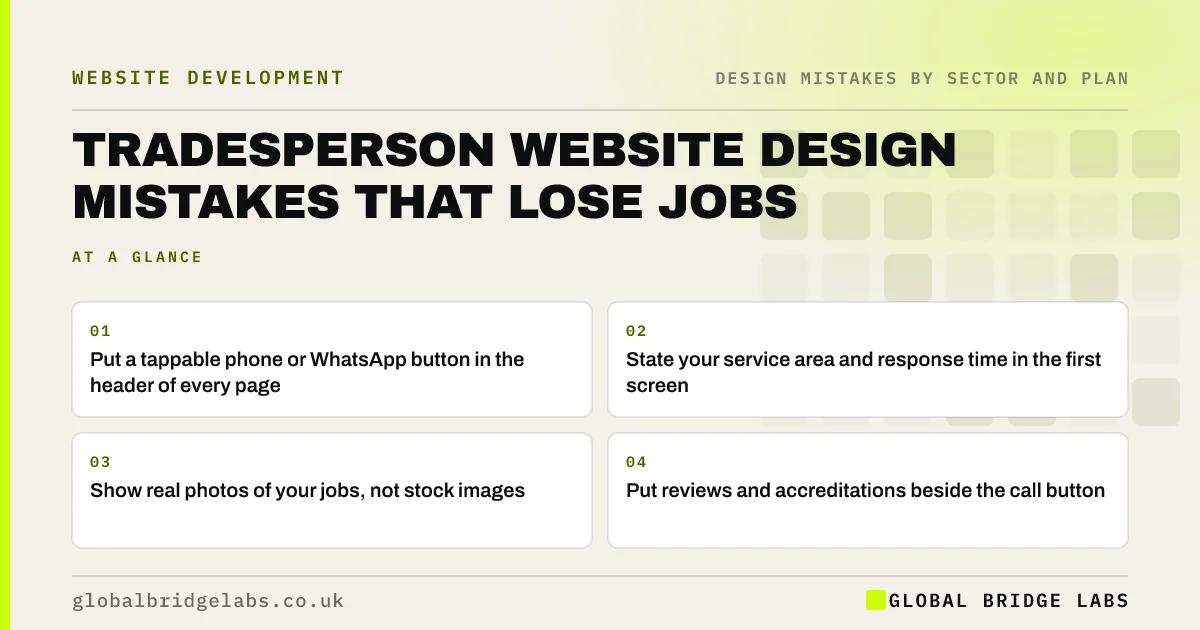
The website design mistakes that cost tradespeople the most jobs are a phone number that is hard to find on a phone, no clear service area, stock photos instead of real work, slow photo galleries and no proof of accreditations or reviews near the call button. Most trade customers are on a phone, often with an urgent problem, so design for one-thumb, one-tap contact.
- Put a tappable phone or WhatsApp button in the header of every page.
- State your service area and response time in the first screen.
- Show real photos of your jobs, not stock images.
- Put reviews and accreditations beside the call button.
Want your trade website reviewed? Message us on WhatsApp.
Chat on WhatsApp →Why are trade websites different?
Trade customers often search on a phone when something has gone wrong or a project has been approved. They want to know quickly whether you cover their area, do the job they need, can be trusted and how to reach you. Design mistakes that slow any of those answers send them to the next result.
Mistake 1: the phone number is hard to find
A number buried on the contact page, shown as an image or not tappable on mobile is the most expensive trade website mistake. Put it in the header on every page as a tap-to-call link, add WhatsApp if you answer it, and show your hours or emergency availability next to it.
Mistake 2: no clear service area
Visitors need to know immediately whether you cover them. State the towns or postcodes you serve in the first screen and on each service page, and keep them consistent with your Google Business Profile.
Mistake 3: stock photos instead of real work
A stock photo of a smiling builder in a clean hard hat convinces nobody. Photos of your actual jobs, before and after, and your team and van show competence and that you are real. Phone photos in good light are fine if they are sharp.
Mistake 4: slow, oversized galleries
Project galleries uploaded straight from a phone can be very heavy, which makes pages slow on mobile data. Resize and compress images, use responsive images and lazy load the gallery so the phone number and headline appear first.
Want your trade site faster and clearer? Message us on WhatsApp and we will discuss your requirements.
Chat on WhatsApp →Mistake 5: proof kept out of sight
Accreditations such as Gas Safe registration, NICEIC or trade association membership, plus reviews, are what trade customers check. Put them beside the call button and on service pages, not only on a separate page. Make sure any registration you display is current.
Mistake 6: one page for every service
Listing boiler repairs, bathroom fitting and emergency call-outs on one page makes it harder for buyers to find their job and for Google to match searches. Give each main service its own page with a clear heading, photos, prices or ranges and the call button.
What does this look like in practice?
A pattern we see: a trade site leads with a stock image and a slider, and the phone number appears only in the footer. Moving a tappable number and the service area into the header, and replacing the slider with real job photos, puts the essentials in front of mobile visitors.
Trade website checklist
- Tappable phone or WhatsApp in the header.
- Service area and response time in the first screen.
- Real photos of jobs, team and van.
- Compressed, lazy-loaded galleries.
- Accreditations and reviews beside the call button.
- A page for each main service.
Next step
Search for your main service on your phone, open your site and time how long it takes to tap your number.
Message us on WhatsApp for a trade website review, or book a 30-minute consultation.
Chat on WhatsApp →Sources and further reading
- Tips to improve your local ranking on Google · Google Business Profile Help
- Google Business Profile Help · Google
- Responsive images · web.dev (Google)
Frequently asked questions
What should a tradesperson's website include?
A tappable phone or WhatsApp button on every page, your service area and response time, a page for each main service, real photos of your work, reviews and current accreditations, and a short enquiry form.
Why is my trade website not getting calls?
Common reasons are a phone number that is hard to find or tap on mobile, no clear service area, slow pages, stock photos and missing reviews or accreditations. Check your site on a phone as a customer would.
Should tradespeople show prices on their website?
Showing typical ranges or starting prices for common jobs helps buyers judge fit and can reduce time-wasting calls. Exact prices often depend on a visit, so explain what affects the price.
Written by

Global Bridge Labs (GBL) is a UK–Sri Lanka partner for social media, websites and BPO. Everything here comes from client delivery, not theory.


