
On this page
Key takeaways
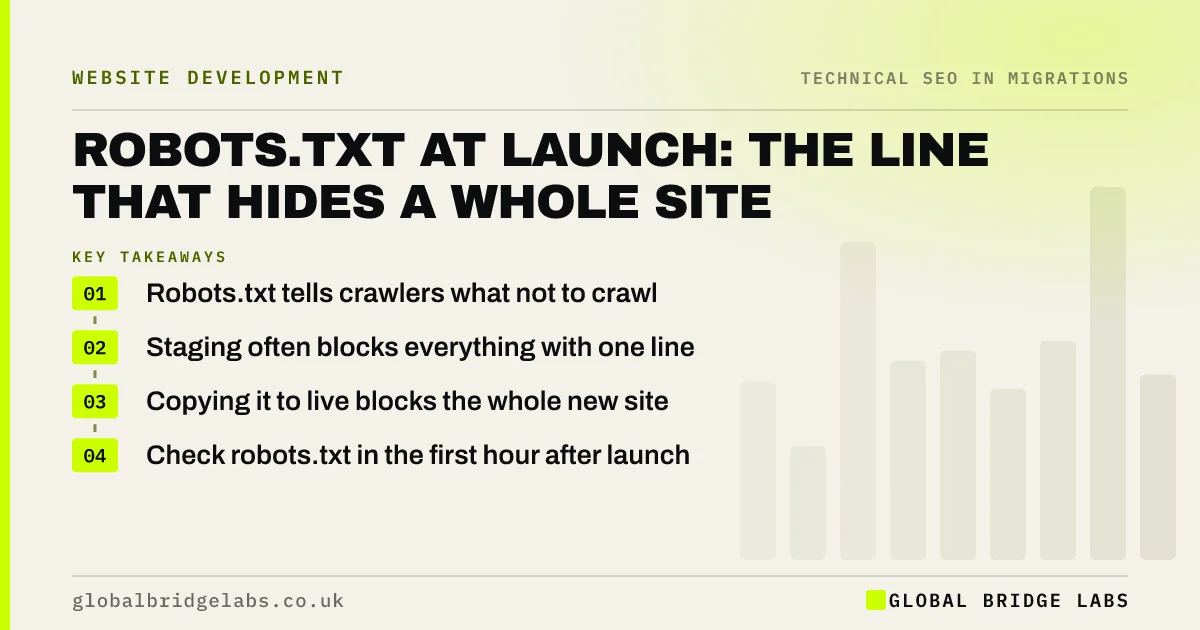
Robots.txt is a small file that tells crawlers which parts of a site not to crawl. Staging sites often use a rule blocking everything, and if that file is copied to the live site at launch, search engines stop crawling the new site. Check robots.txt in the first hour after launch, compare it with the old live version and test key pages in Search Console.
- Robots.txt tells crawlers what not to crawl.
- Staging often blocks everything with one line.
- Copying it to live blocks the whole new site.
- Check robots.txt in the first hour after launch.
Want us to check your robots.txt? Message us on WhatsApp.
Chat on WhatsApp →How does robots.txt hide a site?
A robots.txt file with the lines User-agent: * and Disallow: / tells every crawler not to fetch any page. On staging, developers use it to keep the test site out of search. If the same file goes live, Google stops crawling, cannot see your redirects or new pages, and over time shows results with no description or drops pages. Google's introduction to robots.txt explains what the file can and cannot do.
What should the live file contain?
For most small business sites, the live file should be short and allow crawling of everything that matters.
- No Disallow: / rule for all crawlers.
- Blocks only for genuinely private or useless areas, such as admin.
- No blocks on CSS, JavaScript or image folders pages need.
- A Sitemap line pointing to the new XML sitemap.
- Rules that match the new URL structure, not the old one.
How do you check it at launch?
Open yourdomain/robots.txt in a browser as soon as the site is live and read every line. Compare it with the old live file and the staging file. Then use the URL Inspection tool in Search Console on your homepage and two key pages to confirm crawling is allowed. Watch the Page indexing report for pages blocked by robots.txt in the first week.
- Use URL Inspection to check key pages after launch
- The first hour after a migration: checks in order
- Reading the Page indexing report after a migration
Want a second pair of eyes at launch? Message us on WhatsApp.
Chat on WhatsApp →What does this look like in practice?
A pattern we see: a new site launches on a Friday afternoon with the staging robots.txt still in place. By Monday, Search Console shows key pages blocked and search clicks have fallen. Replacing the file takes a minute. Recovery takes longer, which is why the first-hour check matters.
robots.txt launch checklist
- Read the live robots.txt at launch.
- Remove any Disallow: / rule.
- Do not block CSS or JavaScript pages need.
- Add the new sitemap line.
- Test key pages with URL Inspection.
Next step
Add checking robots.txt to the first five minutes of your launch checklist, with a named person responsible. It is the quickest check with the biggest consequence.
Message us on WhatsApp about launch checks, or book a 30-minute consultation.
Chat on WhatsApp →Sources and further reading
- Introduction to robots.txt · Google Search Central
- Block search indexing with noindex · Google Search Central
- Page indexing report · Search Console Help
Frequently asked questions
What happens if robots.txt blocks my whole site?
Search engines stop crawling your pages, so they cannot see new content, redirects or changes. Over time, pages may appear in results without descriptions or drop out. Remove the blocking rule straight away, test key pages with URL Inspection in Search Console and watch the Page indexing report recover.
Does robots.txt remove pages from Google?
No. Robots.txt stops crawling, not indexing. Google can still show a blocked URL if other pages link to it, usually without a description. To keep a page out of results, use a noindex tag on a crawlable page, or protect it with a password.
Should robots.txt block anything after a migration?
Usually very little: perhaps admin areas, internal search results or other genuinely useless pages. Do not block CSS, JavaScript or images that pages need to display properly, and do not block old URLs, because Google needs to crawl them to find your redirects.
Written by

Global Bridge Labs (GBL) is a UK–Sri Lanka partner for social media, websites and BPO. Everything here comes from client delivery, not theory.


