On this page
Key takeaways
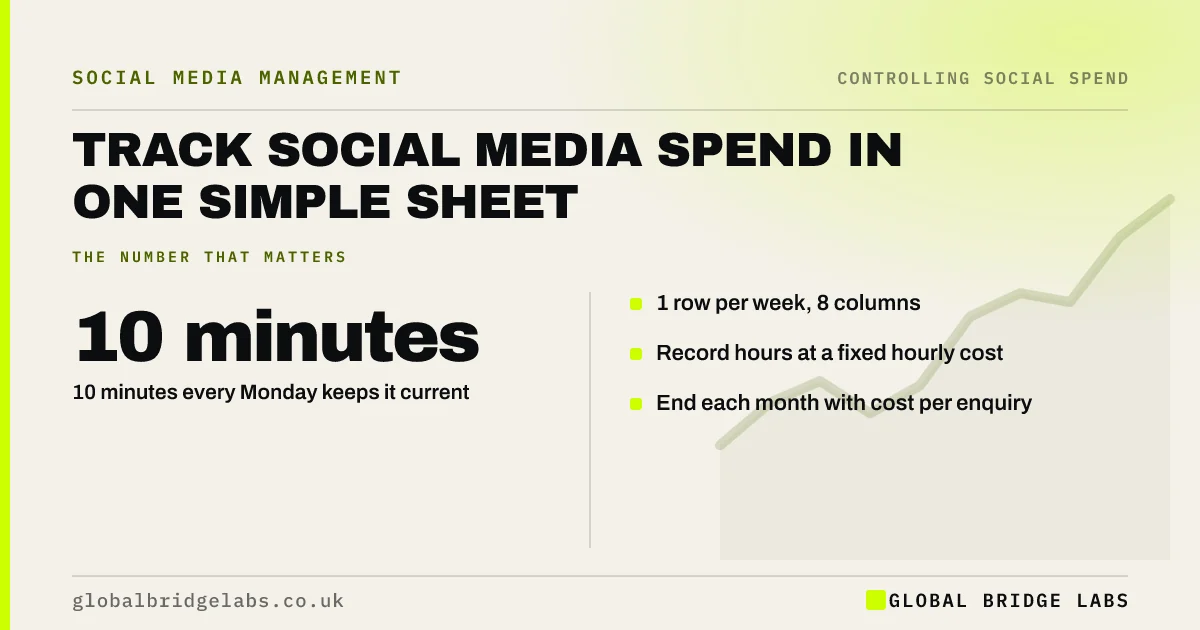
A marketing spend tracker for social media needs one row per week and eight columns: hours, hourly cost, outside help, tools, ad spend by platform, enquiries, sales and notes. Ten minutes every Monday keeps it current. At month end it gives cost per enquiry, the single figure that should drive budget decisions.
- 1 row per week, 8 columns.
- 10 minutes every Monday keeps it current.
- Record hours at a fixed hourly cost.
- End each month with cost per enquiry.
Want the tracker sent to you? Message us on WhatsApp.
Chat on WhatsApp →Which columns does the tracker need?
Week starting, hours spent, hourly cost, outside help, tools, ad spend by platform, enquiries from social media, sales from social media, and a notes column for anything unusual, such as a viral post or a bank holiday. Keep it in one sheet so nothing gets lost between files.
- Week, hours, hourly cost.
- Outside help and tools.
- Ad spend by platform.
- Enquiries and sales from social.
- Notes.
How do you count enquiries from social media?
Use tagged links on profiles and ads, a field on your enquiry form asking how people found you, and a note on phone and WhatsApp enquiries. None is perfect, but together they give a consistent count. Consistency matters more than precision for comparing months.
Tell us how enquiries reach you on WhatsApp and we will discuss your requirements.
Chat on WhatsApp →What should the monthly figure show?
Total spend including time, ad spend alone, enquiries and cost per enquiry both ways. Illustrative month: £1,400 total, £400 ads, 22 enquiries, so £64 per enquiry overall and £18 on ads alone. Both figures matter: one judges the channel, the other the ads.
Do you need software for this?
Not at first. A spreadsheet is enough for most small businesses. Platform dashboards report ad spend but not your hours or offline sales. Reconcile ad spend with your bank or card statements quarterly, and keep invoices for your accounts.
What does this look like in practice?
A pattern we see: an owner knows last month's ad spend to the penny but cannot say how many enquiries came from social. Adding a 'how did you hear' question and a weekly row usually gives a first cost per enquiry within a month.
Tracker checklist
- Create the eight columns.
- Set a fixed hourly cost for time.
- Tag links and ask how people found you.
- Fill in one row every Monday.
- Report cost per enquiry monthly.
Next step
Create the sheet now and fill in last week from memory. Set a Monday reminder to keep it going.
Message us on WhatsApp for the tracker, or book a 30-minute consultation.
Chat on WhatsApp →Sources and further reading
- URL builders: collect campaign data with custom URLs · Google Analytics Help
- Business records if you're self-employed · GOV.UK
Frequently asked questions
How do I track social media spend?
Use a weekly spreadsheet with columns for hours, hourly cost, outside help, tools, ad spend by platform, enquiries and sales. Fill it in each Monday and total it monthly. That shows cost per enquiry, which is more useful than any platform dashboard on its own.
Should I track my own time as a cost?
Yes. Owner and staff hours are often the largest social media cost. Put a fixed hourly value on them so you can compare doing it yourself with paying for help, and see the true cost of each enquiry rather than just the ad spend.
How often should I review the tracker?
Fill it in weekly and review it monthly for cost per enquiry. Every quarter, look at trends across the three months and decide whether to change the budget split. Weekly figures alone move too much to base decisions on. Review it each quarter against your enquiries and sales, and adjust in small steps.
Written by

Global Bridge Labs (GBL) is a UK–Sri Lanka partner for social media, websites and BPO. Everything here comes from client delivery, not theory.