On this page
- 01Key takeaways
- 02What is contact form abandonment?
- 03How do you measure it?
- 04What causes visitors to abandon a form?
- 05Which fixes recover the most enquiries?
- 06When does form abandonment point to a redesign?
- 07What else should you check?
- 08Should you use a multi-step form?
- 09What does this look like in practice?
- 10Form abandonment checklist
- 11Next step
- 12Sources and further reading
- 13Frequently asked questions
Key takeaways
Form abandonment is when visitors start your contact form but do not submit it. Track form starts as well as submissions to measure it. The usual causes are too many fields, unclear errors, required phone numbers, and forms that break on mobile. Most fixes take hours, not a redesign.
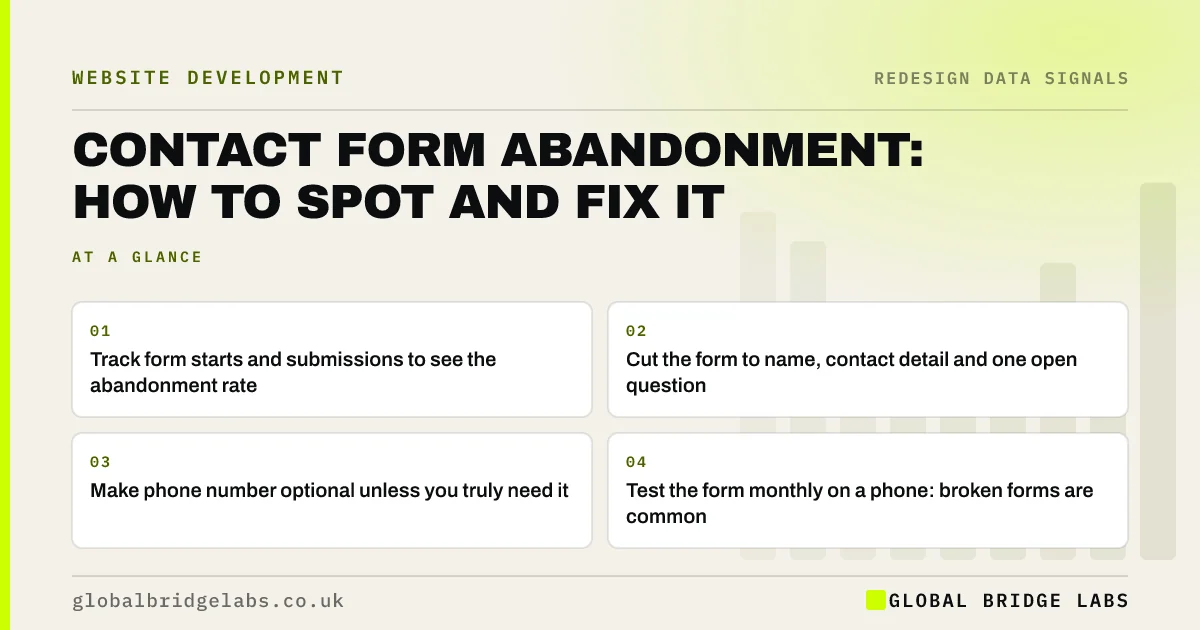
- Track form starts and submissions to see the abandonment rate.
- Cut the form to name, contact detail and one open question.
- Make phone number optional unless you truly need it.
- Test the form monthly on a phone: broken forms are common.
Suspect your form is losing enquiries? Send us the link on WhatsApp.
Chat on WhatsApp →What is contact form abandonment?
Contact form abandonment is when a visitor begins filling in a website form but leaves without submitting it. The abandonment rate is the share of form starts that do not end in a submission, and it shows how much friction the form itself adds at the point where a visitor has already decided to get in touch.
How do you measure it?
GA4's enhanced measurement can record form interactions, including form starts and submissions, on many sites, though it does not work reliably with every form. If it does not suit your form, set up a form start event through your tag manager. Compare starts with confirmed submissions arriving in your inbox, not just the thank-you page count.
What causes visitors to abandon a form?
The causes are usually visible within minutes of testing the form on a phone.
- Too many fields, especially required ones.
- Required phone number from people who prefer email or WhatsApp.
- Error messages that appear only after submission, or wipe the answers.
- Dropdowns and date pickers that are awkward on mobile.
- CAPTCHAs that are hard to solve.
- No indication of what happens next or how quickly you reply.
Want your form reviewed field by field? Ask us on WhatsApp.
Chat on WhatsApp →Which fixes recover the most enquiries?
Removing fields and adding alternatives recover the most. The GOV.UK Service Manual's guidance on form structure recommends asking only for what you need; for a small business enquiry that is usually a name, one contact method and a short description.
- Reduce to three or four fields.
- Offer phone and WhatsApp next to the form for people who prefer them.
- Show inline errors that keep the visitor's answers.
- Say how quickly you reply, for example within 2 hours in UK business hours.
When does form abandonment point to a redesign?
Rarely on its own. Forms can be fixed on almost any platform. It points to a rebuild only when the platform cannot support a simple, reliable form, for example a proprietary builder with a fixed form you cannot edit, or one whose notifications keep failing.
What else should you check?
That submitted forms actually arrive. A form that submits correctly but sends notifications to an old address or a spam folder is worse than one visitors abandon, because you never know you lost the enquiry. Send a test from a phone every month.
Should you use a multi-step form?
Sometimes. A multi-step form can reduce abandonment for longer enquiries, such as quotes that genuinely need several details, because each step feels small. For a simple enquiry, a single short form is usually better, since every extra step is another chance to leave.
If you use steps, put the easiest questions first, show progress, keep answers when visitors go back, and collect contact details early enough that a partial enquiry can still be followed up, with consent. Test the whole flow on a phone before and after the change.
- Simple enquiry: one short form.
- Detailed quote: consider two or three steps.
- Show progress and keep answers on back.
- Test the whole flow on a phone.
What does this look like in practice?
A pattern in UK professional services: a 12-field form asks for company size, budget, how you heard about us and a required phone number. Tracking shows most starts never submit. Cutting it to four fields and adding a phone and WhatsApp option beside it is a morning's work.
Form abandonment checklist
Work through these this week.
- Track form starts and submissions.
- Test the form on a phone over mobile data.
- Remove every field you do not need to reply.
- Make phone optional; offer WhatsApp beside the form.
- Show inline errors and keep answers on error.
- Confirm notifications reach a monitored inbox.
Next step
If you suspect your form is losing enquiries, we will test it with you in 30 minutes and list the changes that will recover the most.
Message us on WhatsApp for a contact form review, or book a 30-minute consultation.
Chat on WhatsApp →Sources and further reading
- Structuring forms · GOV.UK Service Manual
- About key events · Google Analytics Help
- Question pages pattern · GOV.UK Design System
Frequently asked questions
How do I track contact form abandonment?
Track form starts and form submissions as separate events in GA4, using enhanced measurement where it works with your form or a tag manager event where it does not. The abandonment rate is the share of starts that do not result in a submission.
How many fields should a contact form have?
For most small business enquiries, three or four: name, one contact method, a short description, and optionally one qualifying question. Every extra required field gives visitors another reason to stop. Add a sentence saying how quickly you reply. Test the form again after each change.
Should I make the phone number required on my contact form?
Usually not. Many people prefer email or messaging and will abandon a form that insists on a phone number. Make it optional, and offer phone and WhatsApp as separate options beside the form for people who prefer to talk. Label optional fields clearly so visitors know what they can skip.
Why is my contact form not sending emails?
Common causes are notifications set to an old address, messages landing in spam because the site sends mail without proper authentication, or a plugin conflict after an update. Send a test from a phone monthly and consider an SMTP or transactional mail service.
Written by

Global Bridge Labs (GBL) is a UK–Sri Lanka partner for social media, websites and BPO. Everything here comes from client delivery, not theory.