
On this page
Key takeaways
WordPress has no full redirect manager built in, so most sites use a redirect plugin or server rules. A plugin is easiest for most small businesses: import the redirect map as a CSV, choose 301 and test each rule. Server rules, in the .htaccess file on Apache or the configuration on Nginx, are faster for large maps and patterns.
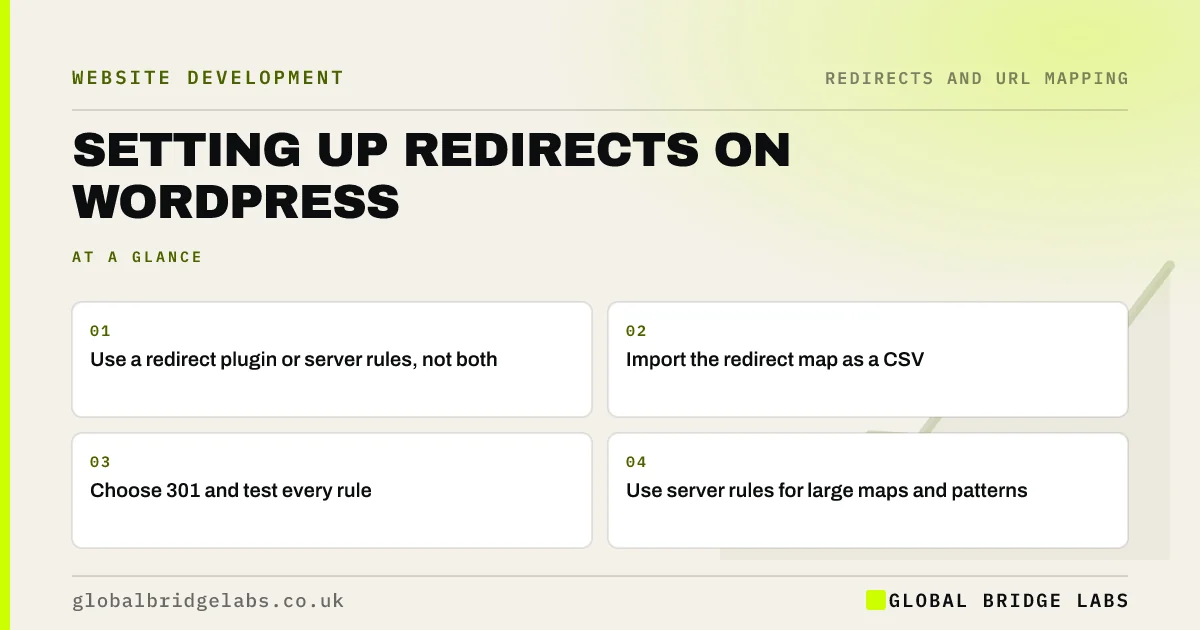
- Use a redirect plugin or server rules, not both.
- Import the redirect map as a CSV.
- Choose 301 and test every rule.
- Use server rules for large maps and patterns.
Setting up redirects on WordPress? Message us on WhatsApp.
Chat on WhatsApp →Which method should you use?
WordPress does automatically redirect some changed post slugs, but it will not handle a full migration map. Choose a method based on the size of the map and who will maintain it.
- Redirect plugin: easy to manage, imports CSV, logs 404s.
- SEO plugin redirect manager: some include one, often in paid tiers.
- Apache .htaccess rules: fast, good for patterns, needs care.
- Nginx configuration: fast, set by the host or developer.
How do you load the map?
Prepare the map as a two-column file of old path and new path, without the domain if the plugin expects relative paths. Import it on staging first. Check the plugin is set to 301, then test a large sample, including the top pages by traffic. If you use .htaccess, add rules above the standard WordPress block, and keep a backup of the file before editing, because a mistake can take the site down.
The WordPress developer documentation on Apache and .htaccess explains how the file works.
What should you watch after launch?
Many redirect plugins log 404 errors. Check that log daily for the first week and weekly for three months, and add redirects for any old URLs that still get visits. Keep the plugin and WordPress updated, and avoid deleting the plugin later; if you do, the redirects go with it. If the site moves host again, take the rules with it.
Want us to check your WordPress redirects? Message us on WhatsApp.
Chat on WhatsApp →What does this look like in practice?
A pattern we see: a WordPress site has redirects in a plugin, in .htaccess and in an SEO plugin, added by different people over the years. Some old URLs hit two rules and chain. Consolidating everything into one plugin, with the map imported in one go, makes the redirects easy to test and maintain.
WordPress redirects checklist
- Choose one redirect method.
- Import the map on staging.
- Set redirects to 301.
- Test a large sample, top pages first.
- Check the 404 log after launch.
Next step
Find out where your WordPress site keeps redirects today: plugin, SEO plugin or server file. Consolidate into one place before you load the migration map.
Message us on WhatsApp about WordPress redirects, or book a 30-minute consultation.
Chat on WhatsApp →Sources and further reading
- Apache HTTPD and .htaccess · WordPress Developer Resources
- Redirects and Google Search · Google Search Central
- Updating WordPress · WordPress.org
Frequently asked questions
How do I set up redirects in WordPress?
Most small sites use a redirect plugin: install it, import your redirect map as a CSV of old and new paths, set the type to 301 and test each rule. Larger sites or pattern redirects may use server rules in .htaccess or Nginx. Pick one method and keep all redirects there.
Do I need a plugin for WordPress redirects?
Not necessarily. Server rules in .htaccess or Nginx work without a plugin and are fast. A plugin is easier for non-developers to manage and often logs 404 errors, which helps after launch. Choose based on who will maintain the redirects.
What happens to redirects if I remove the plugin?
The redirects stored in that plugin stop working. Before removing or replacing a redirect plugin, export its rules and import them into the new method, then test them. The same applies when moving host if your redirects live in server configuration files.
Written by

Global Bridge Labs (GBL) is a UK–Sri Lanka partner for social media, websites and BPO. Everything here comes from client delivery, not theory.


