
On this page
Key takeaways
Product page speed is a balance between showing enough for a shopper to decide and showing it before they lose interest. The page needs images, options, price, delivery and reviews. It does not need all of them at once. Load the first image, the price and the Add to Basket button immediately, and let galleries, reviews and recommendations follow as the shopper scrolls.
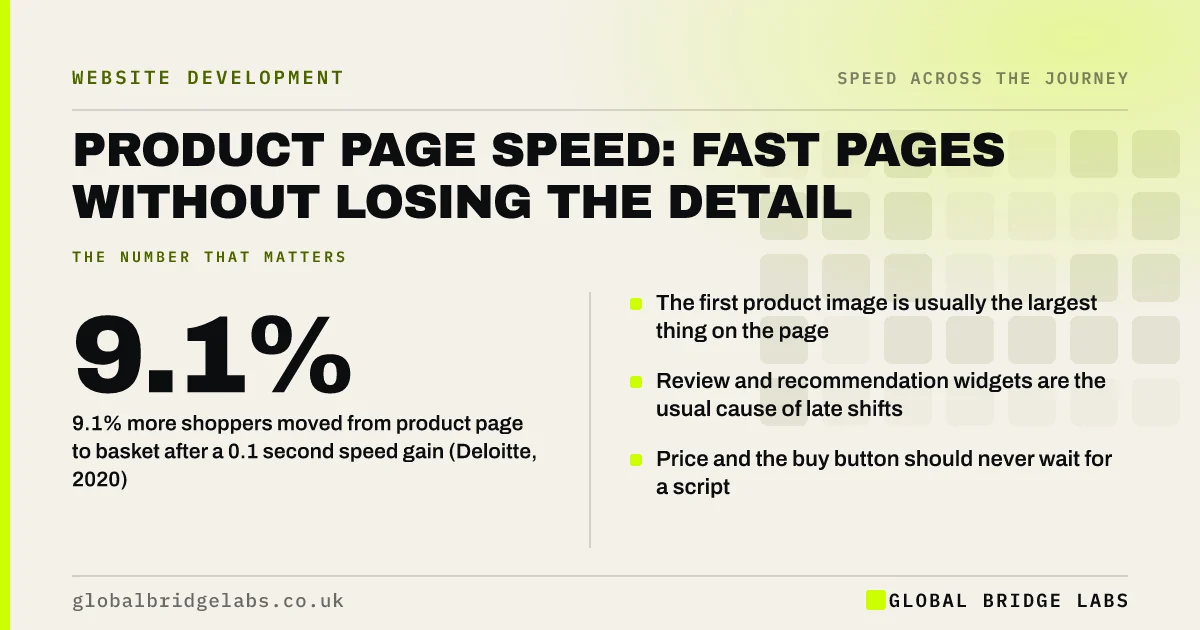
- 9.1% more shoppers moved from product page to basket after a 0.1 second speed gain (Deloitte, 2020).
- The first product image is usually the largest thing on the page.
- Review and recommendation widgets are the usual cause of late shifts.
- Price and the buy button should never wait for a script.
Want your best-selling product page tested on a phone? Send us the link on WhatsApp.
Chat on WhatsApp →Why does product page speed matter?
Product pages are where most shop visits start. Shoppers arrive from search, shopping listings and social posts directly on a product, not on the homepage. The page has to load, show the item and let them act, often on mobile data.
Deloitte's 2020 Milliseconds Make Millions study measured progression through retail sites and found that a 0.1 second improvement in mobile speed was associated with a 9.1% increase in shoppers moving from a product page to adding to basket.
What slows product pages down?
Product pages collect features, and each one adds requests. The page that sells best is often the heaviest on the site.
- Image galleries loading every photograph at full size.
- Zoom and 360-degree viewers loaded before anyone asks for them.
- Variant selectors that reload the page or the gallery.
- Review widgets fetched from a third party.
- Recommendation carousels and recently viewed lists.
- Stock and delivery estimates looked up live.
How do you keep detail and speed?
Load in the order a shopper decides. First the main image, title, price and button. Then options and delivery. Then everything that supports the decision but is not needed to start it.
- 1. Prioritise the first image and serve it at the size displayed.
- 2. Load other gallery images when they are swiped to.
- 3. Render price, stock and the buy button in the page itself.
- 4. Reserve space for reviews so nothing moves when they arrive.
- 5. Load zoom, video and recommendations on scroll or on tap.
Unsure what your product template loads first? Ask us on WhatsApp.
Chat on WhatsApp →What should you not strip out?
Do not remove what helps people buy. Several good photographs, clear sizing, delivery cost and genuine reviews all raise confidence, and a faster page without them will sell less. The aim is to change when things load, not whether they exist.
Image quality is the usual casualty of clumsy optimisation. A product photograph compressed until the fabric texture disappears is fast and useless. Resize first, then compress with care.
What does this look like in practice?
A pattern we see in shops with large catalogues: every product page loads ten gallery images at full resolution, a review widget and two carousels before the Add to Basket button becomes usable. On a phone, the shopper can see the product and cannot yet buy it.
Changing the template so that the first image and the button load first, with the gallery following on swipe, improves every product page at once. Global Bridge Labs (GBL) fixes templates, not individual pages, for that reason.
Product page speed checklist
- Test your three best-selling product pages on a phone.
- Time how long before Add to Basket works.
- Check the first image is sized for the screen.
- Watch for shifts when reviews load.
- Change a variant and see whether the page reloads.
- Fix the template, then spot-check other products.
Next step
One template usually sits behind every product you sell. Fix it once and the whole catalogue gets faster. We will show you what yours loads and in what order.
Message us on WhatsApp for a product page speed review.
Chat on WhatsApp →Sources and further reading
- Milliseconds make millions: summary of the Deloitte study · web.dev (Google)
- Optimise Largest Contentful Paint · web.dev (Google)
- Browser-level image lazy loading for the web · web.dev (Google)
- Google Images SEO best practices · Google Search Central
Frequently asked questions
How fast should a product page load?
Aim for the main product image, price and buy button within 2.5 seconds on a mobile connection, with the button responding to a tap at once. Galleries, reviews and recommendations can load afterwards, as long as space is reserved so nothing moves.
Do product images slow down a website?
They are usually the largest part of a product page. The answer is not fewer photographs but better delivery: resize to the displayed size, use modern formats, prioritise the first image and load the rest as the shopper swipes or scrolls.
Do review widgets slow down product pages?
Often. Many load from a third party after the page appears and push content down as they arrive. Reserve space for them, load them below the first screen and check that the buy button does not wait for them.
Should I fix each slow product page separately?
No. Product pages share a template, so a fix to the template improves all of them. Test a few representative products, change the template, then spot-check products with unusually large galleries or many variants.
Written by

Global Bridge Labs (GBL) is a UK–Sri Lanka partner for social media, websites and BPO. Everything here comes from client delivery, not theory.


