
On this page
- 01Key takeaways
- 02What does going paperless mean for a small business?
- 03Which processes should go first?
- 04How do you make digital filing faster than paper?
- 05What does the gain look like in numbers?
- 06What records do you need to keep?
- 07Should you scan your whole archive?
- 08What does this look like in practice?
- 09Paperless checklist
- 10Next step
- 11Sources and further reading
- 12Frequently asked questions
Key takeaways
Going paperless saves time when documents can be found in seconds, not when paper is simply scanned into a messy folder. Start with the paper that moves most: supplier invoices, job sheets, delivery notes and signed forms. Capture them at the source, name and file them consistently, and decide what to do with the paper archive before scanning it all.
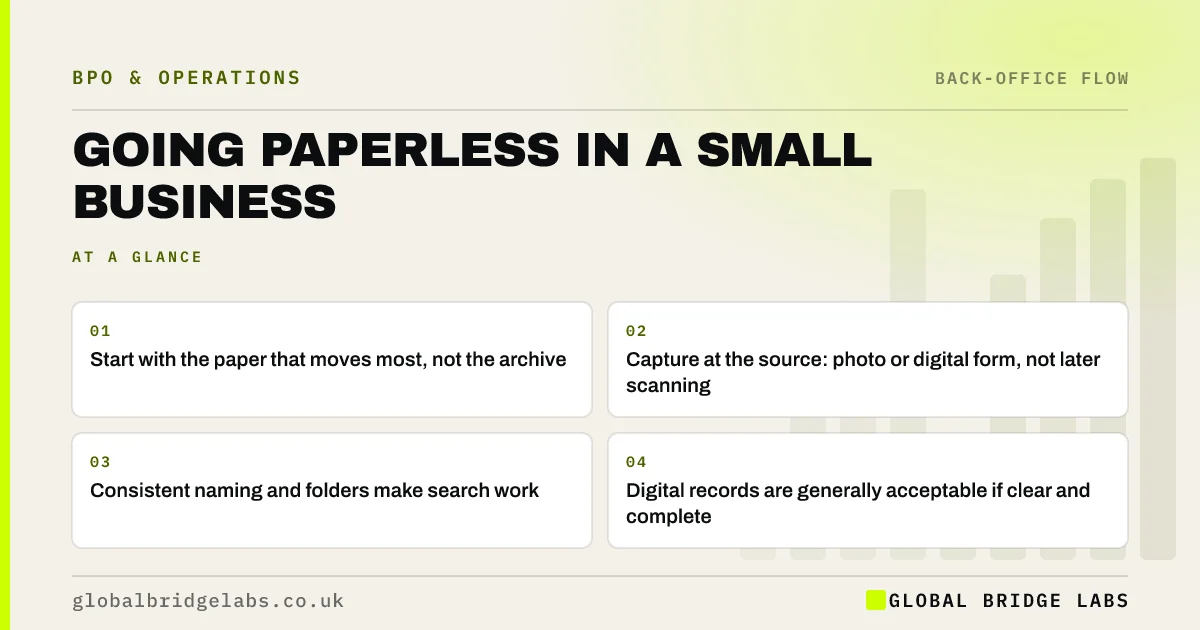
- Start with the paper that moves most, not the archive.
- Capture at the source: photo or digital form, not later scanning.
- Consistent naming and folders make search work.
- Digital records are generally acceptable if clear and complete.
Want to know which paper processes to digitise first? Message us on WhatsApp.
Chat on WhatsApp →What does going paperless mean for a small business?
Going paperless means running everyday processes on digital documents rather than paper: invoices received by email, job sheets completed on a phone, contracts signed electronically and records stored where they can be searched. It is not about scanning every old file. It is about stopping new paper from being created.
Which processes should go first?
Start with processes where paper causes delay or errors: anything that has to be carried, typed up or posted. Job sheets typed up at the end of the week, delivery notes matched by hand and paper timesheets are common examples.
- Job sheets and timesheets: replace with a phone form.
- Supplier invoices: one email address, no printing.
- Delivery notes and proofs: photo at the point of delivery.
- Contracts and forms: electronic signature.
How do you make digital filing faster than paper?
Make it faster with a simple folder structure, a naming convention everyone uses, and one place for each document type. Searching a well-named folder takes seconds. Searching a scanned pile named scan001.pdf is slower than a filing cabinet. Decide the rules before you start, and check them monthly.
What does the gain look like in numbers?
In an illustrative trades firm, eight engineers hand in paper job sheets on Friday and the office spends about six hours typing them up. Switching to a phone form that feeds the job system removes the typing and lets invoices go out the day a job finishes. Example figures only.
- Order-to-cash process: shorten the road from sale to cash
- How to run a more efficient trades business
Want to estimate your own paper time? Send us the processes on WhatsApp.
Chat on WhatsApp →What records do you need to keep?
Limited companies must keep accounting records for six years from the end of the financial year they relate to, and the self-employed have their own record-keeping rules. Digital copies are generally acceptable if they are clear and complete. Some documents, such as certain deeds, may have specific requirements, so check with your accountant or solicitor before destroying originals.
Should you scan your whole archive?
Usually not. Scanning an entire archive is slow and much of it will never be looked at. Scan what you use, keep or archive the rest until it passes its retention date, then dispose of it securely. If an archive must be digitised, a managed document processing team is usually faster and cheaper than staff doing it between other work.
What does this look like in practice?
A pattern we see: a business buys a scanner and scans everything into one folder, then finds it harder to find documents than before. Agreeing names and folders, and moving to digital capture at source, is what actually saves the time.
Paperless checklist
Work through these in order.
- List paper documents created each week.
- Replace the busiest with digital capture.
- Agree folder and naming rules.
- Set retention periods.
- Decide what to do with the archive.
Next step
Tell us what paper still moves around your business each week. We will suggest what to digitise first and how to keep it easy to find.
Message us on WhatsApp about going paperless, or book a 30-minute consultation.
Chat on WhatsApp →Sources and further reading
Frequently asked questions
How do I make my small business paperless?
Start with the paper that moves most, such as job sheets, invoices and delivery notes, and replace it with digital capture at the source. Agree folder and naming rules before you start. Scan only the archive you actually use and keep the rest until its retention period ends.
Are scanned documents legally acceptable?
For most business records, clear and complete digital copies are generally acceptable, including for accounting records. Some documents may have specific requirements, so check with your accountant or solicitor before destroying any originals.
Does going paperless actually save time?
It saves time when it removes typing up, carrying and searching. It does not if paper is simply scanned into a disorganised folder. The gain comes from capturing information digitally at the start and filing it consistently.
Written by

Global Bridge Labs (GBL) is a UK–Sri Lanka partner for social media, websites and BPO. Everything here comes from client delivery, not theory.


