
On this page
- 01Key takeaways
- 02Does machine translation hurt credibility?
- 03When is machine translation good enough?
- 04How should you translate a business website?
- 05How do you keep translations credible over time?
- 06When is translation not worth it?
- 07What does this look like in practice?
- 08Translation checklist
- 09Next step
- 10Sources and further reading
- 11Frequently asked questions
Key takeaways
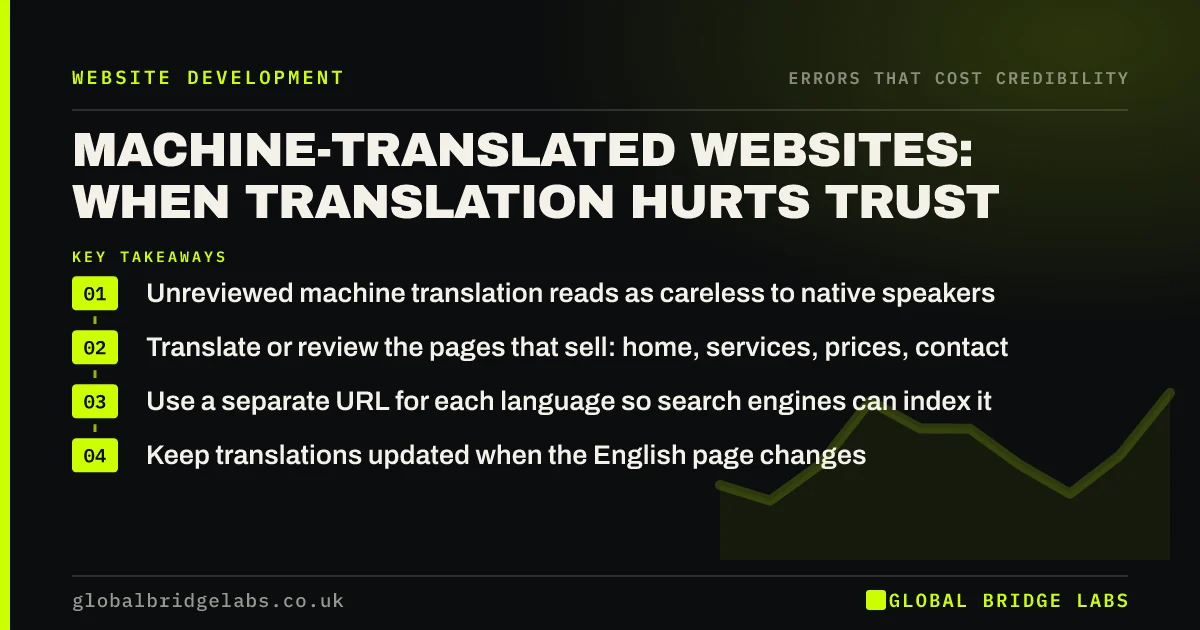
Machine translation is good enough for understanding but often not for persuading. Awkward phrasing, wrong terms and mistranslated prices make a business look careless to native speakers. If you serve customers in another language, have key pages translated or reviewed by a fluent speaker, use separate URLs per language and keep translations up to date.
- Unreviewed machine translation reads as careless to native speakers.
- Translate or review the pages that sell: home, services, prices, contact.
- Use a separate URL for each language so search engines can index it.
- Keep translations updated when the English page changes.
Want your translated pages reviewed for credibility? Message us on WhatsApp.
Chat on WhatsApp →Does machine translation hurt credibility?
It can. Machine translation has improved, but it still mistranslates industry terms, misses tone and produces phrasing a native speaker notices immediately. To that reader, the errors look the same as typos in English: a sign the business did not take care. For a business trying to win customers in that language, the first impression is undermined.
When is machine translation good enough?
It is acceptable for low-stakes content, such as helping occasional overseas visitors understand opening hours, or as a draft for a human translator. It is not good enough for pages that persuade, set prices or make legal statements, such as terms, privacy notices and guarantees, where an error can mislead.
How should you translate a business website?
Prioritise the pages that sell and set up languages properly.
- Translate the homepage, main services, prices and contact first.
- Use a fluent speaker to translate or review machine drafts.
- Give each language its own URL, such as /pl/ or /ar/.
- Add hreflang tags so search engines show the right version.
- Avoid widgets that translate on the fly without review.
Want a plan for translating your key pages? Message us on WhatsApp and we will discuss your requirements.
Chat on WhatsApp →How do you keep translations credible over time?
Translations drift out of date when the English page changes. Record which pages are translated, review them whenever the source changes and remove any that you cannot keep current. An out-of-date translated page showing old prices damages credibility in two languages at once.
When is translation not worth it?
If few customers need another language, a short welcome page in that language, with a contact route to a speaker on your team, may serve better than a full translated site. Partial translations that drop visitors back into English mid-journey can frustrate more than help.
What does this look like in practice?
A pattern we see: a clinic adds an automatic translation widget for Polish-speaking patients. A Polish-speaking staff member notices treatment names are mistranslated. Replacing the widget with three reviewed Polish pages on their own URLs gives those patients accurate information they trust.
Translation checklist
- Decide which languages your customers really need.
- Translate or review key pages with a fluent speaker.
- Use separate URLs and hreflang tags.
- Review translations whenever the source changes.
- Remove on-the-fly widgets from selling pages.
Next step
Ask a native speaker to read your translated homepage. Their first reaction is your customers' first reaction.
Message us on WhatsApp for a multilingual credibility review, or book a 30-minute consultation.
Chat on WhatsApp →Sources and further reading
- Managing multi-regional and multilingual sites · Google Search Central
- Spam policies for Google web search · Google Search Central
- Stanford guidelines for web credibility · Stanford Web Credibility Project
Frequently asked questions
Is Google Translate good enough for my website?
For helping occasional visitors understand basic information, it can be. For pages that sell, set prices or contain legal terms, unreviewed machine translation often reads awkwardly or contains errors that undermine credibility. Have a fluent speaker review those pages.
Does machine-translated content hurt SEO?
Google's spam policies target content produced at scale without adding value, and poorly translated pages can fall into that. Reviewed translations on their own URLs, with hreflang tags, give each language version the best chance to rank.
Which pages should I translate first?
The pages that decide whether someone contacts you: homepage, main service pages, prices and contact. Then add pages that answer common questions in that language. Legal pages need professional translation if you translate them at all.
Written by

Global Bridge Labs (GBL) is a UK–Sri Lanka partner for social media, websites and BPO. Everything here comes from client delivery, not theory.


