
On this page
- 01Key takeaways
- 02What is the job of the services section?
- 03How many services should be on the homepage?
- 04How should each service be described?
- 05Should services use icons or photos?
- 06When should services be shown differently?
- 07What does this look like in practice?
- 08Services section checklist
- 09Next step
- 10Sources and further reading
- 11Frequently asked questions
Key takeaways
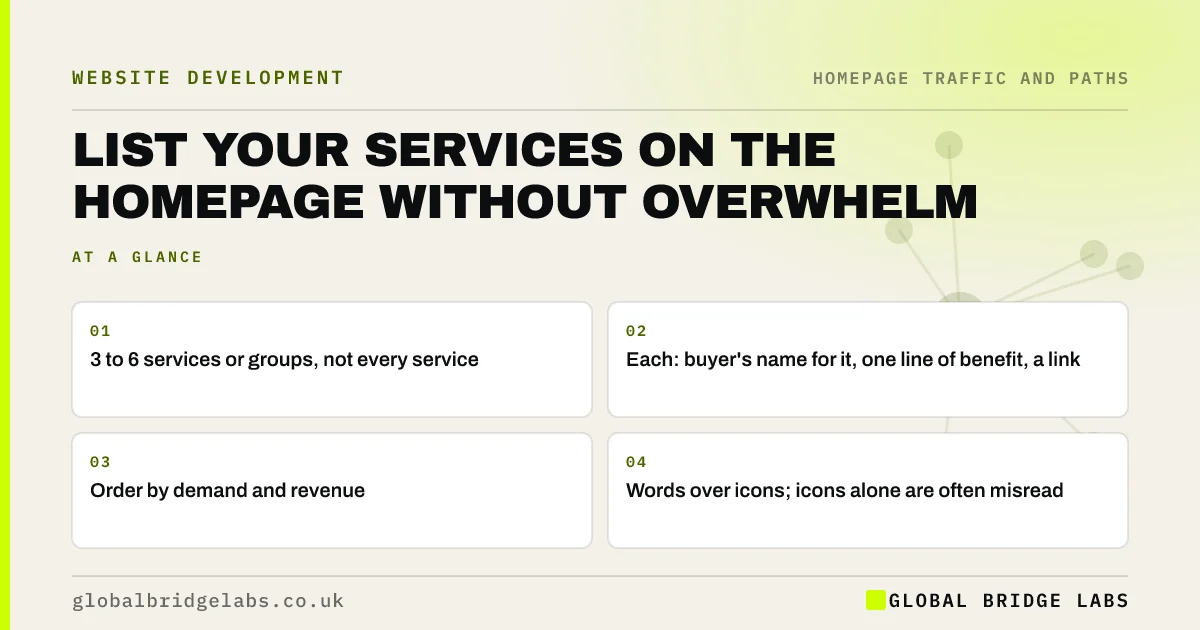
A services section on a homepage should show three to six services or service groups, each with a clear name in buyers' words, one line on what they get and a link to its own page. Order them by demand and revenue. Showing every service as an equal tile, or using icons without words, makes visitors work to find theirs.
- 3 to 6 services or groups, not every service.
- Each: buyer's name for it, one line of benefit, a link.
- Order by demand and revenue.
- Words over icons; icons alone are often misread.
Want your homepage services section reworked? Message us on WhatsApp.
Chat on WhatsApp →What is the job of the services section?
The services section tells visitors what you offer at a glance and routes them to the right page. It is not the place to explain each service in full. The menu structure is covered in our services menu guide; this page is about the section on the homepage itself.
How many services should be on the homepage?
Three to six is a good range. Fewer and you may hide important services; more and the section becomes a grid that is hard to scan. If you offer more, group them, or show the top services with a link to 'All services'.
How should each service be described?
Use the name buyers search for, then one line on what they get or how you do it differently: 'Boiler servicing: annual check by a Gas Safe engineer, with a written report.' A price hint, such as 'from £85', helps if prices suit your business. Link the whole card to the service page.
Should services use icons or photos?
Words matter most. Icons can help scanning, but Nielsen Norman Group's research shows most icons are not universally understood without a label. Real photos of the work help more than generic icons. Never use an icon alone for a service.
When should services be shown differently?
For a single-service business, the services section can become a 'what's included' list. For audiences that think in problems rather than services, such as law firm clients, labels like 'Buying a home' or 'Dealing with a will' work better than service names.
What does this look like in practice?
A pattern we see: nine identical icon tiles with one-word labels like 'Solutions', 'Maintenance' and 'Projects'. Rewriting them as five clearly named services with a line each, ordered by demand, usually helps visitors find their service and click through.
Services section checklist
- Show 3 to 6 services or groups.
- Use buyers' names for each service.
- Add one line on what they get.
- Order by demand and revenue.
- Use labels, not icons alone.
- Link each card to its service page.
Next step
Read your services section aloud to someone outside the business and ask them to point to the one they would need for a specific job. If they hesitate, rename it.
Message us on WhatsApp for a rewrite, or book a 30-minute consultation.
Chat on WhatsApp →Sources and further reading
- Icon usability · Nielsen Norman Group
- Hick's Law: designing long menu lists · Nielsen Norman Group
- Information scent: how users decide where to go next · Nielsen Norman Group
Frequently asked questions
How many services should I show on my homepage?
Three to six services or service groups usually works well. If you offer more, group them or show your top services with a link to the full list. Too many equal tiles make it harder for visitors to find theirs.
What should a homepage services section include?
For each service, a clear name in buyers' words, a short line on what they get, an optional price hint and a link to the service page. Order services by demand and revenue, and use real photos or labelled icons.
Should I use icons for my services?
Only alongside clear text labels. Many icons are not understood the same way by everyone, so icons alone can confuse visitors. Real photos of your work often communicate more than generic icons.
Written by

Global Bridge Labs (GBL) is a UK–Sri Lanka partner for social media, websites and BPO. Everything here comes from client delivery, not theory.


