
On this page
- 01Key takeaways
- 02What does a website colour scheme need to do?
- 03Mistake 1: too many colours
- 04Mistake 2: the accent colour everywhere
- 05Mistake 3: pale shades that fail contrast
- 06Mistake 4: colour as the only signal
- 07Mistake 5: colours that change from page to page
- 08Does colour psychology matter for a business website?
- 09When should you change your colour scheme?
- 10What does this look like in practice?
- 11Colour scheme checklist
- 12Next step
- 13Sources and further reading
- 14Frequently asked questions
Key takeaways
A good website colour scheme for a business uses dark neutral text on a light background, one accent colour reserved for buttons and links, and one or two supporting brand colours. The common mistakes are using too many colours, using the accent everywhere, choosing pale shades that fail contrast and relying on colour alone to show meaning.
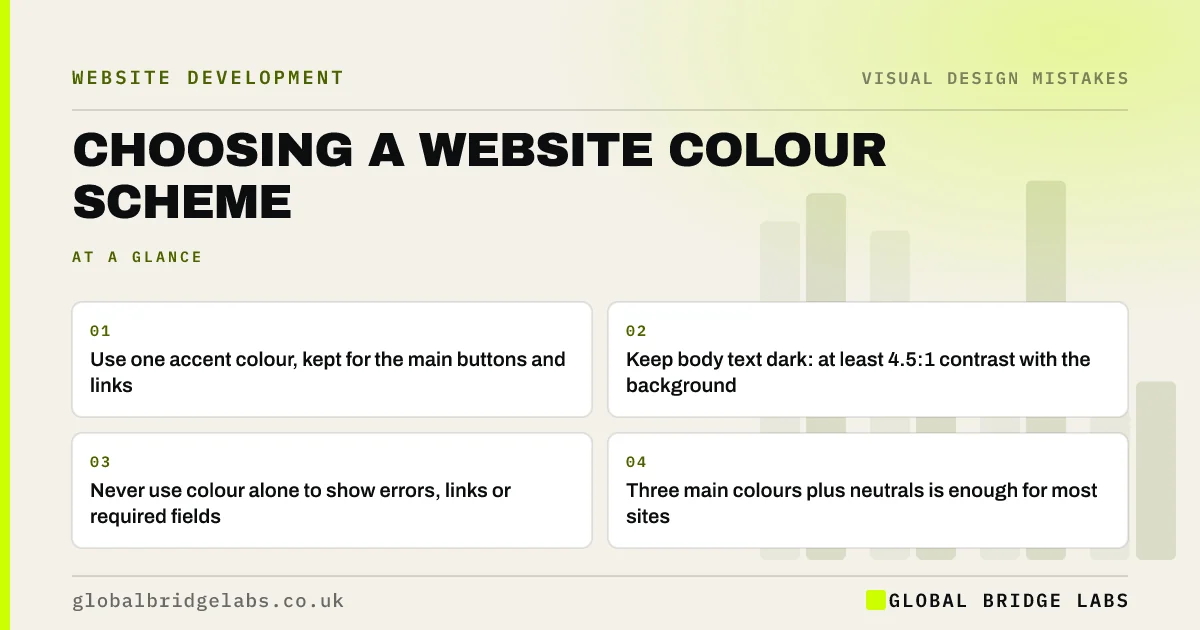
- Use one accent colour, kept for the main buttons and links.
- Keep body text dark: at least 4.5:1 contrast with the background.
- Never use colour alone to show errors, links or required fields.
- Three main colours plus neutrals is enough for most sites.
Want your colours checked? Message us on WhatsApp.
Chat on WhatsApp →What does a website colour scheme need to do?
A website colour scheme has three jobs: make text easy to read, show visitors what is clickable and what matters most, and express the brand. Most colour mistakes come from putting the third job first. Brand colours can still lead, but readability and clear emphasis must not be sacrificed for them.
Mistake 1: too many colours
Using five or six strong colours across a page makes everything compete and nothing stand out. A practical rule of thumb is three main colours (a neutral for text and backgrounds, a primary brand colour and one accent) plus tints of the neutral. Adding colour should be a deliberate choice to signal something.
Mistake 2: the accent colour everywhere
If headings, icons, borders and backgrounds all use the same bright accent as the main button, the button no longer stands out. Reserve the accent for the actions you want visitors to take. Everything else can use the neutral or the primary colour.
Mistake 3: pale shades that fail contrast
Light brand colours, such as pale blue, mint or yellow, often fail as text or button colours. WCAG sets a minimum contrast of 4.5:1 for normal text and 3:1 for large text and for the visual boundaries of controls such as buttons and inputs. WebAIM found low-contrast text on 83.9% of top home pages in 2026. Darken the shade for text, or use it as a background behind dark text instead.
Mistake 4: colour as the only signal
Showing an error only by turning a field red, or a link only by changing its colour, fails people with colour vision deficiency, which is far more common in men than in women. WCAG's Use of Color criterion says colour must not be the only way to convey information. Add an icon, text or underline as well.
Mistake 5: colours that change from page to page
When different pages were built at different times, buttons drift between blues and greens and headings between colours. Visitors use consistency to learn what things mean. Define the palette once, with named colours for text, background, primary, accent, success and error, and apply it everywhere.
Does colour psychology matter for a business website?
Colour associations exist but vary by culture, sector and context, and claims that one button colour always converts better are not reliable. What consistently matters is contrast and distinctiveness: the main button should look different from everything around it. Choose brand colours you can live with, then make sure they meet contrast rules.
Want a palette that keeps your brand and passes contrast? Message us on WhatsApp and we will discuss your requirements.
Chat on WhatsApp →When should you change your colour scheme?
Change colours when they fail contrast, clash with your brand or make buttons hard to spot. Do not change them because you are tired of them. Visitors see your site far less often than you do, and a colour change on its own rarely moves enquiries.
What does this look like in practice?
A pattern we see: a brand's signature colour is a light turquoise used for text, buttons and headings. Keeping turquoise for backgrounds and adding a darker shade for text and buttons keeps the brand recognisable and makes the pages readable.
Colour scheme checklist
- Limit the palette to three main colours plus neutrals.
- Keep the accent for buttons and key links.
- Check every text colour against 4.5:1.
- Check button and input borders against 3:1.
- Add icons or text wherever colour carries meaning.
- Document the palette and apply it to every page.
Next step
Run your text and button colours through a free contrast checker and list any that fail.
Message us on WhatsApp for a colour and contrast review, or book a 30-minute consultation.
Chat on WhatsApp →Sources and further reading
Frequently asked questions
How many colours should a website have?
Most business websites work well with three main colours (a neutral, a primary brand colour and an accent) plus lighter and darker tints of the neutral. More than that tends to make pages busy and weakens the main button.
What colour should buttons be on a website?
A colour that contrasts strongly with the background and is not used for much else on the page. There is no single best colour. What matters is that the main button is the most distinctive element on the screen and its text passes contrast checks.
What colours are best for a business website?
Dark text on a light background for reading, your brand colour for identity, and one distinctive accent for actions. Make sure every text and button colour meets WCAG contrast minimums. The right brand colours depend on your business, not on general colour psychology.
Written by

Global Bridge Labs (GBL) is a UK–Sri Lanka partner for social media, websites and BPO. Everything here comes from client delivery, not theory.


